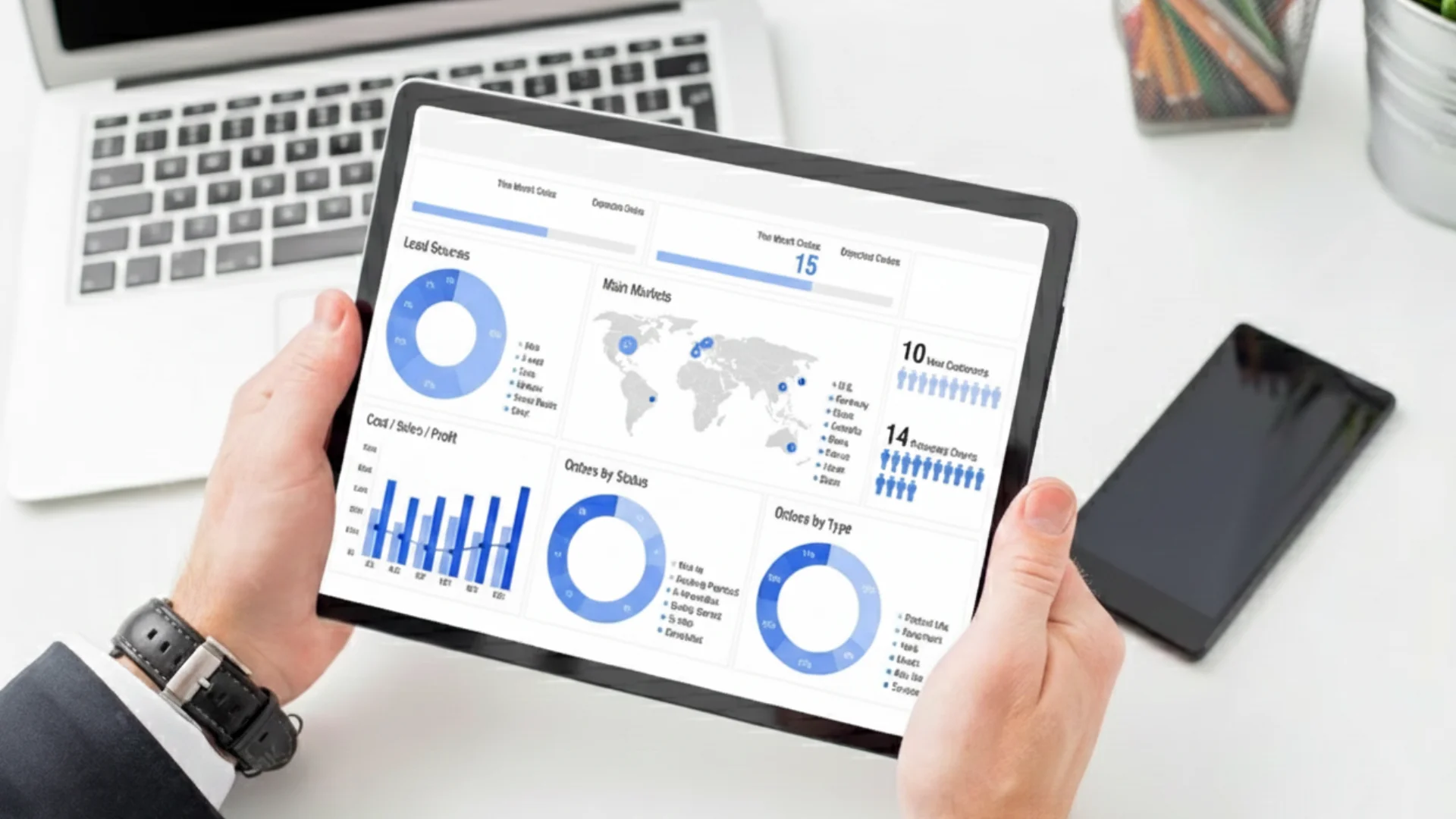
Until now, believing that strong data analytics is for big players only, with dedicated IT departments and six figure software budgets is common and unfortunate in data analytics. If you are managing services in a lean way, your options seem restricted: either you are staring at endless spreadsheets, or you are making gut decisions because the real tools are out of reach. This mentality of believing what is out of reach is what is really holding you back.
In data analytics, a budget business sees data not as a luxury, but as a compass. It tells you the difference between guessing and knowing what narrows your marketing channel. It tells you where you stand in cash flow, and what you need in predicting it.
This is where Zoho Analytics comes in. It shows that you do not need deep pockets to make smart and data driven decisions.
The High Cost of “Free” Tools (Like Spreadsheets)
Your current system probably looks familiar to most of us. We see things like data in QuickBooks, another set in your CRM, and sales in a Google sheet, and marketing stats on a dashboard. To report on anything, we have to manually copy, paste, and hope the formulas don’t break. We call this, free.
But let’s talk about what’s the real cost of this approach.
Time:
The more hours spent manually deflating and re-inflating the data a system requires, the less available time there is to implement high-value strategies, focus on sales or optimized service.
Accuracy:
Data in a system manually. One cell reference is wrong on one sheet and the profitability of a system can be skewed.
Insight:
You’re half way through the month and by constantly spent time compiling the previous month’s data, you always what to look forward to.
This approach is often more expensive than most of us realize. We lose opportunities and remain stuck in slow systems.
How Zoho Analytics Fits a Tight Budget (Without Feeling “Cheap”)
“Even if we do not talk about 5G (specifically), the security talent in general in the country is very sparse at the moment. We need to get more (security) professionals in the system”
Zoho Analytics hopes to be the solution to your spreadsheet nightmare. This is how it is built to suit the needs of a business with budget constraints.
1. It Starts Simple and Scales with You.
No need to overspend to logic business out of the problem. You can start with just one important report. For example, connect your CRM and Zoho Books data to see a profit-and-loss dashboard. You can see your sales pipeline. You only pay for what features you need at your current pricing tier, and then you can scale for more advanced features (such as additional user seats and predictive analytics) later.
2. It Eliminates Costly Manual Work.
This is the most immediate ROI, and most likely the most exciting part of the service. Once you connect your data sources (Google Ads account, payment processor, CRM), Zoho Analytics pulls the data into analytics on the schedule you define. Those 5-10 hours per week of cumbersome and repetitive report-building can drop to near zero. This is a positive recovery of your most valuable asset, your team’s time.
3. Integrations Galore.
With other BI tools, you may start to notice the hidden costs of integrations, or “connector tax” as we like to call it. Access to your e-commerce platform? That’ll cost you. Integrate your mailing list? That’ll cost you. Zoho has tons of pre-built connectors with popular other business tools like e-commerce, accounting, CRM, and project management, so you can integrate and unify your data without a developer or paying a middleman.
4. It’s Made for Regular People.
You can’t afford a full-time data analyst? don’t worry—that’s good for you because you probably don’t need one. With Zoho, you can easily create reports and dashboards with a drag-and-drop interface. If you can use basic spreadsheets, you will be able to use it to create meaningful charts and reports. With Zoho, you empower the people who know the business the best, the founder, the marketing manager, and the operations lead to delve into the data and ask their own questions.
Your First Three Dashboards: Where to Start
It’s normal to feel overwhelmed, so don’t try to create a center of dashboards like a Wall Street trader. Instead, follow these to get the most insights and work with the least effort:
Dashboard 1: The Financial Pulse
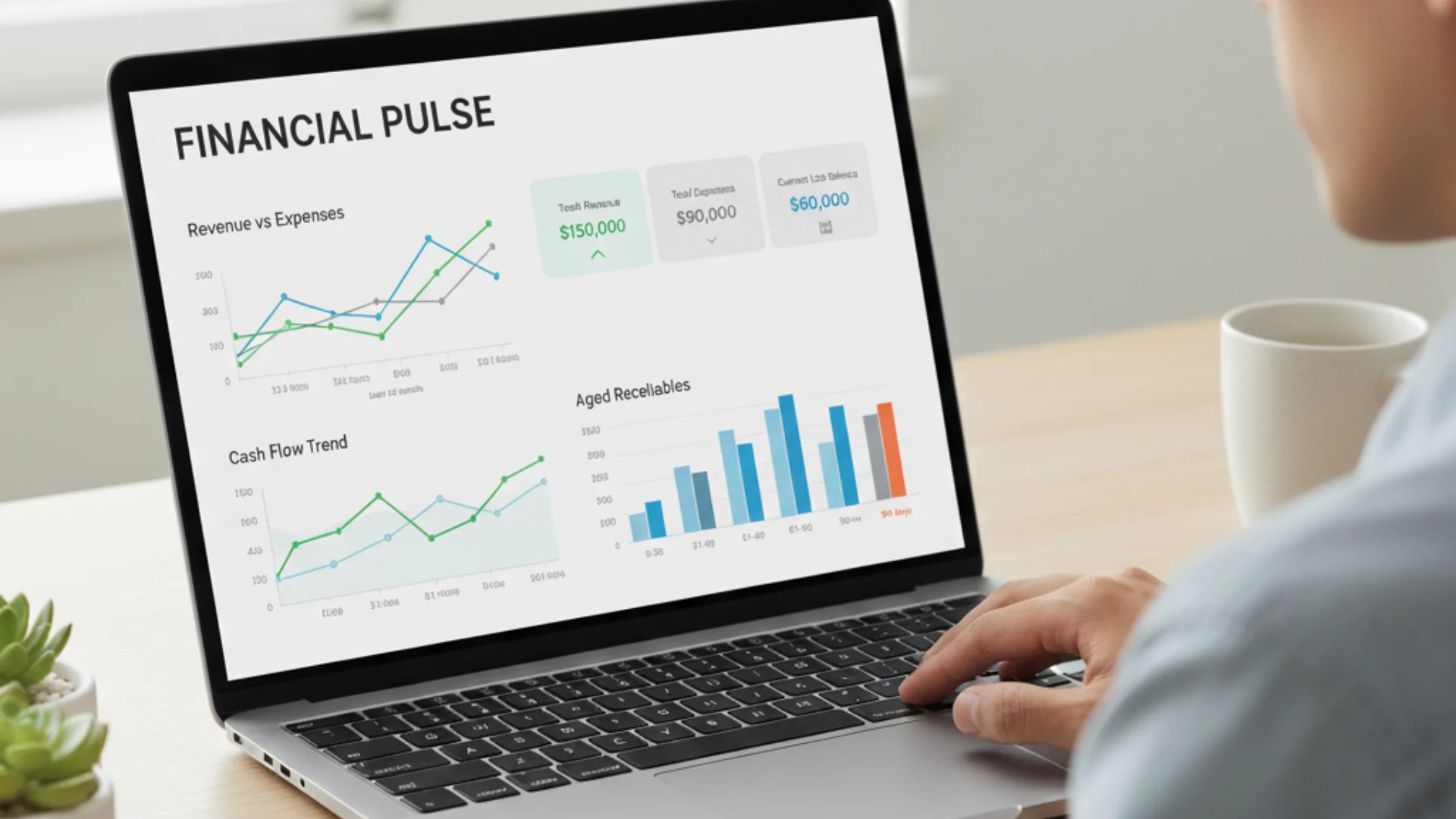
Your objective: stop thinking about cash flow
How: Link Zoho Analytics to Zoho Books or QuickBooks. Make a basic dashboard with these 3 widgets:
- A line graph displaying revenue and expenses over the last 6 months.
- A bank balance gauge
- Aged Receivables (what has yet to be paid to you)
The Impact:
Maintaining a clear sight of where you stand financially every morning takes only 10 seconds.
Dashboard 2: The Sales & Marketing Truth

Your objective: Understanding what is actually bringing in customers.
How:
Your Zoho CRM (or another CRM) with Google Analytics is combined. Make a dashboard displaying:
-
Performance by source (which channel is the most effective in terms of lead generation?)
-
Sales pipeline value by stage
-
Website traffic trends in conjunction with new lead creation
The Impact:
If you know what works, you can reallocate your limited marketing budget confidently
Dashboard 3: The Operational Efficiency Meter

Your objective:
Identify bottlenecks before they escalate to crises
How:
Connect your project management tools, or a shared tracking spreadsheet, and create a dashboard that shows:
- Projects/tasks by status (not started, in progress, late, complete)
- Average task or ticket (service) completion time
The Impact:
You can take control of workload and client expectations.
Justifying Business Expenses
With the current state of the economy, every expense needs to be justified. Every cost needs to be looked at as an investment and in the case of Zoho Analytics, that investment can help clear up company decision making.
- Investing in Zoho Analytics allows a company to save time and time is money. If Voila Analytics saves one team member 3 hours of reporting every week, that is over 150 hours a year that can be focused on company revenue or improving products and services.
- A company can lose money by making poor mistakes and investing in Zoho analytics can help prevent mistakes by providing information that can guide a company to make better decisions. Having a clear report of inventory levels and project profit makes it less likely a company will over-order or underbid on a project.
- Investing in Zoho Analytics can create more profit by analyzing buying patterns that could identify missed revenue or potential upselling that a company can implement.
Taking That First Step
Starting today is easy and free of charge. With Zoho Analytics, you can do a free trial and answer a single question.
- Choose one data source. Your accounting software is an excellent place to begin.
- Formulate one question, such as: “Last quarter, what were our top 5 best-selling products?”
- Make one chart. Use the guide to link your data and move the fields to form a basic bar chart.
You’ll obtain your answer in a matter of minutes and in the process, you’ll demonstrate to yourself that effective BI (Business Intelligence) doesn’t require a large budget. What you need is the appropriate tool to help you make the most of your data.
For a business that is monitoring its expenses, accurate prediction is the best competitive advantage and Zoho Analytics gives you the means to achieve that.