Let’s discuss the limitations of your CRM’s if-this-then-that buttons, such as when a deal is won, send an email, which is useful in saving time. However, at some point, growing businesses hit a limit where those if-this-then-that statements aren’t able to solve a more complex problem.
What if you need your CRM to communicate with a tool that’s outside of the Zoho family? Or, in Zoho, what if you need to calculate, reformat, or trigger an if-this-then in another system?
That is the point where you move from using the if-this-then-that statements to using webhooks, Deluge scripts, and external APIs. These terms, although sounding advanced, are meant to achieve a simple goal—making sure your CRM is the brain of all your business’s operations and not just a siloed contact list.
Think of it like this—basic automation is the equivalent of teaching your CRM to clap, while advanced automation is teaching it to conduct a full orchestra.
The “Why” Before the “How”
Let’s assume a couple scenarios that will help ground this in reality:
- You have specialized shipping software and require the creation of a shipment in Zoho CRM via the automation of new order creation.
- You want to compute a custom commission for your sales team by taking into consideration a few different complex criteria.
- You want to automatically update a Google Sheet and/or send a Slack notification when a large deal that has been purchased is marked as ‘Closed-Won.”
The above scenarios aren’t hypothetical. These are real problems people encounter every day that you cannot solve with basic automation. Here’s how to solve them:
Webhooks: An Instant Messenger for Your CRM

“Even if we do not talk about 5G (specifically), the security talent in general in the country is very sparse at the moment. We need to get more (security) professionals in the system”
A webhook is essentially a one-way instantaneous notification system.
Let’s say you have a friend that you want to notify you when they arrive at the airport. You wouldn’t call your friend every 5 minutes to ask if they arrived, right? You are waiting for them to send you a message when that event happens. A webhook is that text message from your CRM.
How it works in Zoho CRM:
You configure a ‘Webhook’ as an action in your workflow rules. When an event is triggered (e.g., a new lead is being created from your website), Zoho CRM automatically compiles the relevant data (the lead’s name, email, and source) and sends it as a message to a specific unique URL.
What You Do with That Message (The URL):
That URL is pointing to another application, like email marketing software, a project management tool, or another custom application. That other application is receiving the instant message along with the data and can take their own actions, like adding the lead to a campaign or creating a new project task.
In simple terms, Zoho CRM is trying to say “Hey, I’ve done something here!” to the other application.
Deluge Script: The Brain’s Custom Logic

If it’s the webhooks that function as the messengers, it’s Deluge (the scripting language of Zoho) that acts as the brain responsible for making the complex decisions. It’s code, but it’s done in a way that makes it easy to read and manage, even without being a developer.
Deluge lets you add custom logic that, within the point-and-click workflow builder, you will not be able to achieve. It’s data manipulation, its multi-step conditional logic, it’s complete control.
What can it do for you?
- Seamlessly Combine Data: Split a complete address into designated fields for zip code, street, and city.
- Perform Calculations:Integrate a deal, along with the associated quota, product margin, and commission, to calculate a sales rep commission automatically, and create a record in Zoho Books.
- Multi-Step Conditional Logic: Assign to the VP of Sales and send a personalized Slack alert for immediate follow-up if it’s the last week of the quarter, the lead source is “Webinar,” and the deal amount is greater than $10,000.
Incorporate Deluge scripts into your workflow rules and custom buttons to transform your CRM from a reactive tool to a proactive, thinking companion.
External APIs: Two-Way Communication
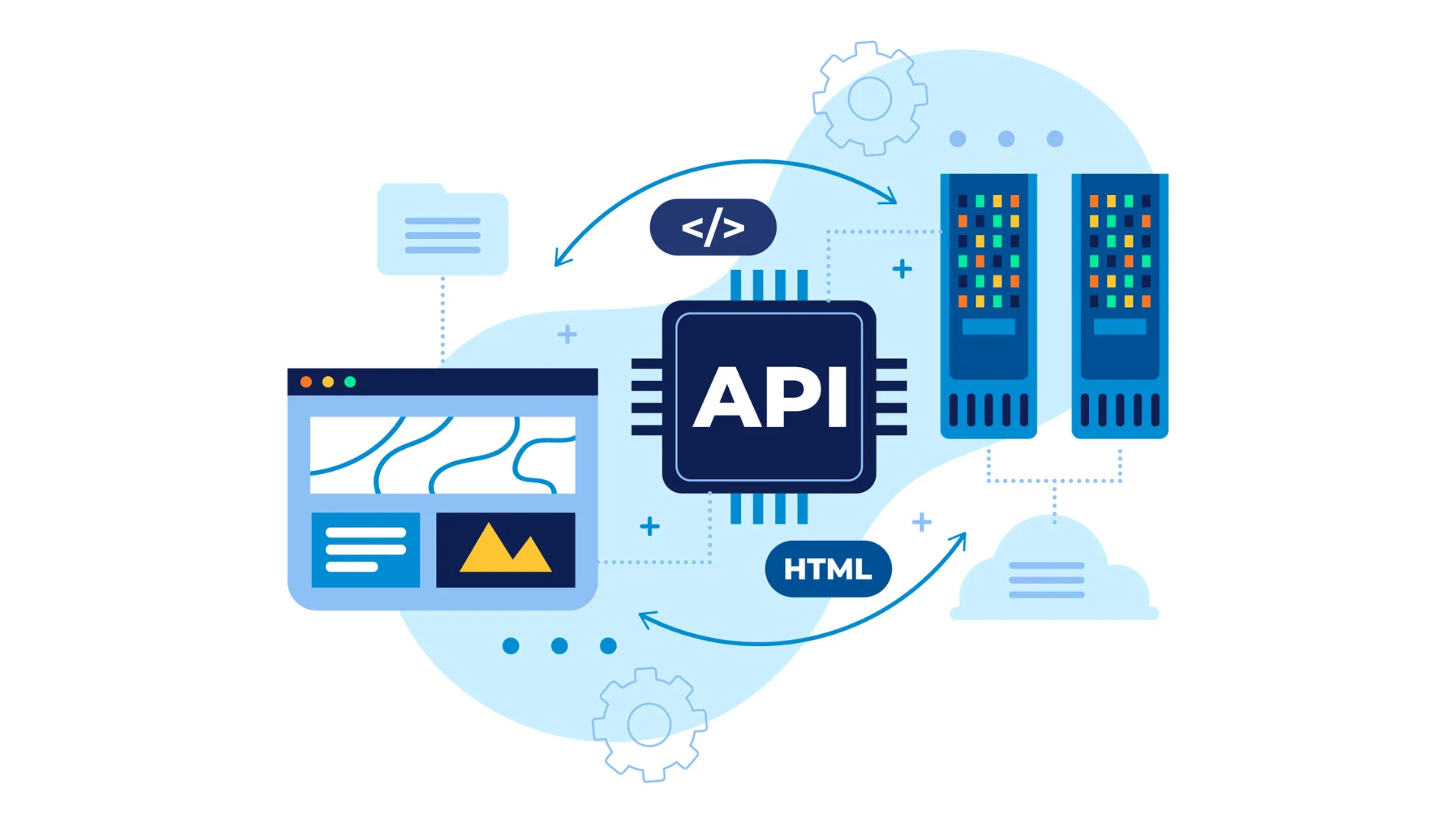
API means Application Programming Interface, but you can forget the jargon. Just think of an API as a formal method for communicating in both directions between two different apps.
While a webhook is a one-way shout, using an external API in Zoho is the same as a two-way phone conversation. Your CRM is now able to send out data and request new data.
How You Do It in Zoho CRM:
Usually, you implement an API call inside a Deluge script. The Deluge Script will serve as a translator and an orchestrator.
A real-life example:
Suppose you work with an external accounting tool that has an API. When you win a deal in Zoho CRM, you could implement a Deluge script that will:
- Retrieve the deal and contact information.
- Invoke the accounting software API to see if the customer exists.
- If a customer record does not exist, create a customer record. If a customer record exists, use the preexisting record.
- The API is invoked again to record a sale by creating a sales invoice containing all the appropriate line items.
- The last step could be to update the Zoho CRM deal with the invoice number that is generated by the accounting system.
This will produce a seamless, two-way exchange of information. Zoho CRM is not just broadcasting information; it is also having a coordinated, two-way dialogue with your other key business systems.
Putting It All Together: A Practical Example

Assume you operate an online business.
Objective:
Once an order shows up as “Fulfilled” in your Zoho CRM (which also syncs with your inventory), we want to (A) receive an estimated delivery date from our shipping carrier, (B) make updates to the respective record in our CRM, and (C) create a message in the Slack #shipping channel.
This is how advanced automation works:
Trigger:
The workflow rule states:When Order Status is changed to Fulfilled.”
- Action 1: Transfer deluge recordsSubsequently, the automation fetches a record from the CRM: the shipping address and the order weight.
- Action 2: External API Call In the warmth of the deluge automation, a call is made to the shipping carrier’s (e.g., UPS, FedEx) API to fetch their address, weight, shipping quote, and delivery date.
- Action 3: Delivery Estimate Webhook When the automation receives a response from the API, it looks for the delivery date and updates a record in Zoho CRM. A new custom field is created in the Order record named: Est. Delivery.
- Action 4: Webhook Finally, the same workflow sends a message (formatted) to the incoming webhook URL of your Slack. Your team receives the message instantly, notifying them of their new Slack assignment with the order ID and delivery date.
All of this is possible without any manual checks and without any copying and pasting done. The automation is executed with one status change, and the triggers perform a symphony of Zoho automation (orchestrated actions) across platforms.
Getting Started Without the Fear
Does this mean you have to learn programming immediately? Not at all!
- Start with the Problem, Not the Tool. Pinpoint just one inefficient, multi-step process. Then, put it on paper. An example is, “We do X in CRM, then we do Y in this other app, then we do Z in a spreadsheet.”
- Explore the Pre-Built First. Go to the Zoho Marketplace and search for pre-built integrations (which are often powered by these very tools) for your other software. It might be the case that the heavy lifting has already been done by someone other than you!
- Leverage Your Resources. Zoho has in-depth community forums where people post custom scripts and other solutions, as well as significant documentation for Deluge and the Developers’ API tools.
- Consider a Guide. For your first significant project, it may be well worth it to gain a Zoho consultant’s foundational knowledge in just a couple of hours’ worth of your time, and this would save you an enormous amount of time you would spend in trial and error.
Advanced automation is all about demolishing the last barriers to seamless integration between your applications. It is what takes Zoho CRM from just being a decently useful sales tool to being the central nervous system of your whole business. The time spent at the learning curve is exponentially worth it, as all wasted busywork is eliminated, data is flawless, and the whole business is operating as one interconnected system.