It’s time for some real talk. You work in ops, marketing, or finance. You have a problem. Maybe it’s a clunky process, a stubborn spreadsheet, or a data gap that turns weekly reporting into a nightmare. You know what would solve this problem? A simple app to track that thing, log that data, or automate that step.
You would submit a request and… wait. You might hear back about their priorities and backlogs, or maybe you don’t hear back at all. But the truth is, it’s not a matter of intention. There are a limited number of developers, and your “simple” request is a two-week project for them.
But what if you could just build it yourself? No, not in a scary, coding-into-the-dark-void way, but in a logical, drag-and-drop, connect-the-pieces way.
That is the promise of low-code platforms like Zoho Creator. And before you dismiss these as something meant for developers, let me tell you why these are perfect for those non-technical teams that don’t want to keep waiting.
What Does Low-Code Really Mean? Buzzwords and All
With low code development, you may create systems without having to learn highly complicated code sets. You will need to worry about the logic flow of your process. You will use components that have structure, design, etc. and leave the technical stuff to the platform.
Components and a canvas are provided by Zoho Creator. You will control the flow and the data of the app you are creating by determining the order of the components and customizing how they behave.
These components can be used to do the following:
Forms can be visually created. Data is able to be captured and reports are able to be created. For illustration, you can create an inspection form and see the results in real time.
- With rules that are definable, workflows are able to be created. Actions can be automated based on certain criteria. For illustration, you can automatically send an email to the approver when the status is changed to Approved.
- External systems can be linked. Data can be retrieved or sent from platforms such as Zoho CRM or Google Sheets.
- Publishing of a mobile or web app that is professional and fully functional on all devices is instant.
Instead of writing a bunch of code, you just describe your process. For you, Zoho Creator will use that logic to create an app.
Why It Outperforms the Old-Made Alternatives

“Even if we do not talk about 5G (specifically), the security talent in general in the country is very sparse at the moment. We need to get more (security) professionals in the system”
Think about the workaround methods non-technical teams have to default to, such as:
An Endless Spreadsheet:
It starts off clean and productive, but slowly, the second tab appears, followed by broken formulas, duplicate entries, and constant ‘read-only’ confusion. Then the Creator steps in and replaces the mess with a real structured database and forms that route users to the next page without error.
The Email Chain of Dread:
Please fill out this PDF and email it back.’ This is followed by your 50 separate attachments that must now be collated by the poor creator. In this case, the creator is able to give you a single link that integrates with the system and has everyone submitting into the same organizing.
The Sticky Note Process: This is the process that relies on your memory and hustle, and the creator has to build that process into the app themselves. Guiding users through the process step by step to ensure no one misses anything.
Real Problems Non-Technical Teams have to Solve with Creator
This is not made up, and this is the type of things teams are now building:
In the case of Field Operations & Facilities:
A facility manager must keep track of maintenance requests and inspections. They build themselves a ‘Maintenance Tracker’ app. Technicians receive work order forms and can log issues (and work orders) from their own phones, and they can even take and upload work order photos. Work orders are automatically assigned and prioritized. This manager gets a real time dashboard of open tickets and how much time they have to keep tickets updated. No longer are they using paper checklists and going through chaotic text message updates
In Marketing & Events

Once each year, every marketing team organizes a dozen events. These teams make sure to build an ‘Event Manager’ application. It allows internal teams to request event support, it tacks event budgets, it allows vendor tracking, and it even has a guest check-in module for the day of the event. It serves as a replacement for the custom spreadsheet, misplaced invoices, and the time-consuming comparison of the attendee lists.
In HR & People Ops
An HR generalist is choking on a sea of onboarding paperwork. They build a New Hire Portal. This application provides the new employee with a unique link to submit personal information, electronically sign necessary documents, and access onboarding documents. It also sets off a chain reaction of tasks for IT and the hiring manager. This application makes the HR teams lives just a little bit easier.
In Any Department with Approvals
Anyone who is struggling with a process that requires multiple approvals (requesting a purchase, submitting content calendars, mapping out vacation time, etc.) is able to create a very basic workflow app. This app is capable of routing the request, sending reminders, logging decisions, and storing records of the entire process, and it does all of this automatically.
How to Start Your First App in a Week

Starting your own low-code app for the very first time can seem intimidating, but it actually doesn’t take months. If you use Zoho Creator, you can turn your idea into a working app in mere days if you stay focused. Use this simple plan to build your first business app quickly without the need to spend unnecessary time working on it.
Concentrate On One Problem First.
Think of a single problem you have that is easy to contain. One of the most obvious examples is choosing a process that wastes your time. Is it something repetitive? Even a small time-wasting process can have a negative impact on the overall productivity of your business. Focused is the ultimate keyword here, having a focused problem will aid you in building an appropriate minimal viable product faster, and is a great way to avoid scope creep as that can have a large impact on productivity as well.
Sketch the process on paper.
Write down what data you need to collect before deciding what should happen to it, this may need to be altered but is a way to define the output. It can be a report, an emailing alert, or a list view. Doing this step will save you hours later in Zoho Creator.
Construct the form in Zoho Creator.
Open Zoho Creator and begin a new form. For this, you will have to drag and drop fields like text, number, date, and dropdown. This is your data input screen and most of the time forms take less than 30 minutes to build. No coding needed.
Add a simple automation.
Set up one workflow rule that tells the app to send an email notification when a form is submitted. For example, they will show the value of low code app development. Your process starts to run automated.
Constructing a report or a view.
Make a simple chart or report based on the information of your form. You now have a report that constantly updates. Your information is structured and not cumbersome to find.
So far, you have a functional app. Although simple, it solves a genuine issue. Your information is safe and consolidated. This small accomplishment increases your confidence. You can now use the low code tools on Zoho Creator to integrate more features, add a dashboard, or implement complex logic.
This is the process to use for making your first app in a week. Stay focused, stay small, iterate on the build.
Why Zoho Creator Makes Sense for This
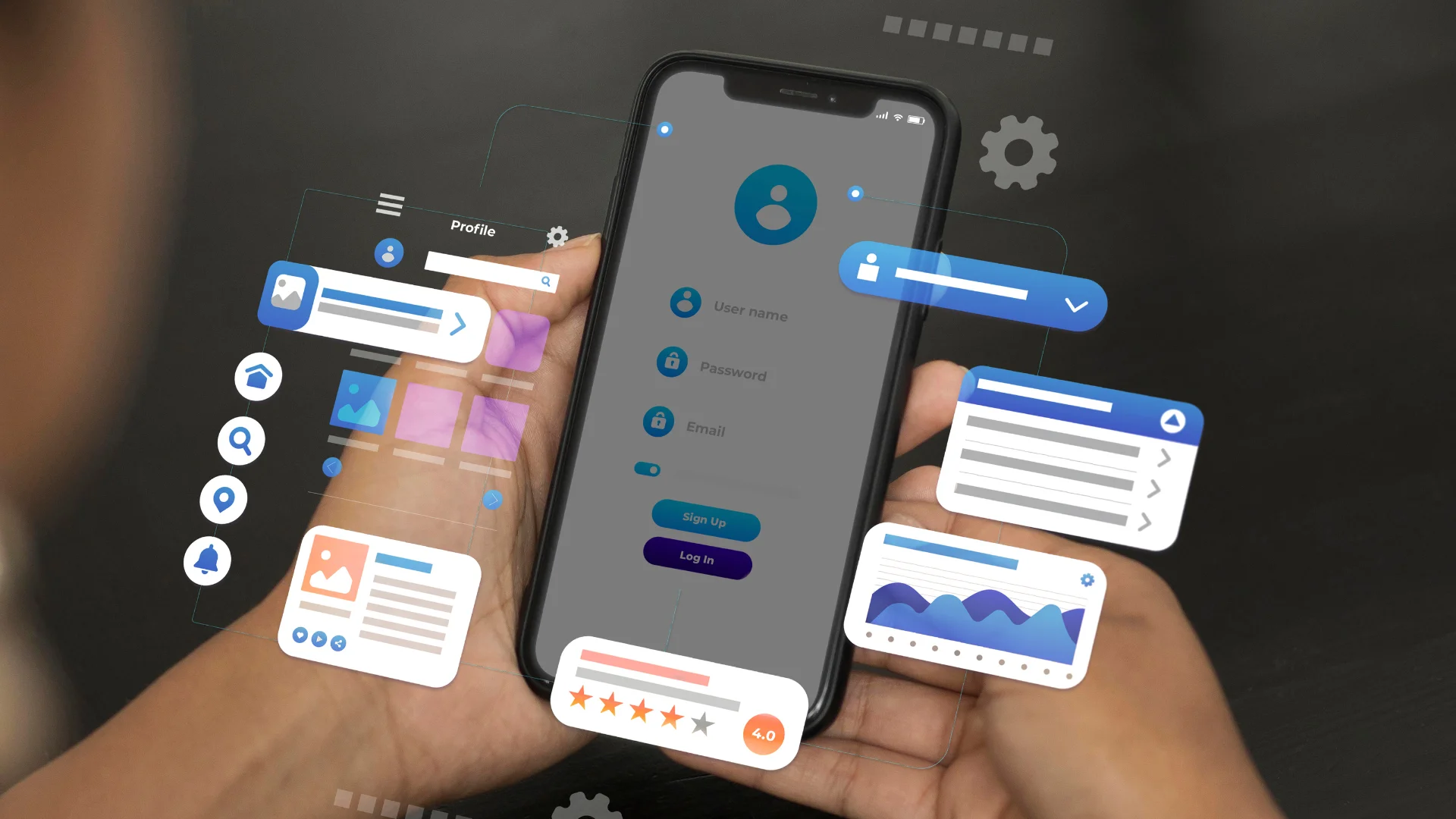
Teams are utilizing Zoho CRM, Books, and Mail already, and Creator slides in perfectly. Applications that you build can request customer information from your CRM or automatically create invoices in Books with predefined instructions. As operational silos go, this one is more a collaborative extension than the rest of the tools in your operational stack.
And more than that, Creator is logical. Flexibly visual in interface as it’s designed. Resources for learning a given subject are more than adequate. And it’s not a one and done. What is developing is a sustaining resource, one that can adapt and evolve in parallel to your team.
The Mindset Shift: From Requestor to Builder
The most basic principle for adopting Zoho Creator is to flip your mindset to dedicate the belief that you can solve your own problems that exist in your processes. You are the subject matter expert in your own work. No one understands the gaps better than you. Low-code simply empowers you to work on that from your own stack of knowledge, without needing to pass any details to anyone else.
It’s the closest to the problem definition sets the solution. Building the tool you need is just the start. Don’t wait for the permission to be the person that is efficient. Empower yourself to do it.