You’re in luck, systems have come a long way. They used to be primitive and easy to navigate, providing solutions to simple and cheap business needs.
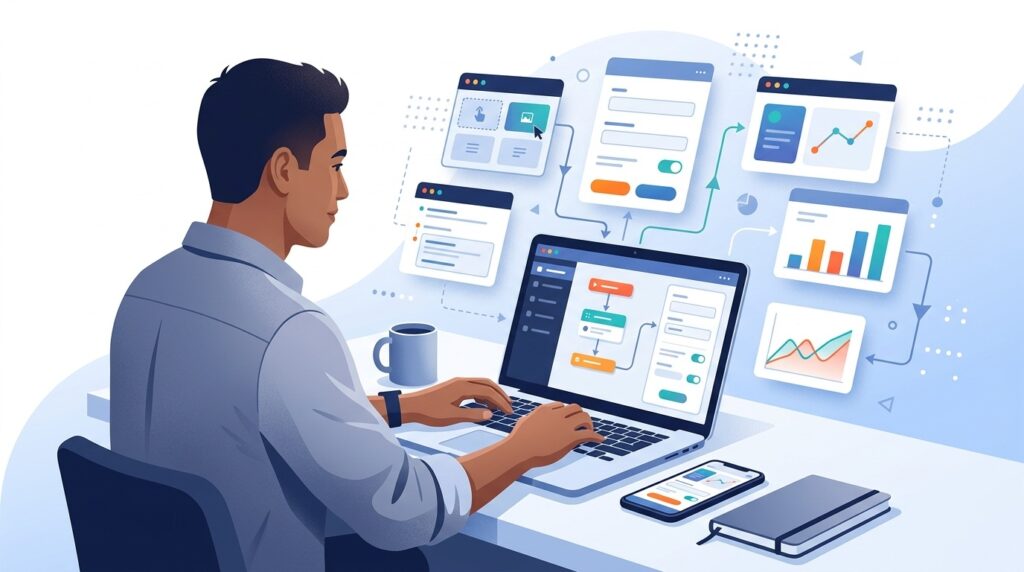
Now, though, frustration and overwhelm set in. So much time is spent copying and pasting files, working to figure out which version of a document is the most current, and using outdated information to make decisions, which is critical. In fact, many organizations realize that their tech stack is holding them back from true growth.
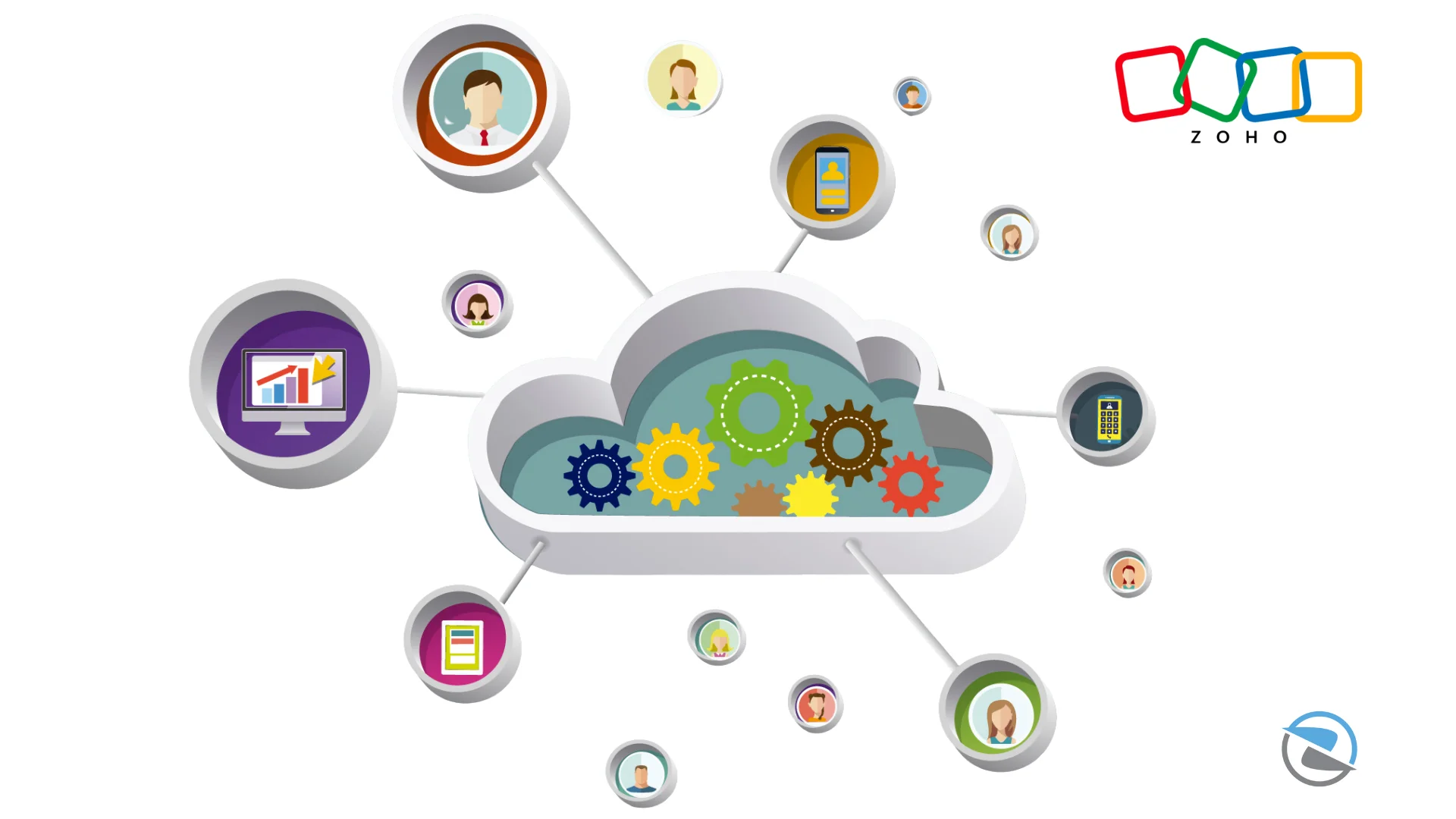
Overwhelm is a natural reaction to the idea of getting rid of systems that you have become accustomed to. The focus shouldn’t be on the burden of “rip and replace”, but on sensible migration to a cohesive ecosystem like Zoho. You’re not losing your old tools, but the old tools that don’t communicate with one another, and gaining tools that connect and collaborate. Executing a successful transition requires following a structured Zoho CRM implementation roadmap to ensure no data is left behind.
Legacy Systems vs. Integrated Zoho Ecosystem
| Operational Metric | Legacy Setup (QuickBooks, Excel, Siloed CRM) | Unified Zoho Ecosystem |
|---|---|---|
| Data Syncing | Manual CSV uploads, duplicate entries, and copy-paste errors. | Automated real-time updates across finance, sales, and HR. |
| Reporting & Analytics | Hours spent cross-referencing static spreadsheets. | Dynamic, live dashboards with deep cross-functional visibility. |
| Process Automation | Basic reminders with major gaps in customer journeys. | Strict process enforcement via custom blueprints and workflows. |
Impact of System Fragmentation on Weekly Resource Waste (Hours)
11.5 Hours
8.2 Hours
6.0 Hours
Still Running Your Business Across Multiple Systems?
If your team spends more time moving data than using it, it may be time to simplify operations.
Our Zoho migration services help businesses transition from QuickBooks, Excel, and legacy CRMs into a connected Zoho ecosystem without disrupting day-to-day operations.
When Do You Know It’s Time to Move On?
Identifying the break point before structural inefficiencies impact customer retention is vital. To prevent transition failures down the line, it helps to map out your long-term infrastructure goals early and understand why most Zoho migrations fail so you can actively avoid common structural pitfalls.

Stop Wasting Hours on Manual Data Entry
Siloed business software limits productivity and clouds your operational view. Let our team migrate your legacy processes into a seamless, high-performance Zoho workspace designed around your real growth goals.