
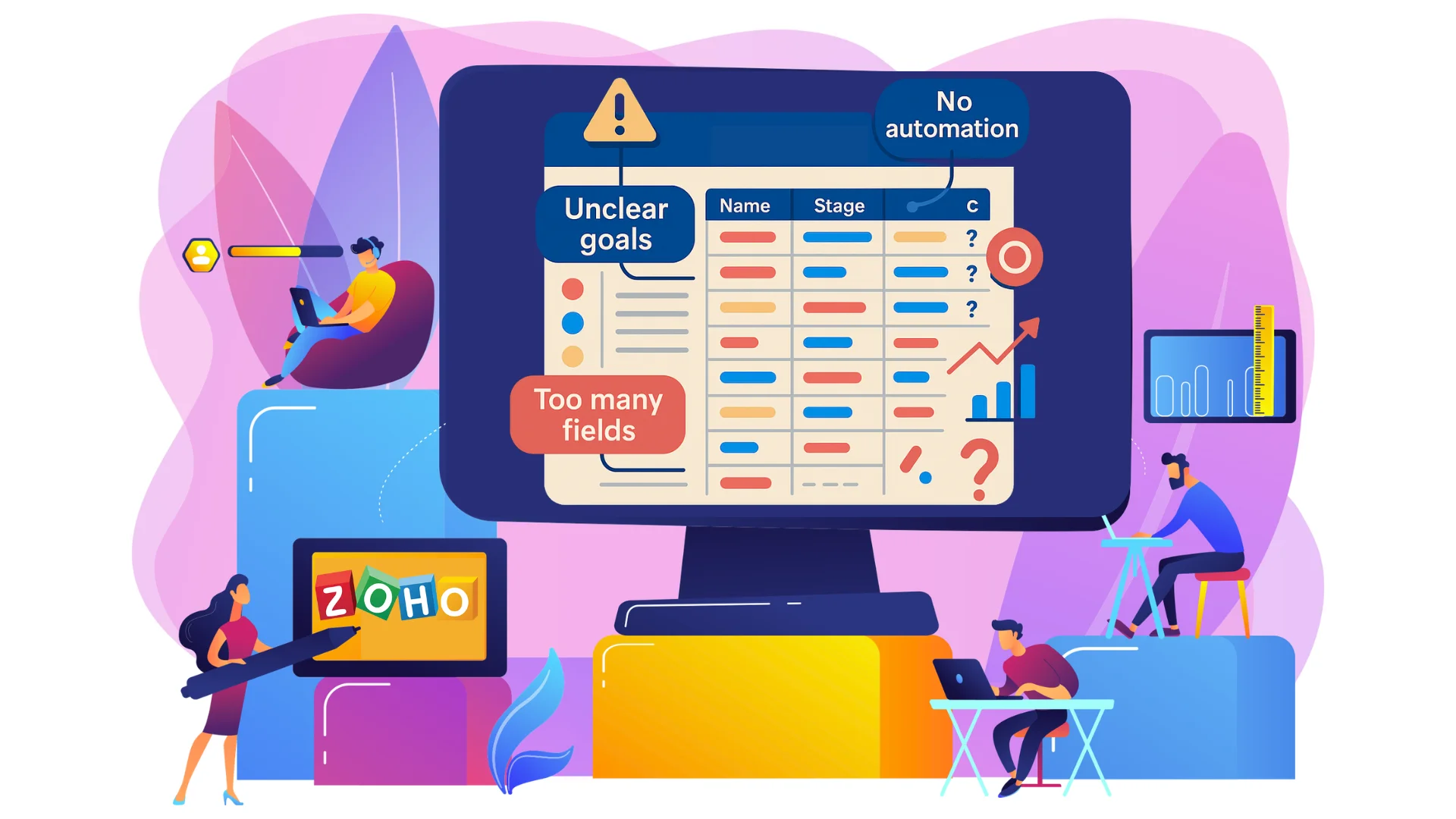
Instead of struggling with confusing features or a generic setup, a trusted Zoho consulting partner ensures your CRM is customized to your goals and your team knows exactly how to use it.
You don’t need more features—you need the right setup. Let’s look at five common mistakes people make when setting up Zoho CRM and what you can do instead.
💡 Need Expert Guidance?
Don’t let setup mistakes slow down your growth. Get a tailored CRM strategy that works for your unique workflows.
1. Jumping In Without a Clear Goal
Many businesses start using a CRM just because they think they are supposed to. They create an account and immediately start clicking buttons without a roadmap. This approach often leads to a messy system filled with tracking metrics that don’t actually matter to your daily operations.
Before moving any data, you need to establish what you want your CRM to achieve. Are you trying to reduce deal closing times? Do you need better visibility into your sales performance, or are you looking to automate your follow-ups? Having a concrete strategy guarantees you design your pipelines correctly from day one. If you want a complete framework for this phase, look at the ultimate Zoho CRM implementation guide.
2. Overcomplicating the System on Day One
Zoho CRM is incredibly powerful, which makes it tempting to turn on every feature, custom field, and automation workflow immediately. However, overloading your system right away creates a confusing user interface that paralyzes your sales team.
The chart below highlights why a staged implementation beats an all-at-once deployment for long-term team adoption:
CRM Success Rate: Phase-by-Phase vs. All-at-Once
88%
32%
Start with your core necessities: tracking leads, managing contacts, and monitoring deals. Once your team becomes comfortable with those core features, you can comfortably move beyond basic CRM automation to build complex logic, validation rules, and custom modules.
3. Migrating Dirty or Unorganized Data
Bringing bad data into a fresh CRM environment is like moving old garbage into a brand-new house. If your legacy spreadsheets or old databases contain duplicate contacts, missing phone numbers, or outdated email addresses, your new CRM will feel disorganized immediately.
Take the time to clean, format, and dedup your data before starting the import wizard. If you are currently operating on older infrastructure, review a roadmap on migrating from legacy systems to Zoho ecosystem to learn how to prepare your records carefully.
📊 Migrating Heavy Enterprise Data?
Don’t risk data loss or corruption. Let our data migration specialists transition your historical records seamlessly.
4. Ignoring Layouts and User Permissions
A standard Zoho CRM setup displays every default field available. If your sales reps have to scroll past 40 irrelevant fields to input a single note, they will stop loggin information. Similarly, leaving data open without strict user roles can lead to accidental deletions or data leaks.
To fix this, utilize custom layouts tailored to different departments and assign clean user profiles. The table below outlines how roles should typically be structured across modules:
| User Role | Lead Access Permission | Reporting & Analytics View |
|---|---|---|
| Sales Representative | Own Records Only | Personal Dashboard Only |
| Sales Manager | Team Records (Read/Write) | Team Performance Dashboards |
| Executive Admin | Global Access (All Records) | Full Business Intelligence Suite |
By enforcing clean roles, your team sees exactly what they need to execute their tasks, keeping their focus entirely on your active sales pipeline.
5. Failing to Standardize Sales Processes
If Rep A marks a prospect as a “Lead” while Rep B labels a similar prospect as an “Inquiry,” your data validation breaks down completely. Without explicit blueprints or structural workflows, your CRM becomes a wild west where everyone follows their own rules.
You can easily build structured guardrails into your system to avoid this confusion. For instance, configuring a clear Zoho CRM blueprint functionality maps out sequential operational stages, forcing your team to collect critical info before advancing a deal forward.
How a Zoho Consulting Partner Drives Value
Avoiding these configuration pitfalls requires deep platform expertise. An authorized partner acts as your technical architect, converting abstract operational goals into concrete, structured software parameters.
Whether you require custom functions, a clean Zoho implementation, or complex cross-platform setups via Zoho integration services, expert assistance helps your business scale smoothly while maximizing your software ROI.
🚀 Ready to Optimize Your Zoho CRM?
Let’s build a clean, scalable CRM setup that keeps your sales pipelines moving smoothly.