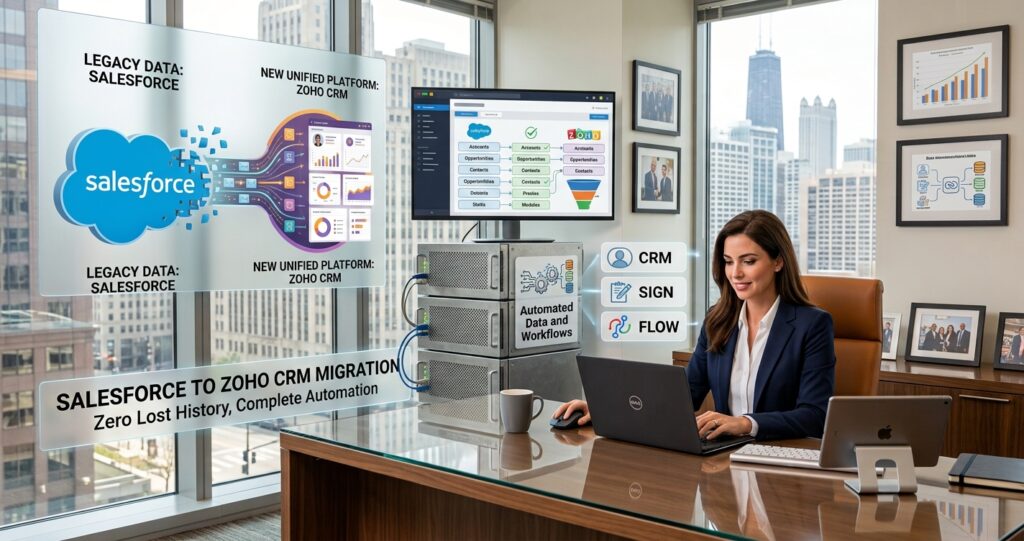
This is an illustrative scenario based on a common challenge faced by growing B2B companies, demonstrating how ZillTech’s Zoho consulting team uses Zoho Migration, Implementation, and Customization & Automation services to move a team from Salesforce to Zoho CRM. Company details are representative of a typical client profile and not an actual ZillTech engagement.
Industry: B2B Professional Services
Services Highlighted: Zoho Migration, Zoho Implementation, Customization & Automation
Tools Used: Zoho CRM, Zoho Desk, Zoho Flow, Zoho Analytics
The Business Profile
The company was a growing B2B services firm with a sales team, an account management team, and a small support desk. They had adopted Salesforce a few years earlier, when the business was much smaller. Since then, the setup had grown with every new request: extra fields, add-on apps, custom code, and layers of automation. The system worked, but it had become heavy. Costs kept rising, small changes took a long time, and the people who built the original setup had moved on. The company did not want to start over. They wanted to keep their data and history while moving to a CRM that was simpler to run. Much like the approach in our legacy-to-Zoho data migration, the focus was on moving carefully without losing anything that mattered. The team faced five recurring problems:
The Challenge
- Paying for Features Nobody Used: The license bill grew each year, but most of the team only used a small part of what they were paying for.
- Every Change Needed an Expert: Adding a field or changing a process meant waiting for a consultant or a developer. Simple requests took weeks.
- Automation Nobody Fully Understood: Over the years, custom code and automation rules had piled up. No one was sure which ones were still needed, and no one wanted to touch them.
- Messy, Cluttered Data: Duplicate records, old fields, and half-filled contacts made it hard to trust what the CRM showed.
- Extra Tools Just to Get Basic Reports: Getting the numbers leadership wanted often meant paid add-ons or manual exports to spreadsheets.
Our Approach
Before touching any data, ZillTech met with the sales, account management, and support teams to understand what they used every day and what they ignored. The goal was not to copy Salesforce into Zoho field for field. It was to build a cleaner setup that fits how the team works now.
An Honest Look Before Any Move
ZillTech started with an audit of the existing setup: objects, fields, automation, integrations, and reports. Not every Salesforce setup should be moved. A system with very deep custom code and many connected tools can cost more to rebuild than to keep. In this case, most of the custom work turned out to be unused or easy to simplify, so the move made sense. Having this check up front saved the company from guessing.
Clear Mapping from Salesforce to Zoho
ZillTech made a simple map showing where each piece of data would land. Leads, Accounts, and Contacts moved to their Zoho CRM matches, Opportunities became Deals, and support Cases moved to Zoho Desk. Fields nobody used were left behind on purpose. The team signed off on the map before any data was moved.
Staged Migration with a Cleanup First
Duplicates and outdated records were cleaned up before the move, so the new CRM started with better data than the old one. Data was moved in stages: leads first, then accounts and contacts, then deals, then activities and notes. Each stage was tested in a practice run and checked by the team before the real move. This staged approach is the same one we used on a tight-deadline migration for MH Logistics.
Automation Rebuilt the Simpler Way
Instead of copying old code, ZillTech rebuilt only the automations the team still needed. Most of them became standard Zoho CRM workflows and Blueprints for the sales process, with Customization & Automation used only where a custom function was really needed. The result is a setup that a trained admin on the team can understand and change.
Support Cases Moved to Zoho Desk
Customer support requests no longer sit inside the sales CRM. Zoho Desk now handles tickets and links each one back to the client record, so account managers can see open issues before a call. Zoho Flow connects the tools, and any older apps the team still used were linked through Zoho integration. Joining sales and support data this way is similar to how a staffing agency connected Zoho Recruit, CRM, and Books into one flow.
Cutover, Training, and Reports
Switch-over was planned for a quiet period, with a short data freeze and a final check. The team had hands-on training before the first day, plus support after launch. Salesforce was kept in read-only mode for a short time as a safety net, then closed. Zoho Analytics dashboards replaced the manual exports, so leadership could see pipeline and support numbers in one place.
Why ZillTech
As an Authorized Zoho Partner, ZillTech helps teams move to Zoho without the stress and guesswork. We look at your real setup first, tell you honestly if a move makes sense, and then plan it step by step. It is the same careful approach we bring to every Zoho implementation, built around how your team works, not a generic template.
Thinking about moving from Salesforce to Zoho? Schedule a free consultation and we will review your current setup with you.

The Results: Fewer Lapsed Policies, Faster Follow-Up & Clearer Numbers
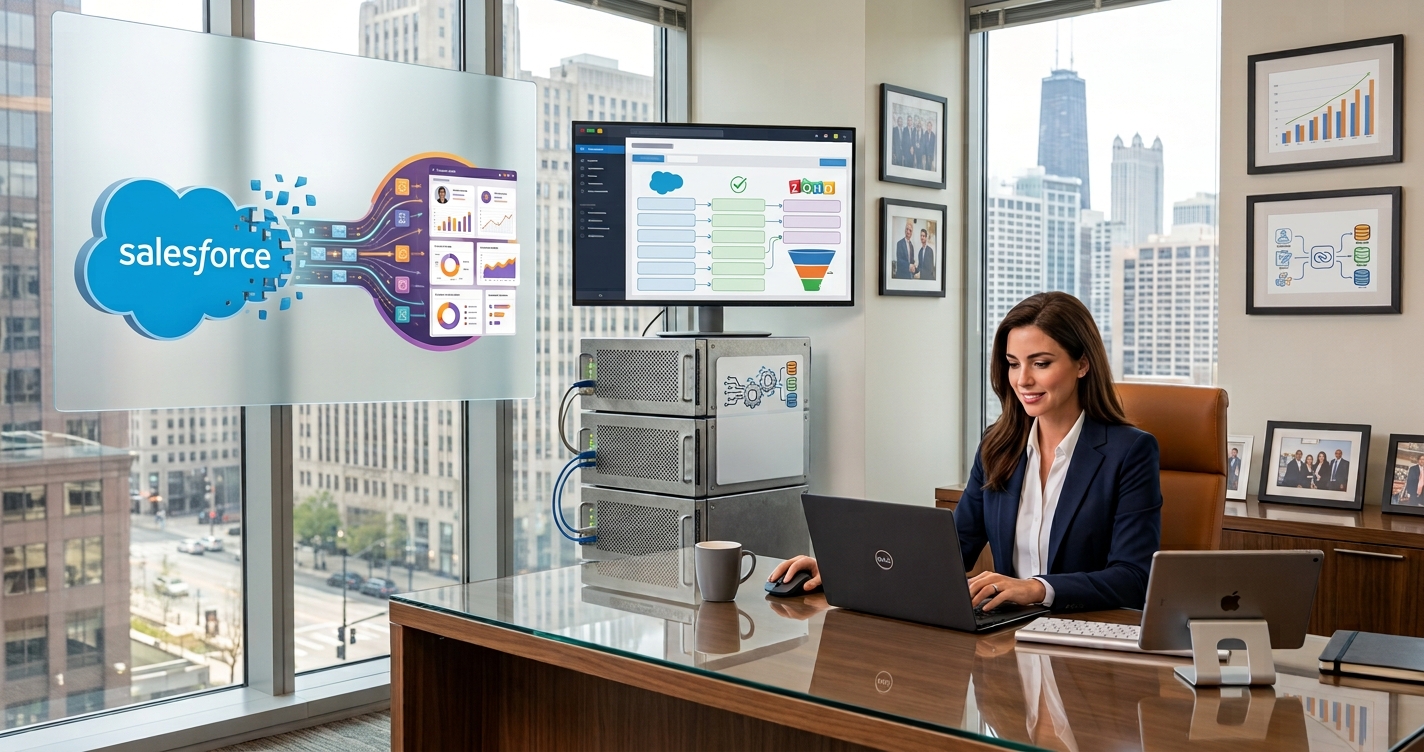
The move replaced a heavy, hard-to-change setup with a clean Zoho CRM that the team understands and uses every day.
History That Came Across Intact:
Accounts, contacts, deals, and notes moved over with their relationships kept in place. Because every stage was tested first, the team did not have to hunt for missing records after launch.
A Lower, More Predictable CRM Bill:
The company now pays for the tools it actually uses. With fewer add-ons and a simpler setup, planning the yearly software budget is much easier.
Changes Made In-House:
A trained admin on the team can add a field, adjust a workflow, or build a report without waiting on an outside expert. Small requests get done in days, not weeks.
Data People Can Trust:
Duplicates were cleaned up before the move, and clear field rules keep new records tidy. Reps spend less time double-checking and more time selling.
Sales and Support in One View:
Account managers can see a client’s deals and open support tickets together. Conversations start with the full picture, and fewer issues surprise the team.
What the Client Says About ZillTech:
“We were worried about losing years of client history, and about our team having to learn everything again. ZillTech showed us what to keep and what to drop, and the move went smoothly. Now we can change things ourselves, and our team actually enjoys using the CRM.”
Ready to find out if a move to Zoho is right for your team?
Schedule your free Zoho consultation