This is an illustrative scenario based on common CRM challenges faced by growing sales teamsIt demonstrates how ZillTech’s Zoho team uses Zoho Consulting, Customization & Automation and Zoho Integration services to audit, clean up and stabilize an existing Zoho CRM.
Company details are representative of a typical client profile and not an actual ZillTech engagement.
Industry: B2B Services
Services Highlighted: Zoho Consulting, Customization & Automation, Zoho Integration
Tools Used: Zoho CRM, Zoho Flow, QuickBooks Online
The Business Profile
The company was a growing B2B services firm with a sales team of about fifteen people, a small operations group and a founder who still reviewed the biggest deals. Zoho CRM had been set up two years earlier by a freelance developer. At first it worked well. Then the team grew, the sales process changed, and every new requirement was added on top of the old setup.
By the time ZillTech was called in, the CRM held thousands of records, dozens of workflows and several custom functions that nobody on the team fully understood. The developer who built it was no longer available. Sales reps kept their own spreadsheets because they didn’t trust what the CRM showed.
The firm didn’t need a new CRM. It needed the one it already paid for to be clean, understandable and reliable.
The Challenge
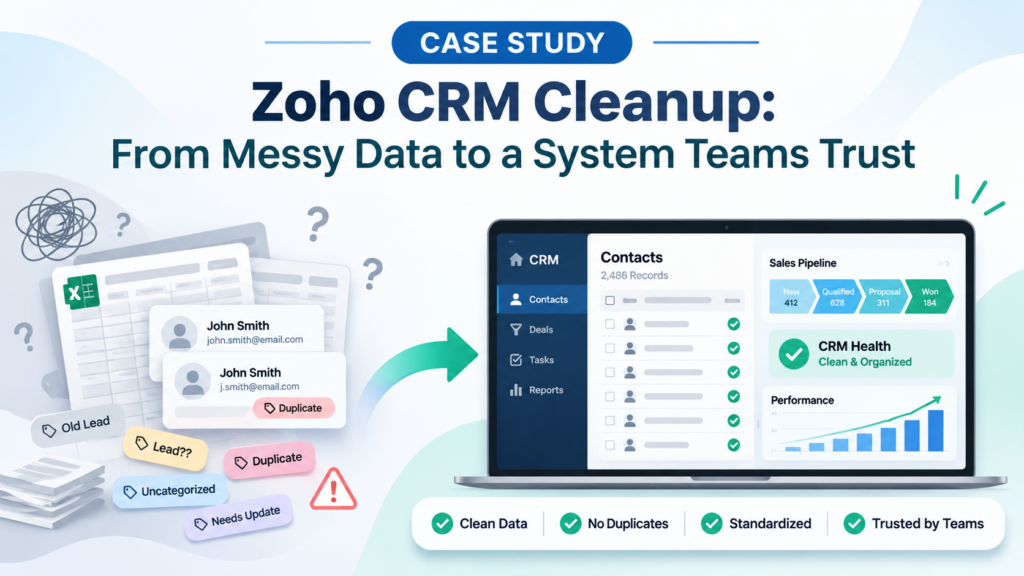
Duplicate and Inconsistent Data: The same contact often existed two or three times, under slightly different names or email addresses. Reps weren’t sure which record was current, and the same customer could be contacted by two people on the same day.
Too Many Workflows and Custom Functions: Years of quick fixes had left overlapping workflows. Some fired twice, some conflicted with each other, and a few had been forgotten but were still changing records in the background.
Integrations That Didn’t Sync Reliably: The connection between Zoho CRM and the firm’s accounting software failed without warning. Closed deals sometimes never reached finance, and invoice details sometimes never came back to the CRM.
Reports Nobody Believed: Pipeline and forecast reports were built on messy data, so the numbers changed depending on who ran them. Leadership stopped using them in meetings.
Manual Work the Team Still Repeated: Lead assignment, follow-up reminders and deal handoffs were done by hand because the automated versions were unreliable. The team had learned to work around the system instead of with it.
Our Approach
Before touching anything, ZillTech’s Zoho consulting team spoke with the sales reps, the operations lead, the finance contact and the founder. The goal was not to rebuild what already worked. It was to find out what was slowing the team down, fix it in a safe order and leave behind a system people could trust.
Audit Before Any Changes
We started with a full review of the CRM as it stood: modules, fields, workflows, custom functions, integrations, user roles and reports. Every item was marked as keep, fix, merge or remove, and sorted by business impact. The findings were written in plain language so the founder and the sales manager could agree on priorities without needing technical knowledge. The biggest problems turned out to be duplicate records, overlapping workflows and the failing accounting sync.
Clean the Data First
Automation built on bad data only spreads the problem faster, so data came first. Before any backup was changed, a full export was saved so every step could be reversed if needed. Duplicate contacts, accounts and deals were reviewed and merged using clear matching rules. Naming and field standards were agreed and written down, unused fields were retired, and required fields and validation rules were added so new records arrive complete and in the same format.
Simplify Workflows and Custom Functions
Every workflow and custom function was documented, tested and compared against how the sales process actually runs today. Overlapping rules were merged into one, outdated ones were switched off and removed, and the remaining Deluge functions were cleaned up and commented so a new developer could understand them. The result was a smaller set of automations that each have one clear job.
Rebuild the Integration to Be Reliable
The link between Zoho CRM and the accounting system was reviewed from end to end. Through our Zoho integration work, we rebuilt it using Zoho Flow with clear field mapping, error handling and an alert when a sync fails. Closed deals now reach finance with the right customer and deal details, and invoice status flows back to the CRM so sales can see what has been billed and paid. If something fails, a named person is told, instead of the problem staying hidden for weeks.
Automate Only What Helps
With clean data and a stable base, we added back a small set of useful automations. New leads are assigned by clear rules, reps receive follow-up reminders with enough lead time, and a won deal triggers a simple handoff task for operations. People still make the decisions. The system only removes the waiting and the retyping.
Reports, Documentation and Handover
Pipeline, forecast and activity reports were rebuilt on definitions that the sales manager, finance and the founder agreed together, so everyone reads the same numbers. ZillTech then wrote simple documentation covering every field, workflow and integration, and trained an in-house administrator to handle everyday changes. The firm no longer depends on one outside developer to keep its CRM running.
Why It Mattered
A CRM is only useful when the team believes what it shows. In this case the firm didn’t change how it sells. It changed how much it could rely on its own data. Records are now created once and kept consistent, workflows do what they are named for, and the accounting connection reports its own problems. Reps stopped keeping private spreadsheets because the CRM became the place where the real answer lives.
Why ZillTech
As an Authorized Zoho Partner, ZillTech doesn’t push a rebuild for its own sake. You may not need a new CRM. You may only need a better Zoho setup. We start by learning how your team actually works, fix what slows it down, and add automation only where it helps. We document everything so your own team can manage it afterwards.
Not sure whether your Zoho CRM needs a cleanup or a fresh start? Schedule a free consultation and we’ll review your setup first. You can also try our free Zoho App Finder or Zoho Customization Calculator to plan your next step.
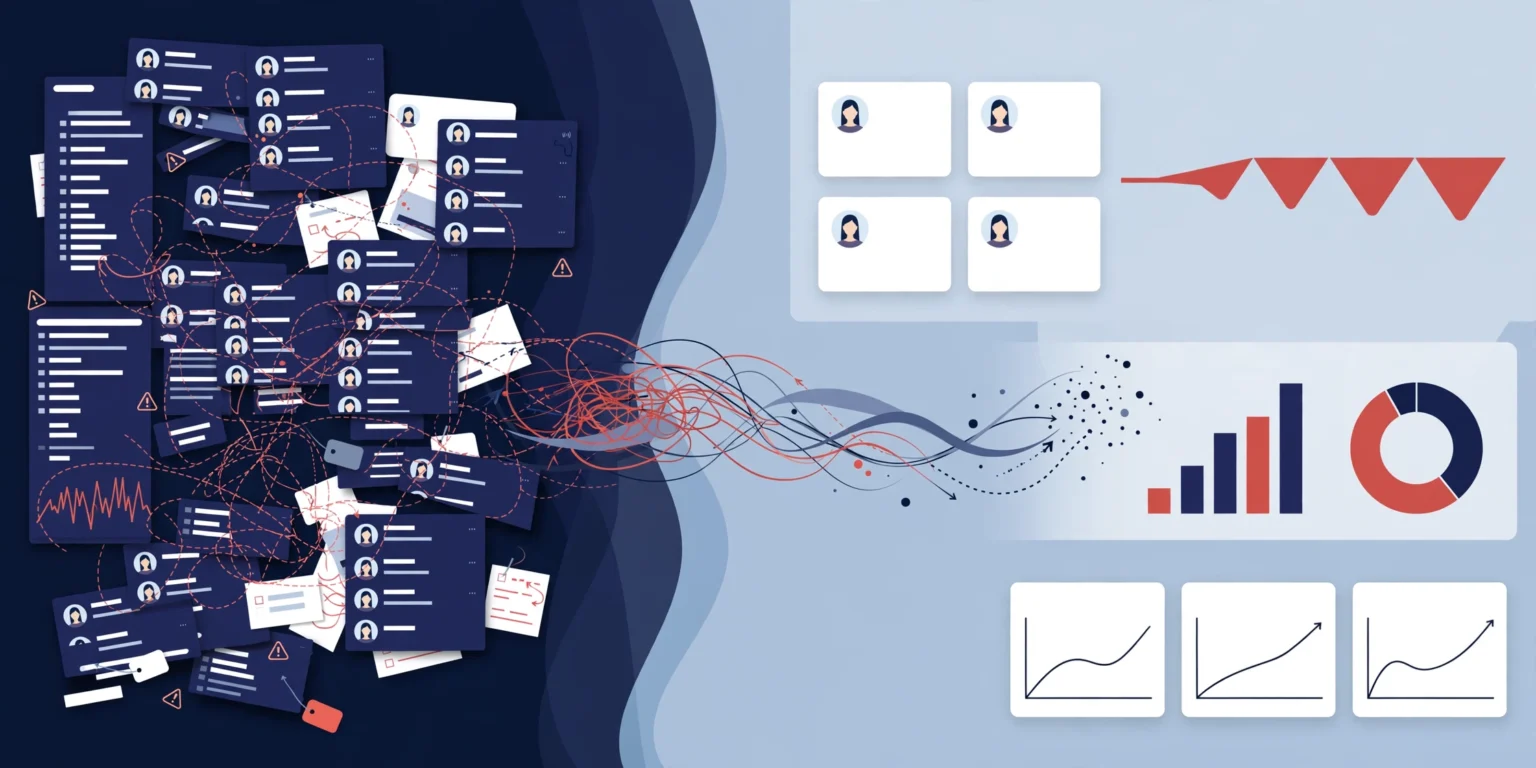

The Results: One Trusted CRM, Fewer Duplicates and Reliable Reporting
Cleaner data: Duplicate contacts and accounts were merged, and required fields and standards now keep new records consistent.
Fewer, clearer workflows: Overlapping and outdated automations were removed, leaving a smaller set that is documented and easy to maintain.
Reliable integration: Deals and invoices move between Zoho CRM and accounting with error alerts, so failures are caught early instead of discovered later.
Reports leadership can use: Pipeline and forecast numbers now match across the team, and meetings use the CRM instead of separate spreadsheets.
Less manual work: Lead assignment, reminders and handoffs run automatically, giving reps more time to sell.
Independence after handover: An in-house administrator and written documentation mean the firm can manage everyday changes without relying on one developer.