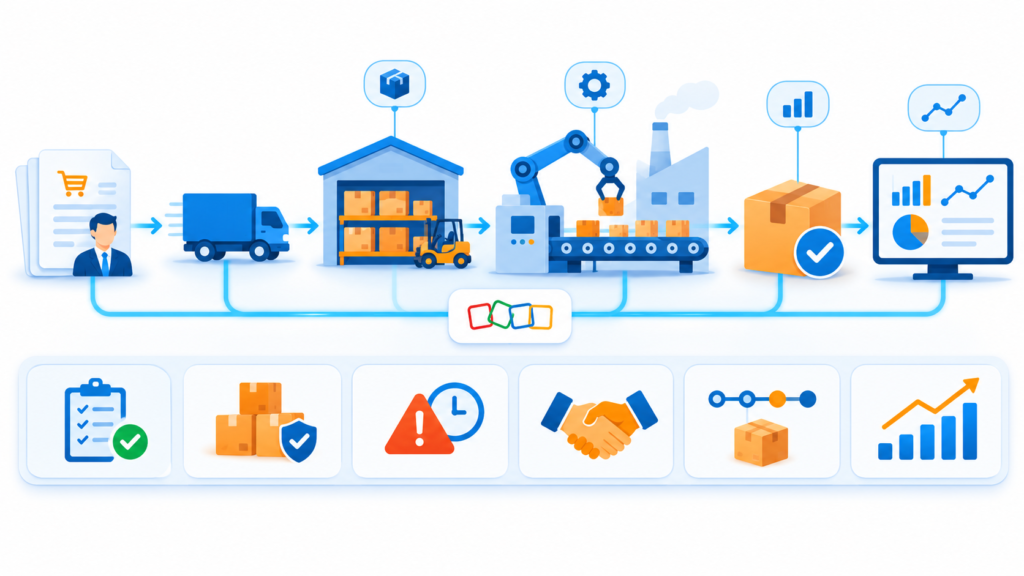
This is an illustrative scenario based on common order-to-production challenges faced by growing manufacturers. It demonstrates how ZillTech’s Zoho team uses Zoho Consulting, Implementation, Customization & Automation and Analytics & Reporting services to connect orders, stock, suppliers and the shop floor in one workflow. Company details are representative of a typical client profile and not an actual ZillTech engagement.
Industry: Manufacturing
Services Highlighted: Zoho Consulting, Zoho Implementation, Customization & Automation, Zoho Analytics & Reporting
Tools Used: Zoho Inventory, Zoho Creator, Zoho Analytics
The Business Profile
The company was a growing manufacturer with a sales desk, a production planner, a purchasing officer, a warehouse team and an owner who still approved most material orders. Customer orders arrived by email and phone. Stock counts lived in a spreadsheet. The production schedule was kept in a separate file and on a whiteboard near the shop floor, and supplier orders were sent by email from the purchasing officer’s inbox.
Every team knew its own part well. Nobody could see the whole chain. When a customer asked whether an order would ship on time, the answer meant walking between three people and two spreadsheets.
The firm didn’t need a bigger system. It needed orders, stock, suppliers and production connected, with clear ownership of every step between a customer order and a shipped product.
The firm didn’t need new software. It needed the tools it already used connected, with clear ownership of every step between a signed quote and money in the bank.
The Challenge
Orders Re-entered in Several Places: An order was typed into the sales file, again into the production schedule, and again when materials were requested. Quantities and delivery dates drifted between versions.
Stock Counts Nobody Trusted: The warehouse spreadsheet was updated at the end of the day, if at all. Planners often discovered a material shortage only after production had started.
Supplier Orders Sent by Email: Purchase requests lived in inboxes. Nobody could quickly see what had been ordered, from whom, or whether it had arrived.
Production Status Invisible to Sales: Account owners could not tell whether an order was waiting for materials, in production or ready to ship. They found out by asking the shop floor.
Reports That Took Days to Build: Managers pulled numbers from several files to see orders, stock and delivery performance, and the figures rarely matched.
Our Approach
Before changing any system, ZillTech met with the production planner, the purchasing officer, the warehouse lead, the sales manager and the owner. The goal was not to replace what worked. It was to remove retyping between teams and make every handoff visible.
Discovery Before Technology
We mapped the full path from a customer order to a shipped product and marked every point where information was retyped, delayed or lost. The findings were written in plain language and sorted by impact, so leadership could choose what to fix first. The biggest delays turned out to be the moment materials were requested and the moment a shortage was discovered
Clean Customer Data First
A new system only spreads bad data faster. Before setting anything up, we agreed on one rule: every item, finished product and supplier is created once, in Zoho Inventory, and every other tool follows it. Duplicate and outdated items were reviewed and merged, naming and unit standards were written down, and each finished product was linked to the materials it needs. Suppliers were set up with their items and standard lead times.
Implementing Zoho Inventory
ZillTech set up Zoho Inventory as the single source of truth for items, stock, sales orders and purchase orders. Reorder points were set for key materials, and purchase orders are now created and tracked in the system instead of in inboxes. Customer orders, stock levels and supplier orders now sit in one place that every team can open.
A Custom Production App in Zoho Creator
The shop floor had a process no off-the-shelf module matched exactly, so ZillTech built a small app in Zoho Creator. It holds the work order, the production stages, material issue and a quality check, and it connects back to Zoho Inventory so each work order points to the customer order and the materials it uses. Supervisors update status from a phone or tablet instead of a whiteboard. Every field and stage was documented, so the team knows what each one does. If your process needs this kind of work, see our Zoho Customization & Automation service.
Automating the Handoffs
When a customer order is confirmed, the production planner is notified and the materials check runs against current stock. If a material falls below its reorder point, the purchasing officer is alerted to raise a purchase order. When a work order passes its quality check, the warehouse is told the product is ready to ship. People still make the decisions. The system just removes the waiting and the retyping.
Reporting, Documentation, and Handover
A dashboard in Zoho Analytics now shows open orders, production status, stock levels and supplier delivery performance side by side, built on definitions that sales, purchasing and production agreed together. A similar reporting approach is explored in our Zoho Analytics & Reporting work. ZillTech then wrote simple documentation and trained an in-house administrator, so the firm doesn’t depend on an outside developer for everyday changes.
Why It Mattered
As an Authorized Zoho Partner, ZillTech doesn’t push a rebuild for its own sake, and our Zoho CRM consultants in Texas are available for local support. We look at what you already run, fix what slows your team down, and add automation only where it helps.
Not sure which Zoho apps fit your production and inventory process? Try our free Zoho App Finder, or schedule a free consultation and we’ll review your workflow first.

The Results: Clearer Orders, Fewer Shortages and Numbers That Agree
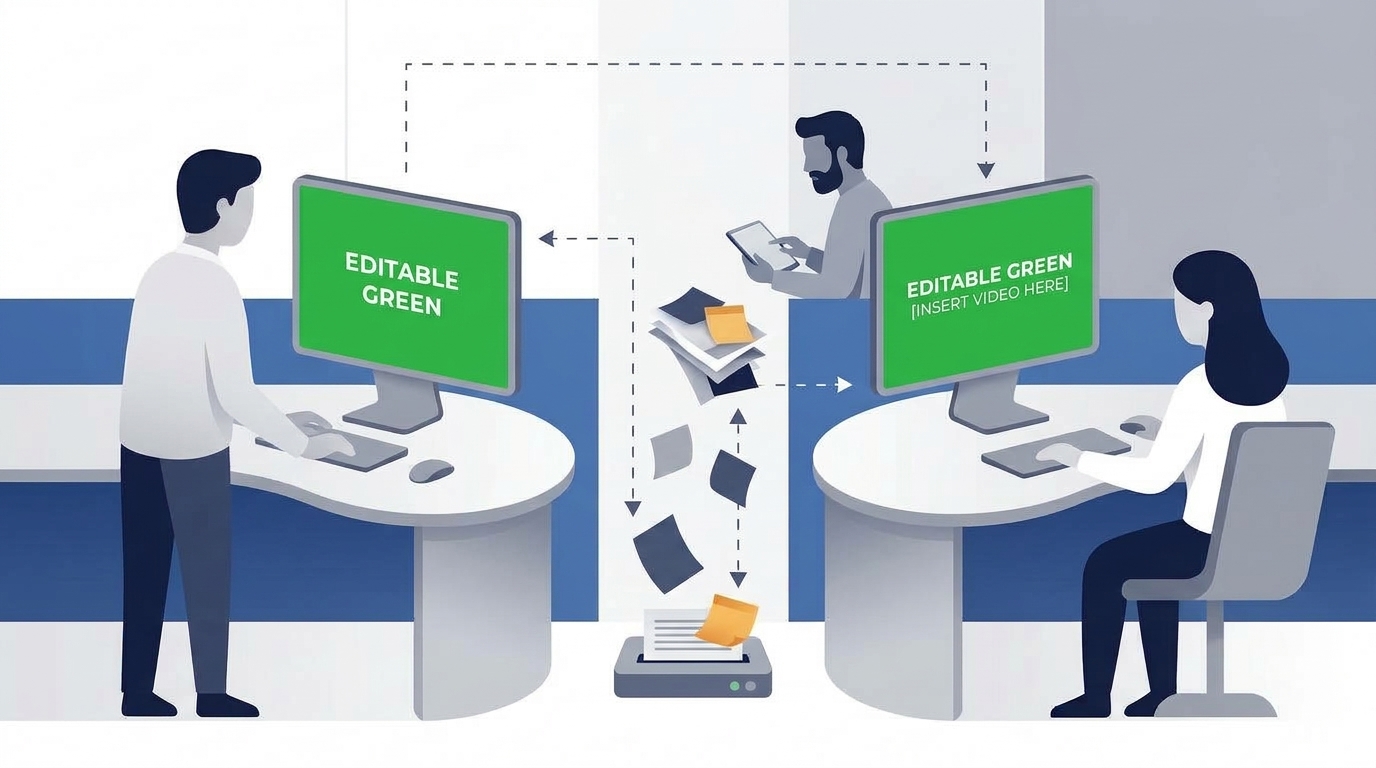
The project turned a set of disconnected spreadsheets and inboxes into a connected workflow that every team uses daily.
Orders Entered Once: Customer orders are created once and flow to production and purchasing, so quantities and dates match across teams.
Stock You Can Trust: Stock levels update as materials arrive and are used, so planners work from current numbers instead of end-of-day spreadsheets.
Shortages Caught Earlier: Reorder alerts reach purchasing before production is blocked, instead of after.
Supplier Orders in One Place: Purchase orders are tracked in the system, so anyone can see what was ordered, from whom and whether it arrived.
Production Status Visible to Sales: Account owners can see whether an order is waiting for materials, in production or ready to ship, without walking to the shop floor.
Reports That Reconcile: Orders, stock, production and supplier performance are shown on one set of definitions, so planning meetings start with decisions rather than debates.