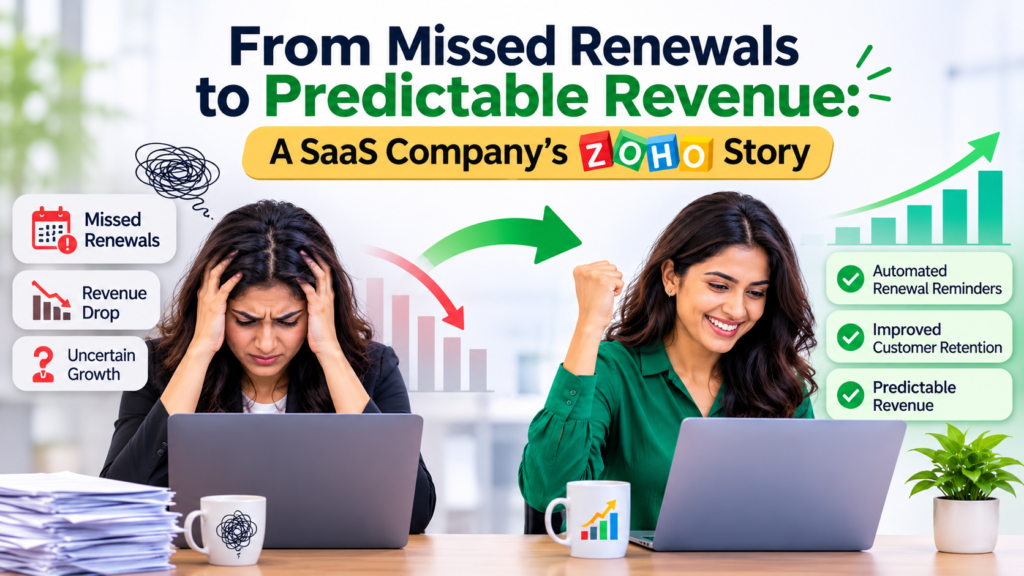
This is an illustrative scenario based on common renewal, billing and support challenges faced by growing SaaS companies. It demonstrates how ZillTech’s Zoho team uses Zoho Consulting, Implementation, Customization & Automation, Zoho Integration and Analytics & Reporting services to connect subscriptions, billing, customer support and renewals in one workflow. Company details are representative of a typical client profile and not an actual ZillTech engagement.
Industry: Software as a Service (SaaS)
Services Highlighted: Zoho Consulting, Zoho Implementation, Customization & Automation, Zoho Integration, Zoho Analytics & Reporting
Tools Used: Zoho CRM, Zoho Billing, Zoho Desk, Zoho Flow, Zoho Analytics
The Business Profile
The company was a growing SaaS business with a small sales team, a customer success manager, a support team, a finance lead and a founder who still reviewed every large renewal. Customers paid monthly or yearly subscriptions. New deals were tracked in a spreadsheet, invoices were created from a billing tool that nobody else could see, and support questions arrived in a shared inbox.
Everyone knew their own part well. Nobody could see the whole customer. When a customer’s card failed, the finance lead noticed days later. When a customer wrote in three times about the same problem, the account manager heard about it only when the renewal was already at risk.
The company didn’t need a bigger team. It needed subscriptions, payments, support and renewals connected, with clear ownership of every customer from the first sale to the next renewal.
The Challenge
Renewals Tracked in a Spreadsheet: Renewal dates lived in a sheet that was updated by hand. Some renewals were noticed a week too late, and some were missed completely.
Failed Payments Went Unnoticed: When a card expired or a payment failed, the finance lead found out only during a monthly check. Customers were sometimes cancelled by accident, and revenue was delayed.
Support and Sales Worked Apart: Support tickets stayed in the shared inbox. Account managers had no idea which customers were frustrated, so risk showed up only when a customer asked to cancel.
No Clear View of Subscriptions: Plans, upgrades and discounts were recorded in different places. Nobody could quickly answer how much recurring revenue was coming in, or how much was expected to renew next month.
Churn Found After the Fact: Leadership learned about lost customers at the end of the month. By then, there was nothing left to save.
Our Approach
Before changing any system, ZillTech’s Zoho consulting team met with the sales lead, the customer success manager, a support agent, the finance lead and the founder. The goal was not to replace what worked. It was to remove the gaps between sales, billing and support and to make every renewal visible well before its date.
Discovery Before Technology
We mapped the full path of a customer from signup to renewal, and marked every point where information was retyped, delayed or lost. The findings were written in plain language and sorted by impact, so leadership could choose what to fix first. The biggest gaps turned out to be failed payments that nobody saw and renewals that nobody owned.
Clean Customer Data First
A new system only spreads bad data faster. Before setting anything up, we agreed on one rule: every customer account, contact and subscription is created once, in Zoho CRM, and every other tool follows it. Duplicate accounts from old spreadsheets were reviewed and merged, plan names and naming standards were written down, and required fields were set so new records arrive complete.
Implementing Zoho CRM
Through our Zoho implementation work, ZillTech set up Zoho CRM to hold accounts, contacts, plans and renewal dates. A subscription pipeline now follows each customer from trial to paid, to renewal due and renewed or at risk. Each account record shows its plan, billing status, support history and next renewal date, so anyone can answer a customer’s question in seconds.
Connecting Zoho Billing
Zoho Billing now manages plans, recurring invoices and payment collection. When a customer signs up or upgrades, the subscription is created in Billing and the account is updated in the CRM. Automatic reminders go out before a card expires, and failed payments are retried on a set schedule. When a payment still fails, the account manager and finance lead are alerted so a person can step in before the customer is cancelled by accident. For a similar finance connection, read our case study on connecting Zoho CRM and Zoho Books.
Linking Zoho Desk to Every Account
Support tickets in Zoho Desk are now linked to the customer’s account in the CRM. Agents see the plan and renewal date while they answer a ticket, and account managers see open and repeated tickets on the customer record. A customer who raises the same issue several times is flagged automatically, so the account manager can reach out before the renewal conversation starts.
Automating the Renewal Handoffs
This was the step that changed the day-to-day most. Through our Zoho integration work, ZillTech used Zoho Flow to alert the account manager 60, 30 and 7 days before a renewal. A task is created for each alert, and a renewal that has no owner is flagged to the customer success manager. When a customer upgrades, a message goes to the team, and when a renewal is confirmed, the CRM and Billing are updated together. If a connection fails, a named person is alerted so nothing goes missing quietly. People still make the decisions. The system just removes the waiting and the retyping. If your process needs this kind of work, see our Zoho Customization & Automation service.
Reporting, Documentation and Handover
Dashboards in Zoho Analytics now show monthly recurring revenue, upcoming renewals, failed payments, churn by plan and open support tickets for accounts due to renew. They are built on definitions that sales, support, finance and the founder agreed together. A similar approach to reporting is covered in our Zoho Analytics & Reporting work. ZillTech then wrote simple documentation and trained an in-house administrator, so the company doesn’t depend on an outside developer for everyday changes.
Why It Mattered
For a SaaS company, growth depends on keeping the customers it already has. Here, the company didn’t change its product or its pricing. It changed how its team shares information. Subscriptions, payments, support and renewals now sit in one connected system, so every renewal has an owner and every at-risk customer is noticed while there is still time to help.
Why ZillTech
As an Authorized Zoho Partner, ZillTech doesn’t push a rebuild for its own sake. We start by learning how your subscriptions, billing and support actually run, then fix what slows your team down. We add automation only where it helps, and we document everything so your own team can manage it afterwards. Our Zoho CRM consultants in Texas are also available for local support.
See how we approach related work in Zoho Implementation, and browse all case studies.
Not sure which Zoho apps fit your subscription and renewal process? Try our free Zoho App Finder, or schedule a free consultation and we’ll review your workflow first.
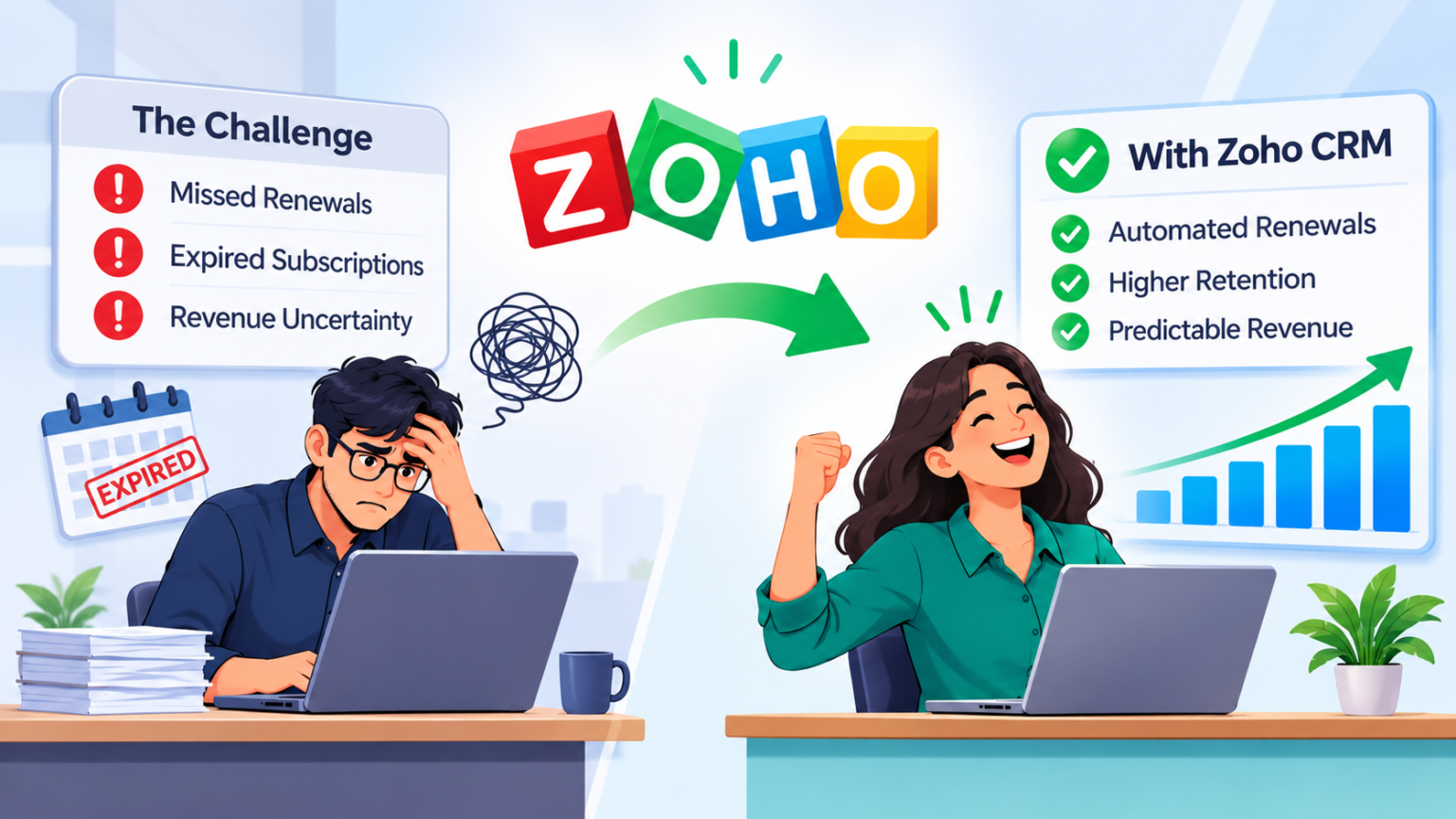

The Results: Predictable Renewals, Fewer Failed Payments and Customers Who Stay
The project turned a spreadsheet, a billing tool and a shared inbox into a connected workflow that sales, support and finance use every day.
Renewals Tracked in One Place: Every renewal date sits on the customer record, so none are missed and each one has an owner.
Failed Payments Caught Early: Card reminders and automatic retries recover more payments, and the team is alerted before a customer is cancelled by accident.
One View of the Customer: Plan, billing status, support history and renewal date are visible together, so sales and support no longer work from different pictures.
At-Risk Accounts Noticed Sooner: Repeated tickets and upcoming renewals are flagged, so account managers can reach out before a customer decides to leave.
Revenue You Can Forecast: Monthly recurring revenue, expected renewals and churn are shown on one set of definitions, so planning meetings start with decisions rather than debates.
Less Manual Work: Reminders, tasks and updates between tools are automated, so the team spends its time with customers instead of chasing spreadsheets.