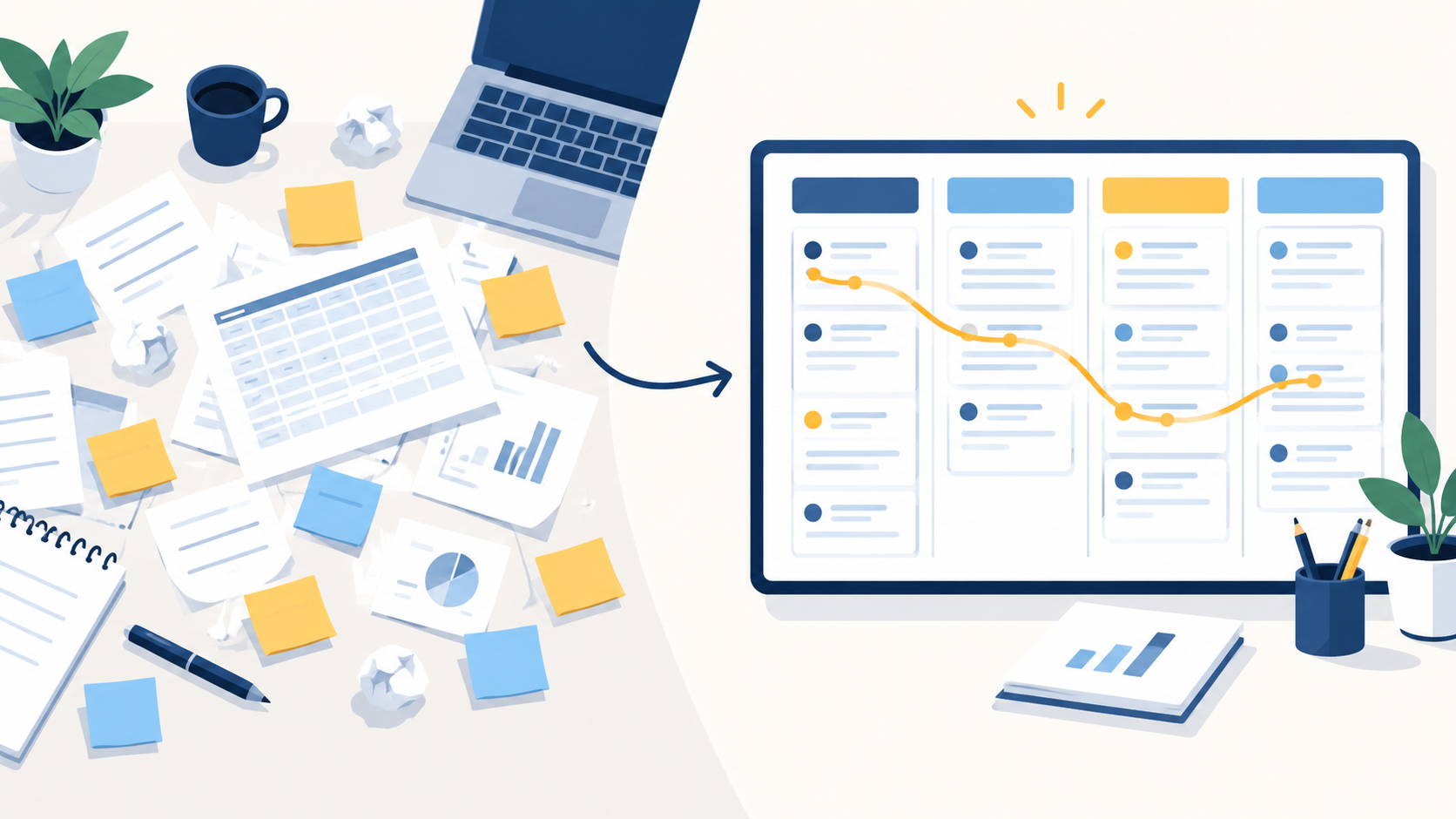
Customer records scattered across spreadsheets and inboxes. Follow-ups that slip through the cracks. Reports that someone rebuilds by hand every month. Tools that never quite talk to each other. These are usually signs that a business has outgrown its current way of managing customers, and a CRM can help, but only if you know what it must do before you choose or configure it.
This guide walks you through assessing your needs, prioritizing requirements, comparing options, and planning rollout. It works just as well for improving an existing CRM as for buying a new one. And you don’t have to start from a blank page: ZillTech’s free fillable PDF template captures everything in one place.
Planning a new CRM or improving your current setup? Use ZillTech’s free CRM requirements template to document your goals, workflows, and implementation priorities.
What Are CRM Requirements?
CRM requirements are the documented outcomes, behaviors, and conditions a customer relationship management system must meet to support your business. They describe what you need to achieve and how your team works, not just which features look attractive in a demo. A good set of requirements is specific enough to test: you can later check whether the system does what you wrote down.
Requirements generally fall into three categories:
| Category | What it covers | Illustrative example |
|---|---|---|
| Business requirements | The outcome the organization wants | Reduce missed lead follow-ups |
| Functional requirements | What the CRM must do | Assign each new lead and create a follow-up task |
| Technical and non-functional requirements | How the system must connect, operate, and protect access | Sync with accounting software and restrict access by role |
Start with a CRM Needs Assessment
Before listing features, understand the problem you are solving. A needs assessment gives your requirements a purpose, so you can tell what is essential and what is merely nice to have.
CRM Requirements Gathering Questionnaire
Work through these five groups of questions with the people who will use, own, and pay for the system.
1. Goals and problems
- What is not working today?
- Which outcomes must improve?
- How will success be measured?
2. Users and ownership
- Which departments will use the CRM?
- Who owns the process, the data, and the final approval?
3. Workflows
- Where do leads originate?
- How are they assigned, qualified, and handed over?
- Which tasks and approvals should be automated?
4. Systems and data
- Which tools must connect to the CRM?
- What data must move from existing systems?
- What data-quality problems need attention first?
5. Budget and delivery
- What is the available budget?
- What must be live in phase one?
- What deadlines or dependencies affect rollout?
If you want expert input while you answer these, ZillTech’s Zoho consulting team can help you turn the answers into a clear project brief.
CRM Needs Assessment Example
Here is a hypothetical example to show how answers turn into requirements. A service business tracks enquiries in spreadsheets and assigns leads manually. Its requirements include centralized lead capture, assignment rules, follow-up reminders, and visibility into overdue activities.
| Current problem | Business objective | Requirement | Success measure |
|---|---|---|---|
| Enquiries sit in spreadsheets and are assigned manually | Respond to every enquiry quickly | Capture leads centrally and assign them by agreed rules | Every new lead has an owner within the agreed time |
| Follow-ups are forgotten | Stop losing warm leads | Create follow-up tasks and reminders automatically | Fewer overdue follow-up tasks each month |
| Managers cannot see what is slipping | Improve accountability | Show overdue activities by owner | Managers review overdue work weekly using a single view |
The CRM Requirements Checklist: What to Include
Use the sections below as your main reference. For each area, check what you need and ask the question in the table. The fillable PDF template mirrors this structure, so you can record your answers as you go.
| Requirement area | What to check | Question to ask |
|---|---|---|
| Contacts, leads, and sales | Records, fields, lead handling, pipelines, tasks, quotes | Can the CRM support our actual sales process without workarounds? |
| Automation, marketing, and service | Workflows, campaigns, nurturing, tickets, knowledge base | Which processes should run automatically, and where should they live? |
| Integrations, migration, and data | Connections, sync rules, source data, cleanup | What must connect, and what data must move? |
| Reporting, security, and usability | Dashboards, permissions, compliance, mobile access, scale | Who needs which information, and who must not see it? |
| Implementation, training, and budget | Scope, testing, training, rollout, total cost | What must be live first, and what will it really cost to run? |
Contact, Lead, and Sales Management
This is the core of most CRM projects. Check whether you need:
- Contact and account records, with the relationships between them.
- Custom fields and layouts that reflect how you describe customers.
- Lead capture, assignment, and qualification or scoring.
- Opportunity stages, and multiple pipelines if you sell different offers differently.
- Activity history and follow-up tasks.
- Quotes, orders, and approvals, where your process needs them.
Can the CRM support our actual sales stages and ownership rules without forcing unnecessary workarounds?
Automation, Marketing, and Customer Service
Automation saves time only when it follows rules your team has agreed on. Document:
- Workflow triggers, conditions, and actions.
- Notifications, approvals, and escalations.
- Campaign and lead-source tracking.
- Segmentation, nurturing, and communication preferences.
- Support tickets, chat, and knowledge-base needs.
For each item, decide whether it belongs in the CRM itself, in a connected application, or in an integration between the two. Not every requirement needs to be solved inside one product. If a process needs logic beyond the default workflows, Zoho customization and automation can cover it.
Integrations, Migration, and Data Quality
Integrations and data migration are where timelines and budgets most often drift, so give them real attention early. Record:
- Required email, calendar, finance, website, and other connections.
- For each connection: the data exchanged, the sync direction, and the frequency.
- API or connector requirements.
- Source systems and approximate migration volumes.
- Duplicates, field mapping, historical records, and validation steps.
- Data export requirements, so you are never locked in.
This is also the point where specialist help pays off. If you want a second opinion on feasibility, explore ZillTech’s Zoho integration and Zoho migration services, or read how a B2B services company moved from Salesforce to Zoho CRM.
Reporting, Security, and Usability
Work backwards from the decisions your reports must support. Cover:
- Dashboards, KPIs, report audiences, and scheduled reporting. If you need help turning these into working dashboards, see ZillTech’s Zoho Analytics and reporting services.
- Roles, permissions, and restricted information.
- Security and compliance requirements, which should always be verified against the product edition and your regulations.
- Mobile access and ease of use for the people who will use the system daily.
- Expected data volumes, performance, and growth.
- Accessibility or language requirements, where they apply.
Implementation, Training, and Total Budget
A CRM is more than a subscription. Plan for:
- Configuration and customization scope.
- Testing and acceptance criteria.
- Training and internal ownership.
- Launch dependencies and phased rollout.
- Software subscriptions versus implementation and ongoing costs.
- Post-launch support and maintenance.
Turn this checklist into a working project brief. Download the fillable ZillTech PDF and record your priorities, integrations, migration needs, and rollout plans.
How to Create a CRM Requirements Document
Once your checklist is filled in, the next step is turning it into a document your team, and any implementation partner, can work from.
Prioritize Requirements Before Defining Scope
Give every requirement one of four labels, the same ones used in the PDF template:
- Must: essential at launch.
- Should: valuable if budget and scope allow.
- Later: planned for a future phase, after the initial rollout.
- N/A: not applicable to your business.
Then make each requirement testable. “Better lead management” is a wish. “Website leads are assigned to an owner by territory, and unmatched leads go to a fallback queue” is something you can verify.
CRM Requirements Document Example
The table below is illustrative. Adapt the wording to your own business.
| ID | Business need | Requirement | Priority | Acceptance criterion |
|---|---|---|---|---|
| CRM-01 | Prevent unassigned enquiries | Assign website leads using agreed territory rules | Must-have | Test leads reach the expected owner; unmatched leads enter a fallback queue |
| CRM-02 | Improve follow-up visibility | Show overdue sales tasks by owner | Must-have | A manager can filter overdue tasks by owner and date |
| CRM-03 | Reduce duplicate entry | Exchange agreed customer fields with accounting software | Should-have | Mapped fields sync in the agreed direction without creating duplicates |
Example only. Adapt the wording to your own business.
You can add optional columns for requirement owner, dependencies, and approval status. The PDF works well as a starting brief; more complex projects may need a more detailed specification.
How to Evaluate CRM Vendors Against Your Requirements
With requirements written down, vendor comparison becomes far more objective. Instead of asking which CRM is best, ask which one fits your must-haves. Use these key criteria for evaluating CRM vendors:
- Fit with must-have workflows.
- Usability for the people who will actually use it.
- Integration and migration feasibility.
- Edition-specific features and limits.
- Security and access requirements.
- Total cost and room for growth.
- Implementation support, training, and data portability.
A simple scorecard keeps the comparison honest:
Requirement | Priority | Fit status | Evidence or demo result | Extra cost / dependency |
|---|---|---|---|---|
|
|
|
|
|
For fit status, use consistent labels:
- Meets requirement.
- Requires configuration.
- Requires customization or integration.
- Does not meet requirement.
- Not yet verified.
Ask each vendor to demonstrate your own workflow with sample data, not a generic demo. And be clear about who is responsible for what: the software vendor supplies the product, while an implementation partner configures it, connects it, migrates your data, and trains your team.
From Requirements to Rollout: A CRM Adoption Checklist for Small Businesses
A good plan still needs good execution. Before launch, work through this list:
- Appoint an internal CRM owner.
- Confirm phase-one requirements.
- Clean and validate source data.
- Test workflows, permissions, and integrations.
- Involve representative users in testing.
- Train people around their daily tasks.
- Define launch approval and support responsibilities.
- Review adoption and business outcomes after launch.
If you want support with configuration and go-live, ZillTech’s Zoho implementation services cover this stage, and our case studies show how similar projects have been approached.
Three mistakes to avoid
- Treating every requested feature as essential.
- Selecting software before understanding the workflow.
- Ignoring training, data ownership, and maintenance.
Download ZillTech's Free CRM Requirements Template
Our six-page, fillable PDF brings your whole plan together in one document:
- Company and project overview.
- Goals and sales workflow.
- Prioritized CRM requirements.
- Automation and customer experience.
- Integration and migration planning.
- Reporting, access, budget, and rollout.
Put your CRM plans into one clear document. Download ZillTech’s free, fillable CRM requirements template and complete it with your team.
Frequently Asked Questions About CRM Requirements
What are the basic requirements of a CRM system?
At minimum: contact and account records, lead and opportunity tracking, tasks and activity history, reporting, and role-based access. Beyond that, your goals, workflows, and integrations determine what else you need.
What should a CRM requirements document include?
Business goals, prioritized requirements with IDs, acceptance criteria, integration and migration needs, reporting and security needs, budget, and rollout scope. Owners and approval status are useful additions.
How do small businesses identify their CRM needs?
Start with the problems you face today, map your lead-to-customer workflow, and ask the people who do the work. Then turn each problem into a requirement with a success measure.
What is the difference between a CRM requirements checklist and an evaluation checklist?
A requirements checklist defines what you need. An evaluation checklist or scorecard measures how well each vendor or solution meets those needs.
Can I use this template when improving or migrating an existing CRM?
Yes. The template includes project-direction options for a new implementation, a migration, or improving an existing CRM, plus dedicated migration planning sections. For an example of improving what you already have, see ZillTech’s CRM audit and clean-up case study.