
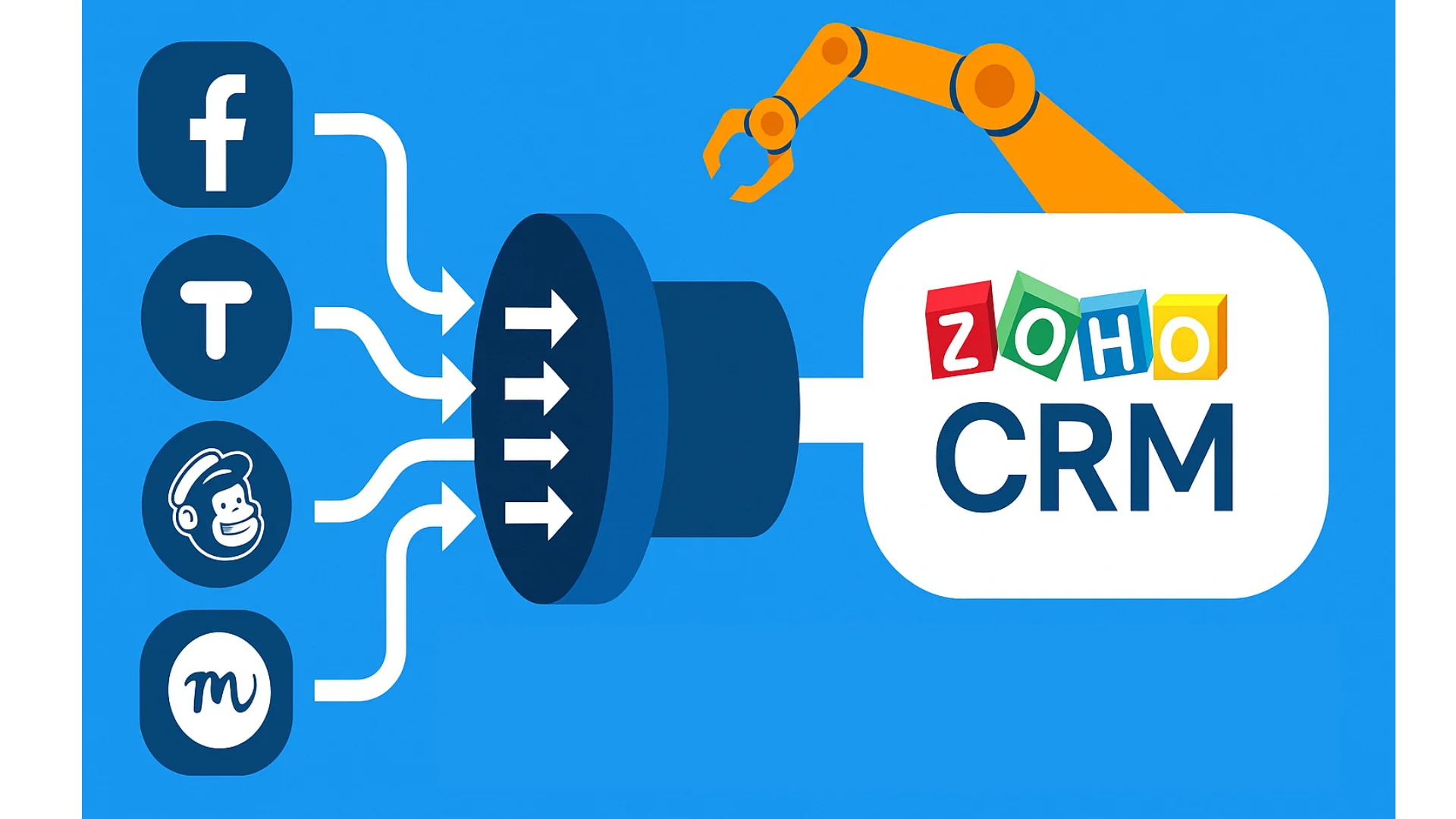
Do your sales reps lose track of follow-ups because of manual tasks?
You’re not alone. Most teams waste time on repetitive steps that should run on autopilot. That’s where Zoho Flow comes in. When connected with Zoho CRM, it changes how you manage leads, without writing a single line of code.
Let’s break it down.
What Is Zoho Flow?
Zoho Flow is a tool that helps you connect apps and automate tasks. If you’re comparing workflow automation tools, check out the Zoho Flow vs Zapier guide.
You create workflows using a drag-and-drop builder. Each “flow” handles a task, like:
- Sending leads from Facebook Ads into Zoho CRM
- Notifying sales reps on Slack when a new lead comes in
- Creating tasks when a form is submitted
Stay in one system. Keep your data intact. Skip the manual work. And if you’re serious about maintaining clean, reliable CRM records, then visit on Master Data Cleansing & Prep with Zoho to ensure your automated workflows run on accurate data. Businesses looking to automate more than just lead management can also explore dedicated marketing automation platforms. Read our guide to the best marketing automation platform for your business to understand how automated campaigns, lead nurturing, and customer journeys support business growth
Stop Wasting Hours on Manual Data Entry!
Learn how to completely automate your lead workflows and sync your entire tech stack effortlessly.

Why Connect Zoho Flow with Zoho CRM?
While Zoho CRM has built-in automation like workflow rules and blueprints, it primarily handles actions inside the CRM ecosystem. Connecting Zoho Flow opens up your data to hundreds of third-party applications seamlessly.
Implementing a unified automation approach helps scaling businesses cut down response times and eliminate pipeline friction. If you want to configure your platform successfully from day one, make sure to read The Ultimate Zoho CRM Implementation Guide.
Key Benefits of Unified Automation
The table below summarizes how utilizing Zoho Flow updates your operations compared to legacy standard setups:
| Lead Management Stage | Manual / Legacy Process | Automated with Zoho Flow |
|---|---|---|
| Lead Capture | Copying details from custom web forms or social media manually. | Instant, real-time routing straight into Zoho CRM. |
| Team Notifications | Relying on staff checking email lists periodically. | Immediate alerts pushed via Slack or Microsoft Teams channels. |
| Data Enrichment | Searching external directories to gather background business info. | Automated queries run behind the scenes via APIs instantly. |
Visualizing Lead Processing Performance
Businesses that move away from disconnected operations see drastic performance improvements. Below is a modern data chart displaying the average breakdown of task hours spent per week on lead management tasks before and after implementing automated integrations:
Weekly Hours Spent on Lead Administration (Per Rep)
12 Hours
1.5 Hours
+10.5 Hours
By saving hours on routine workflows, sales professionals can spend more time closing prospects. For teams looking to maximize their automation ecosystem, adopting strategic business rules ensures standard execution. Read more about structured layouts in our Zoho CRM Blueprint Functionality Guide.
Getting Started with Your Integration Journey
If you’re upgrading from disparate records across various sheets or standalone setups, integrating your software stack represents an essential leap forward. For complete migration frameworks, look at Migrating from Legacy Systems to the Zoho Ecosystem to protect data mapping relationships securely.
Ready to unlock your full operational capacity? Check out how our tailored Zoho Integration Services can bridge architectural gaps or look into professional Zoho Consulting options to build custom-built flows tailored perfectly to your dynamic scaling requirements today.





