

You’ve probably had this moment. You pull a report and present it to your team or leadership. Someone asks, “Wait, why does this number look off?” and you don’t have a good answer.
Somewhere in the data, there’s a duplicate customer record. Or a column where half the entries say “USA” and the other half say “United States.” Or a spreadsheet exported with a formatting quirk nobody caught.
We’ve seen this play out again and again with growing businesses. It’s rarely a reporting tool problem. Your dashboards and charts are working as designed. They’re just working with data that was never clean.
Once you stop trusting your own numbers, every decision built on them gets a little shakier.
This is the problem Zoho DataPrep is built to solve. In this post, we’ll walk through what clean data prep actually involves and how we approach it with clients. It’s not a feature tour.
The Real Cost of Reporting on Messy Data
When a team’s reporting doesn’t add up, the root cause is almost never the reporting tool. It’s usually some combination of these:
- Duplicate records. The same customer, product, or transaction is entered more than once, often with slightly different spellings. This quietly inflates your numbers.
- Inconsistent formatting. Dates appear in three formats. Phone numbers have or lack country codes. Category names mean the same thing but don’t match. All of this breaks grouping and filtering.
- Missing or incomplete fields. Records with gaps get silently excluded from reports. Worse, they get counted as zero and skew the results.
- Data scattered across sources. Your CRM, spreadsheets, and accounting system each hold a piece of the picture. Nobody has stitched them together.
- No repeatable process. Even when someone cleans the data by hand, it’s a one-time fix. The next export starts the problem over.
None of this is carelessness. It’s what happens by default when data comes from multiple sources, people, and points in time. Nothing stands between the raw data and the report built on it.
“You can’t fix what you can’t see.”
What “Data Prep” Actually Means in Practice
Data prep isn’t about hiring a data engineering team or learning SQL.
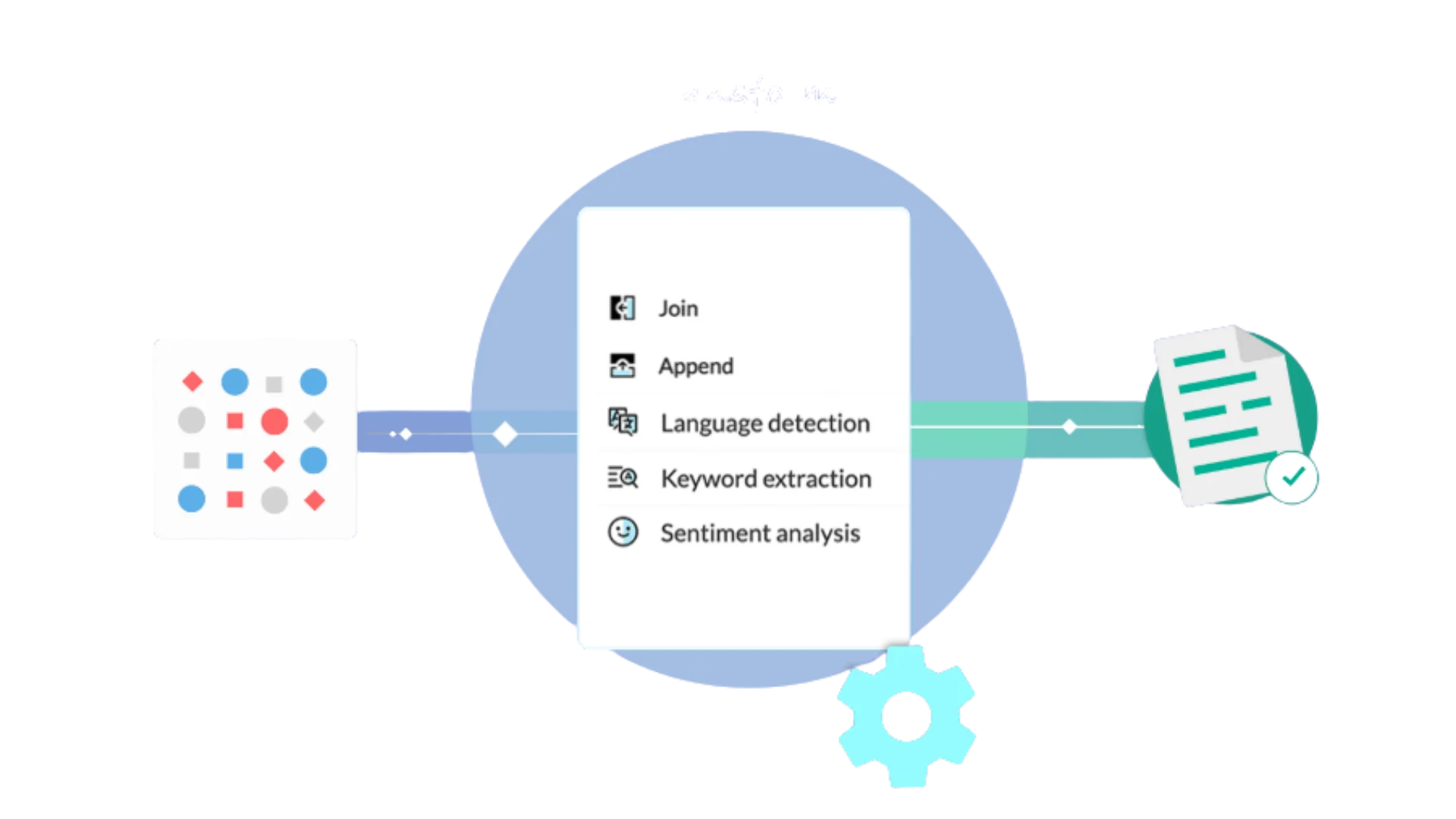
Zoho DataPrep is built so someone without a technical background can clean, standardize, and combine data. It uses a visual interface. You see exactly what’s wrong and fix it, rather than writing scripts blind.
Here’s how we typically approach it with clients who are tired of reporting on numbers they don’t trust.
1. See What’s Wrong Before Fixing Anything
The first step isn’t fixing. It’s diagnosing.
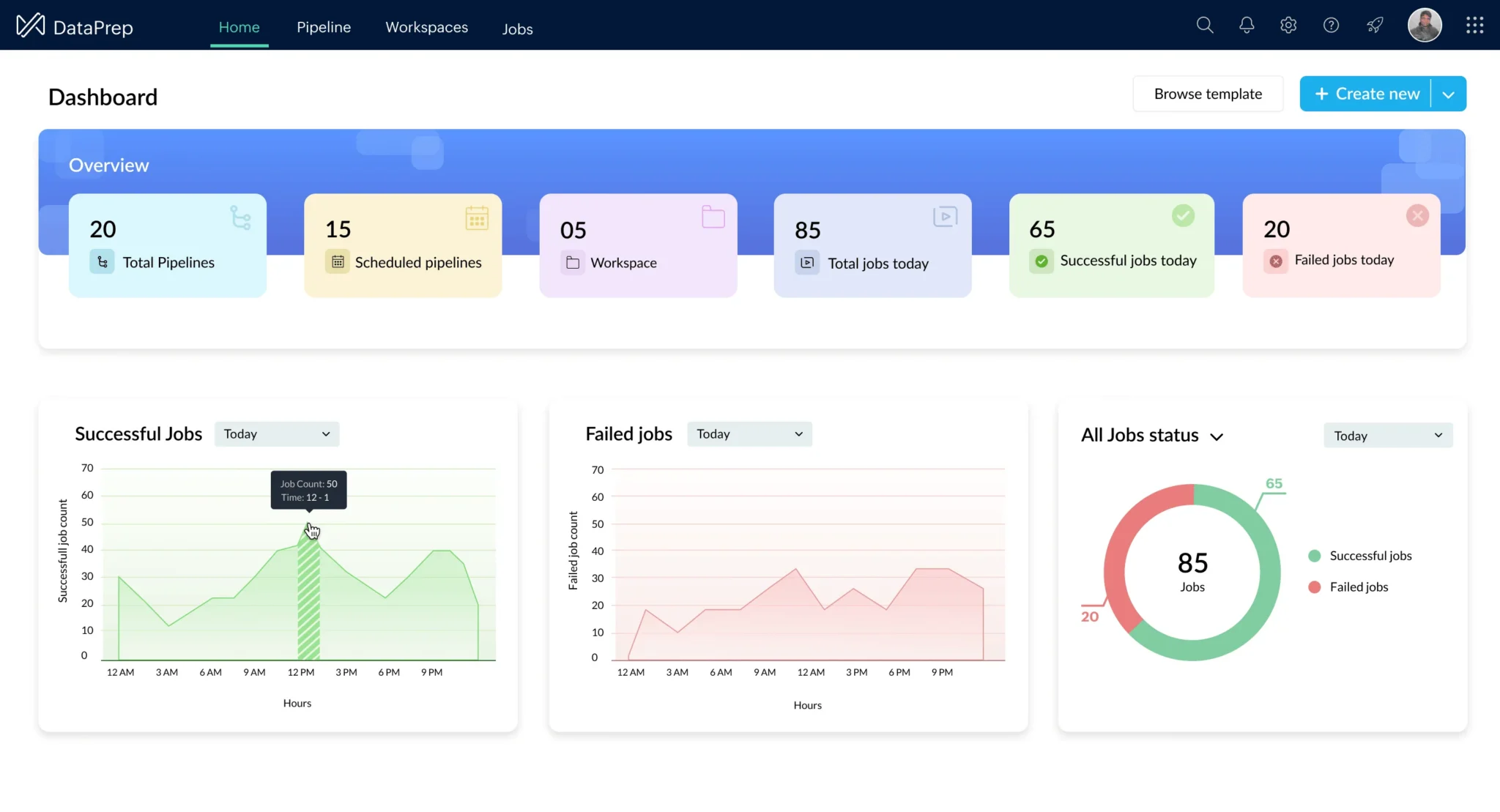
Before touching a single record, we run the raw data through DataPrep’s data quality view. It flags inconsistencies, duplicates, and gaps visually.
You can’t fix what you can’t see. Most teams have never had a clear picture of how messy their data really is until this step.
2. Standardize Formats So Records Actually Match
Once the problems are visible, we standardize the formatting. That covers dates, phone numbers, category labels, and naming conventions. The goal is that records which should match actually do.
This is often where you learn that some “duplicate” customers weren’t flagged as duplicates at all. They were just formatted differently enough that nothing caught them.
3. Deduplicate Without Losing Real Records
Removing duplicates sounds simple. It gets harder when you have to decide which of two similar records is the real one, and which fields from each should survive.
We set up matching rules based on how your data tends to duplicate. That might mean similar names, matching emails, or overlapping transaction details.
The result is a cleanup that’s accurate, not just aggressive.
4. Combine Multiple Sources Into One Clean Dataset
This is usually where the real value shows up.
Once individual sources are clean, we connect them. That means your CRM, spreadsheets, and accounting exports. Together they form one unified dataset that reflects the full picture, not one narrow slice.
Some teams have more custom data sources. This can overlap with our broader Zoho Customization & Automation work, especially when a source needs a more tailored connection than a standard import.
5. Make It Repeatable, Not a One-Time Fix
Most teams skip this step when they clean data manually.
We build the cleaning and standardization steps as a reusable workflow in DataPrep. When new data arrives, it runs through the same process automatically.
Nobody has to redo the cleanup from scratch every month.
6. Feed Clean Data Into Reporting People Trust
Once the data is clean and the process is repeatable, you have a reliable foundation for reporting.
This is where we bring in Zoho Analytics & Reporting. We build dashboards on verified data, instead of putting a nice-looking chart on top of numbers nobody has checked.
What Changes Once Your Data Is Clean
We’re not going to hand you a chart with a suspiciously precise percentage improvement. That kind of unsupported claim doesn’t build trust, and we try to avoid it on this site.
Here is what we see repeatedly with clients:
- The “wait, why does this number look off” conversations stop. The data has been verified, not assumed correct.
- Team members stop manually double-checking numbers before presenting. They’ve learned to trust the source.
- Decisions that used to stall while someone tracked down a discrepancy now happen on schedule. The discrepancies get caught upstream, not in the meeting.
We ran into a version of this with a direct-to-consumer brand selling across multiple channels. Inventory and sales data from Shopify, Amazon, and WooCommerce didn’t match up cleanly enough to trust.
You can see how we unified that data across channels with Zoho Inventory and Zoho Books. The challenge was the same one this post covers: getting scattered, inconsistent data into a single trustworthy source before reporting on it.

Side-by-Side Feature Comparison
How to Start If You’re Doing This Yourself
If you want to tackle this without outside help, here’s the order we’d recommend. It’s based on where we see the fastest payoff.
- Look at your data quality, not your reports. Most teams jump straight to fixing dashboards when the real problem is upstream. Diagnose before you fix.
- Standardize formatting before deduplicating. If formats aren’t consistent, you’ll miss duplicates that don’t match. DataPrep is genuinely useful for automating this once the format is settled.
- Build the cleaning process as a repeatable workflow. If it isn’t repeatable, you’ll be back here in a few months.
- Build new reporting only once you trust the data. A polished dashboard on messy data is still built on messy data.

Where a Zoho Consultant Adds Value
You can handle a lot of straightforward data cleaning yourself with DataPrep’s visual tools.
Teams usually get stuck on the trickier calls:
- Setting up matching rules that catch real duplicates without merging records that should stay separate.
- Structuring a workflow that holds up as new data sources are added.
- Untangling data that has been inconsistent so long that nobody knows which version of a record is correct.
That’s where our Zoho Customization & Automation work comes in. It isn’t just running the tool. It’s making the judgment calls about your specific data that decide whether the cleanup holds up over time.
Where to Go From Here
If you’ve stopped fully trusting your reports, the fix usually isn’t a new dashboard. It’s going upstream to the data feeding it.
Start by looking at how messy your data really is. You’ll probably find more than you expect, and it’s more fixable than it feels right now.
If you’d rather have someone take an honest look at your data first, we’re happy to talk. There’s no obligation, just a real assessment of what’s happening underneath your reports.





