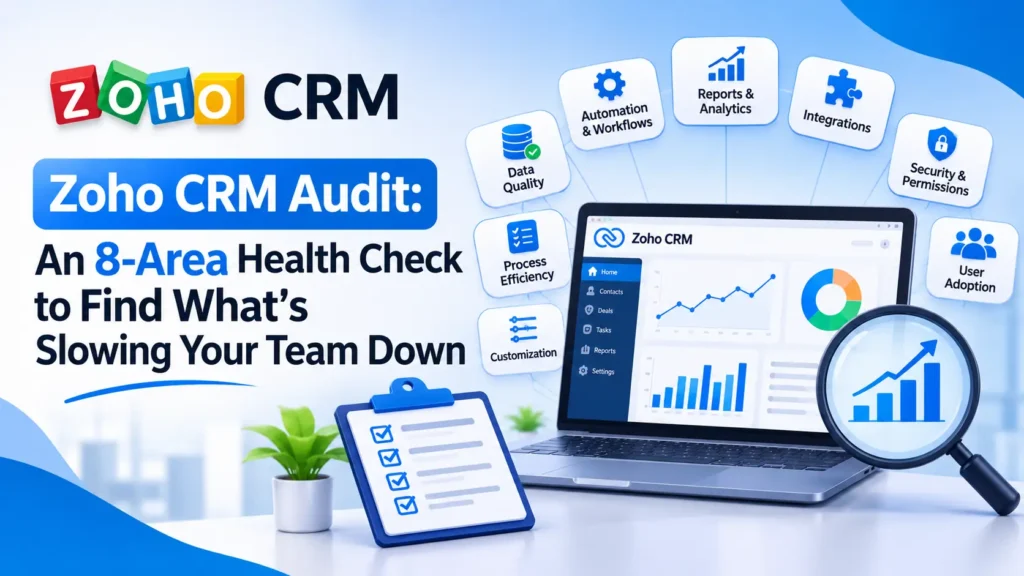
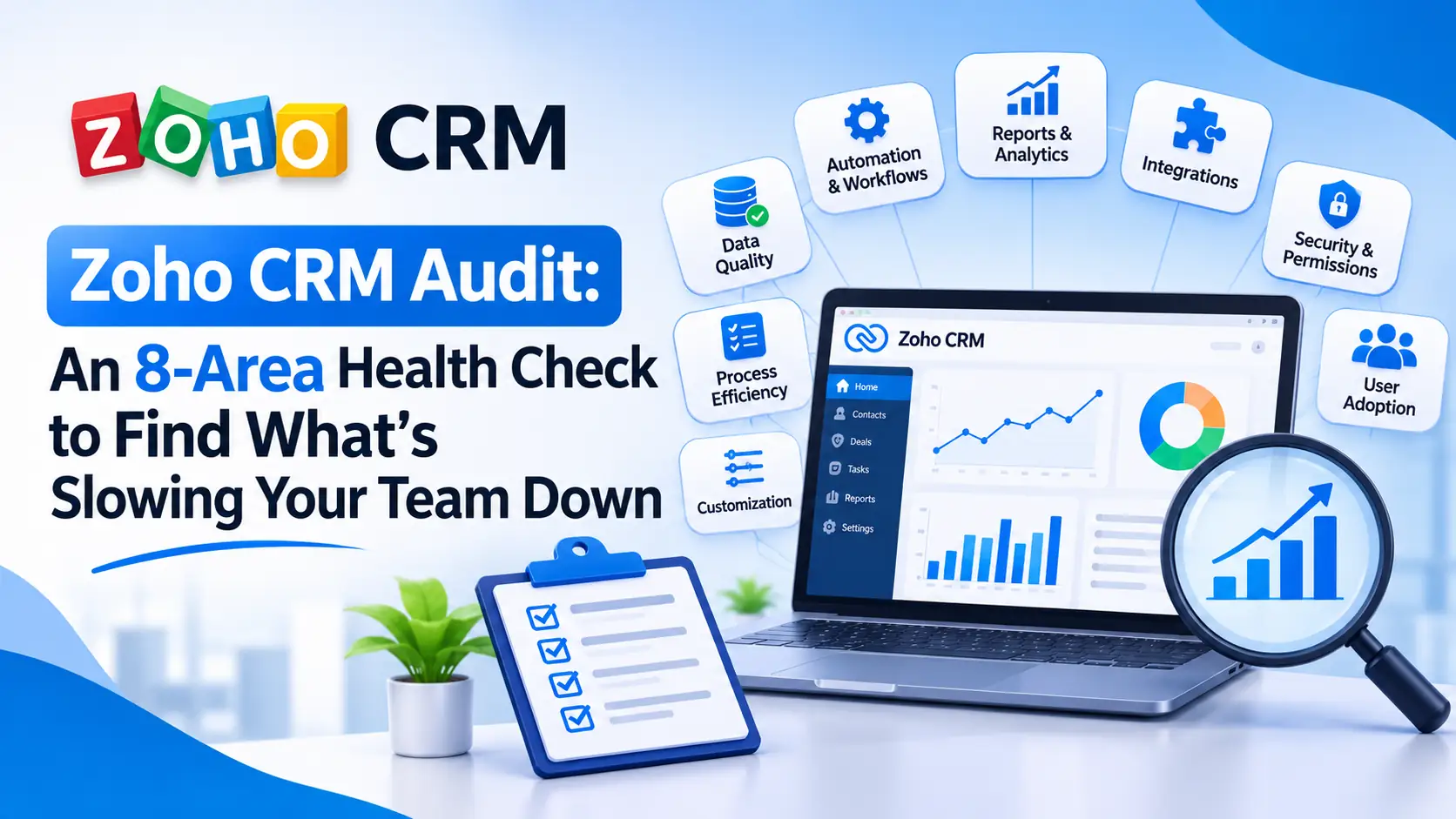
A Zoho CRM audit is a structured, read-only review of how your CRM is really set up and used. It covers the data inside it, the fields and pipeline, who has access, what your automations do, which integrations feed it, and whether anyone trusts the reports. It ends with a ranked list of fixes instead of a vague feeling that things have gotten messy.
Most teams don’t need a different CRM. They need to know which two or three problems are costing them time and deals. This guide walks through eight areas to check, shows where to find each one inside Zoho, and gives you a scorecard so you know what to fix first.
Signs your Zoho CRM needs an audit
You probably don’t need a formal review if your team trusts the numbers and updates records without being chased. You probably do if several of these sound familiar:
- Workflows and custom functions have piled up, and nobody can explain all of them
- Integrations stop syncing, or sync the wrong values
- The same customer shows up under two or three records
- Reports don’t answer the questions leadership actually asks
- Reps still repeat manual steps the system should handle
- The person who built the setup has left
- Your pipeline stages no longer match how you sell
- Zoho apps that should share data don’t
The uncomfortable part is that teams often don’t notice. In Validity’s 2025 CRM data survey, 76% of respondents said less than half of their organization’s CRM data is accurate and complete, yet only 32% admitted their firm struggles with data quality. Another 37% said their company loses revenue directly because of poor data. crm data drag systems are not delivering
Survey of 602 CRM users and administrators. Each bar is a separate question, so the bars do not add up to 100%.
- Say less than half of their CRM data is accurate and complete76%
- Have no full-time employee devoted to CRM data quality46%
- Say their company loses revenue because of poor data quality37%
- Report staff fabricating data to appease decision-makers37%
- Have formal data-governance policies20%
Source: Validity, The State of CRM Data Management in 2025; additional figures as reported by MediaPost. Validity sells data-quality software; treat as survey perception, not a universal benchmark.
Validity sells data-quality software and surveyed 602 CRM users and administrators, so read these figures as a snapshot of user perception, not a universal benchmark. They do show why a measured review beats a gut feeling.
Before you start: back up, then keep the first pass read-only
Take a backup. Zoho’s data backup tool sits under Setup → Data Administration → Data Backup and requires administrator privileges. Free-edition organizations need a one-time add-on or an upgrade to a paid edition to use it. zoho
Look, don’t fix. Log every finding in a spreadsheet with the area, the evidence, a severity and an owner. If you fix as you go, you can’t tell which change caused which result, and you tend to tidy low-impact items before the critical ones.
Use a sandbox for tests if your edition has one. Zoho’s full-data sandbox is limited to Ultimate and CRM Plus organizations, so confirm your edition before planning around it. Setup → Security Control → Audit Log also needs the Administrator profile or CEO role, so line up admin access first.
The 8-area Zoho CRM audit checklist
1. Data quality: duplicates, gaps and inconsistent formats
- Run Find & Merge Duplicates on your highest-volume modules (Leads, Contacts, Accounts). Zoho’s separate de-duplicate option auto-merges exact matches, but it is limited to the top role or an Administrator profile, and you choose three records at a time when there are more than three.
- Sample about 50 records and score the fields reps depend on: owner, source, stage and next step.
- Look for free-text fields that should be picklists (country, industry, lead source). Inconsistent values quietly break reports. See our guide to setting consistent lead source values in Zoho CRM.
- Fix the source, not just the symptoms. Zoho frames duplicate management as both reactive (merging) and proactive (stopping duplicates before they’re created). Check your web forms, imports and integrations, or you’ll merge the same duplicates again next quarter.
2. Fields, layouts and pipeline fit
- Export the field list for each module. Flag columns that are nearly empty, two fields doing the same job, and field names only the original builder understands.
- Compare layouts to roles. Does a rep see 60 fields when they use eight?
- Ask a rep who didn’t help build the setup to create a deal and move it to close while you watch. Wherever they hesitate, your configuration and your sales process disagree.
- Our Zoho CRM implementation roadmap shows what a clean baseline looks like.
3. Users, roles, profiles and licences
- Reconcile active users against your current staff list.
- Know what deactivation does. Deactivating a user frees the seat for someone else, but it doesn’t cancel the licence. You’re still billed for the licences you bought until you reduce the total. Zoho’s user-management help spells this out, and our breakdown of what Zoho really costs covers the budget side.
- Review profile permissions: who can export, mass-delete, mass-update or change setup? Keep administrators to the minimum.
- Check what a leaver owns before deactivating them. Zoho’s Zoho One admin guide advises confirming the user doesn’t own active integrations and reassigning them first.
4. Workflows, functions and automation
- Build an inventory of every workflow rule, Blueprint, assignment rule, scheduled action and custom function, with its trigger, purpose, owner and last change.
- Use the audit log to see who changed what. Zoho’s help page says the log covers actions across the last three years, includes updates to workflow rules, and exports to CSV (up to one million entries unfiltered). Confirm what your edition actually shows.
- Look for two rules updating the same field, rules that fail silently, and functions nobody can explain. Our guide to Zoho CRM workflow rules explains the if-then logic, and our customization and automation service covers consolidating them.
5. Integrations and API usage
- List every connection (Zoho Books, web forms, telephony, email marketing, Zapier or Make, accounting). Note the sync direction, the field mapping and who owns the authorization.
- Check API consumption. Zoho meters CRM API calls in credits over a rolling 24-hour window, with allowances that depend on your edition and licences. The API dashboard shows usage history for up to three months. One noisy integration can starve the rest.
- Our Zoho CRM and Mailchimp integration guide is a good example of mapping fields properly, and our Zoho integration services cover repairs.
6. Reports and dashboards
- Pick the three numbers leadership quotes most (open pipeline, win rate, leads by source) and reconcile each against the underlying records by hand.
- If they differ, find out why before building anything new. The usual culprits are stage definitions, filters, currency, and deleted or merged records.
- Retire reports nobody opens. See Zoho Analytics & Reporting, or read how a trading company used Zoho CRM, Inventory and Books to expose hidden costs.
7. Adoption and data-entry habits
- Ask three reps what they track outside the CRM. Every shadow spreadsheet points to a design flaw.
- Check when records are updated. If edits bunch up before pipeline reviews, the CRM has become a reporting chore rather than a working tool.
- Validity’s respondents reported that staff fabricate data to appease decision-makers (37%). Bad inputs are often a people-and-process problem, not a software one.
8. Documentation and ownership
- Name one owner and write a one-page runbook: modules, key fields, workflows and why they exist, integrations and who owns them, and who to call.
- In Validity’s survey, 46% of firms had no full-time employee devoted to CRM data quality, and only 20% had formal data-governance policies.
- If the original builder has gone, see what a Zoho consultant does for how handover and documentation work.
Score the audit: green, amber or red
Rate each of the eight areas. Red means it risks lost revenue, lost data or a security problem, and it goes first. This rubric is ZillTech’s suggested triage, not an industry standard.
What to fix first
- Protect. Confirm backups, trim admin rights and close access for leavers.
- Stop the leaks. Fix the forms, imports and integrations that create duplicates or blank fields. Do this before any bulk merge.
- Repair silent failures. Fix broken syncs and conflicting automations.
- Make the reports trustworthy. Reconcile headline numbers to records.
- Simplify and document. Tidy layouts, unused fields and stages, then write the runbook.
Fix, refactor or rebuild?
If your data model and pipeline are mostly sound, targeted fixes usually do the job. A rebuild earns its cost only when the structure itself fights your process.
| Approach | When it fits | What it involves | Related service |
|---|---|---|---|
| Fix and tidy | Data model and pipeline are sound; problems are duplicates, stale users and unused fields | Merge duplicates, right-size users, retire unused reports, document the setup | Zoho consulting |
| Refactor automation and integrations | The process is right but automations conflict or syncs fail | Consolidate workflow rules, replace brittle functions, rebuild syncs with named owners | Customization & automation · Integration |
| Rebuild | The data model fights your sales process, or you are changing systems | Redesign modules, fields and pipeline; migrate data; retrain the team | Implementation · Migration |
DIY audit or bring in a Zoho partner?
A small team with one or two Zoho apps and a knowledgeable admin can run this checklist alone. Bring in help when the original builder has left, when you depend on custom functions or many integrations, or when you’re weighing a rebuild or migration.
ZillTech’s Zoho consulting starts with a free initial consultation. A project-scoped engagement covering audit through recommendations usually runs one to three weeks, depending on how many apps and workflows are involved. We support teams across the US and Canada, including Zoho CRM consultants in Texas and Toronto.
Book a free Zoho consultation and we’ll tell you which of the eight areas to tackle first.
How often should you audit your Zoho CRM?
A light quarterly pass (users, integrations, duplicates, dashboards) works well, plus a full audit once a year or before a major change such as a new app, a new sales process or a migration.
Frequently asked questions
What is a Zoho CRM audit?
It’s a structured, read-only review of your Zoho CRM’s data quality, fields and pipeline, users and licences, automations, integrations, reports, adoption and documentation. It ends in a prioritized fix list.
How long does a Zoho CRM audit take?
It depends on how many records, workflows, custom functions and integrations you have. ZillTech’s project-scoped consulting engagements, which cover audit through recommendations, typically run one to three weeks.
Will an audit change or delete my data?
No. The audit is read-only: you record findings and fix later. Take a backup first from Setup → Data Administration → Data Backup so you can recover if later cleanup goes wrong.
How often should I audit my Zoho CRM?
Do a light check quarterly and a full audit annually or before a major change such as a migration or new sales process.
Can I audit Zoho CRM myself, or do I need a consultant?
Small teams with a knowledgeable admin can use this checklist themselves. Bring in a partner if the original builder has left, you rely on custom functions or many integrations, or you’re considering a rebuild.
What does a Zoho CRM audit cost?
ZillTech scopes Zoho projects individually. The first consultation is free with no obligation, and you receive a fixed scope and quote after it.