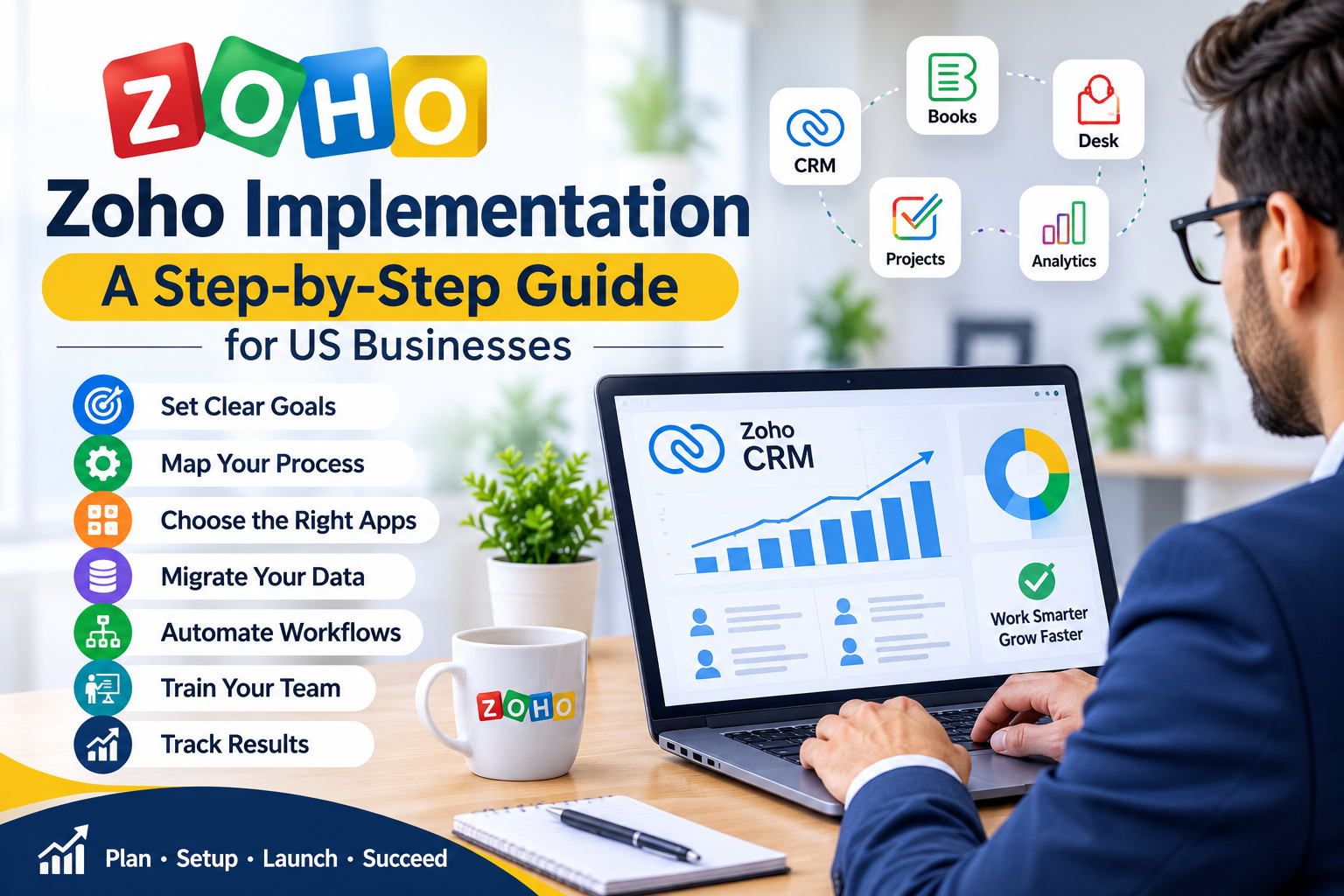
That is what Zoho implementation is. It is the work of turning Zoho from a set of apps into a system your team uses every day.
This guide walks through Zoho implementation step by step, with a realistic timeline, the cost factors that matter, and the mistakes that cause most rollouts to stall. If you want a certified team to run it for you, ZillTech is a Certified Zoho Consultant in Plano, Texas, and we do this work for US businesses every week.
What Is Zoho Implementation?
Zoho implementation is the process of planning, setting up, and launching Zoho for your business. It is not just creating an account and importing a spreadsheet.
A complete Zoho CRM implementation usually includes:
- Choosing the right Zoho apps and edition for your team
- Setting up Zoho CRM, including modules, fields, pipelines, and users
- Cleaning and importing your existing contacts, deals, and history
- Connecting Zoho to the tools you already use, such as email, QuickBooks, or Xero
- Building workflows, approvals, and automations that match how you actually work
- Setting up dashboards and reports so managers can see what is happening
- Training your team and supporting them after launch
A small business may need only Zoho CRM and a few integrations. A larger team may need Zoho CRM, Zoho Books, Zoho Desk, Zoho Projects, and Zoho Analytics, all working together. The implementation plan should match your size and your goals, not a generic template. If you are a smaller team, our guide to Zoho CRM for Small Business explains the features and pricing to look at first.
Why Most Zoho Implementations Fail
Zoho itself is rarely the problem. The implementation is.
These are the most common reasons a Zoho implementation stalls:
1. No clear goal
The team knows it wants “a CRM” but no one has defined what success looks like. Is it faster follow-up? A shorter sales cycle? Clean reporting? Without a goal, every setup decision becomes a guess.
2. Dirty data
Old spreadsheets, duplicate contacts, and half finished records get imported as they are. The new system starts with bad data, the team stops trusting it, and within weeks they are back in spreadsheets.
3. Too much customization at the start
Teams try to rebuild every old process in Zoho on day one. The project gets complex, slow, and expensive. Start with the core sales process, launch it, then add the rest.
4. No owner
If no one owns the system after launch, fields drift, pipelines stop matching reality, and automations break quietly. Someone on your team, or your Zoho implementation partner, needs to own it.
5. No training
A system no one understands is a system no one uses. Training is not a one hour video at the end. It is short, role based sessions for sales, service, and management, plus a place to ask questions in the first few weeks.
A good Zoho implementation consultant will flag these risks before they become problems, not after.
Zoho Implementation: The Step-by-Step Process
Here is the process ZillTech follows for a Zoho implementation. Use it as a checklist, whether you do it in house or hire a partner.
Step 1. Define what success looks like
Start with outcomes, not apps. Write down three to five measurable goals for the first 90 days. Examples:
- Every new lead is contacted within one business day
- No deal sits without a next step for more than seven days
- Sales reports are ready without manual work each week
- Customer support requests are tracked in one place
These goals decide which Zoho apps you need, which fields matter, and what to automate first. If a feature does not serve one of these goals, it can wait.
Step 2. Map your current process
Before you touch Zoho, map how work happens now. How does a lead become a customer? Who follows up, and when? What happens after a deal closes? Where does information get stuck?
This step usually takes one or two workshops. It is the most valuable part of the project, because it shows which steps are essential and which are just habit. A Zoho implementation partner should lead this with you, not just ask for a list of fields.
Step 3. Choose the right Zoho apps and edition
Zoho has more than 45 apps. You do not need all of them. Most US small and mid sized businesses start with one of these combinations:
- Zoho CRM alone: for sales tracking, pipelines, and follow-up
- Zoho CRM plus Zoho Books: for sales plus invoicing and payments
- Zoho CRM plus Zoho Desk: for sales plus customer support
- Zoho CRM plus Zoho Analytics: for sales plus reporting and dashboards
Not sure which apps your team actually needs? Try ZillTech’s free Zoho App Finder to get a shortlist of Zoho apps matched to how your business works.
Your edition matters too. A lower edition may not include the automation, approval, or reporting features you need, and upgrading later can mean rebuilding work. Ask your partner to explain the edition trade offs in plain terms before you buy. If you are starting on the free tier, read our guide to the Zoho CRM Free Plan to see what is included and where the real limits are.
Step 4. Set up Zoho CRM the right way
This is the core of Zoho CRM implementation. It includes:
- Custom modules and fields that match your business, not Zoho defaults
- Sales pipelines with clear stages and a definition for each stage
- Lead sources, so you can see which marketing actually works
- User roles and permissions, so the right people see the right data
- Email integration, so conversations stay attached to the right record
- Templates for quotes, emails, and follow-up tasks
Keep the setup simple at first. You can add fields and stages later. You cannot easily undo a messy setup that your team has already learned to work around.
Step 5. Clean and migrate your data
Data migration is where most Zoho implementations lose time. Do not import everything.
First, decide what to bring over. Usually that is active contacts, open deals, recent customer history, and products or services. Old, dead leads and duplicate records should stay behind, or be archived separately.
Then clean it. Remove duplicates, fix missing emails and phone numbers, and standardize company names and addresses. Agree on who owns each record after the move.
Finally, test the import with a small sample before you import everything. Check that deals land in the right pipeline stage, that owners are correct, and that history is attached to the right contact. A test import takes an hour. Fixing a bad full import takes days.
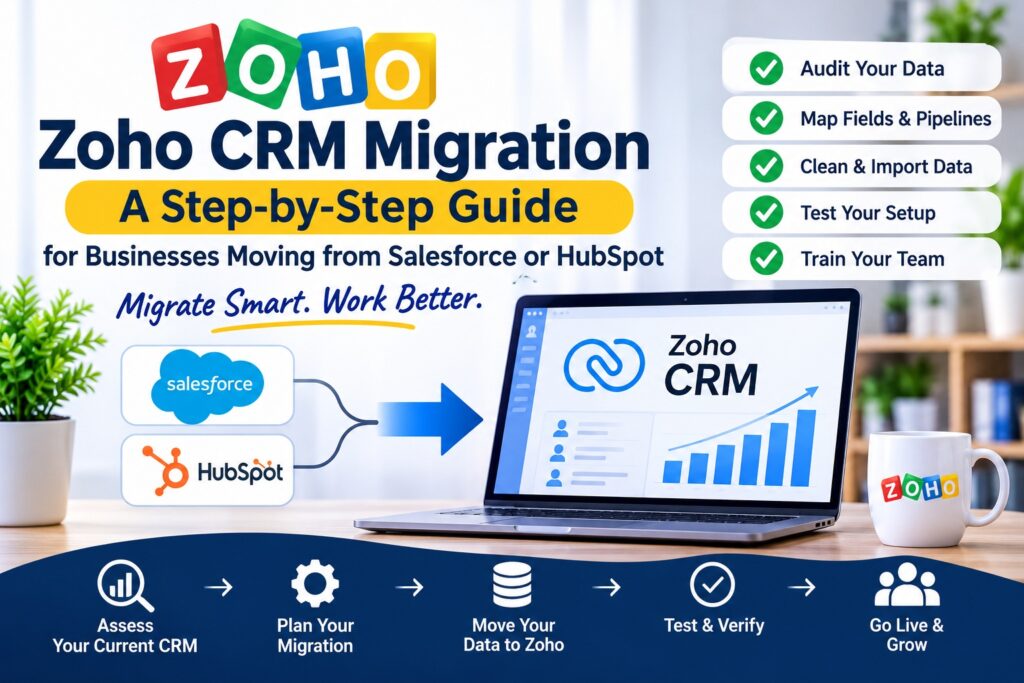
If you are moving from Salesforce or HubSpot, this step needs extra care. Read our companion guide on Zoho CRM migration for the full checklist.
Step 6. Connect Zoho to your other tools
Zoho works best when it is connected. Common Zoho integrations include:
- Email and calendar, for Gmail or Outlook
- Accounting, for QuickBooks or Xero
- Marketing, for email campaigns and forms
- Telephony, for call logging
- E-commerce or a website, for lead capture
Each integration should have a clear owner and a clear data flow. Ask: which system is the source of truth for customers, for invoices, for support tickets? If two systems both think they own the same data, they will drift apart.
Step 7. Automate the repetitive work
Automation is where Zoho pays for itself. Start with the tasks your team repeats every day:
- Assign new leads to the right person automatically
- Send a follow-up reminder if a deal has no activity for three days
- Create a task when a quote is sent
- Notify a manager when a large deal moves stage
- Generate a weekly sales report automatically
Use Zoho workflows, Blueprint, and Deluge scripting where needed, but do not automate a broken process. Fix the process first, then automate it. A Zoho implementation consultant can help you decide what to automate now and what to leave manual until the process is stable.
Step 8. Train your team and launch
Train by role, not by feature. Salespeople need to know how to work a lead and a deal. Managers need to know how to read the pipeline and the reports. Support staff need to know how to log and resolve a ticket.
Give each team a short, written guide for their daily work in Zoho, plus a live session where they can ask questions. Then launch in phases if you can. Start with one team or one pipeline, fix the issues they find, then roll out to everyone else.
After launch, plan a review at 30 days and again at 90 days. Check usage, clean up fields no one uses, and adjust the automations that are creating noise. Zoho implementation is not a one time project. It is a system that needs small, regular improvements.
How Long Does Zoho Implementation Take?
How long does Zoho implementation take? It depends on scope, data, and how many apps are involved.
As a guide, for a US small or mid sized business:
- Zoho CRM only, basic setup: 2 to 4 weeks
- Zoho CRM plus one or two integrations: 4 to 8 weeks
- Multi app Zoho implementation with migration and custom automation: 8 to 12 weeks or more
The biggest factors are how clean your data is, how quickly your team can make decisions, and how many custom workflows you need on day one. A clear scope and a single decision maker on your side will shorten the timeline more than anything else.
Ask any Zoho implementation partner for a timeline in writing, with what is included in each phase, before you start.
How Much Does Zoho CRM Implementation Cost?
Zoho CRM implementation cost varies widely, because no two businesses need the same setup. For current Zoho pricing, see our Zoho Cost in 2026 guide for what you will actually pay across plans and hidden fees. The main cost factors are:
- Zoho subscription: the apps and edition you choose, billed per user
- Implementation scope: how many apps, integrations, and custom workflows
- Data migration: how much data, how messy it is, and where it is coming from
- Customization: custom modules, Deluge scripts, and complex approvals
- Training and support: how much training your team needs after launch
Custom modules, Deluge scripts and approvals are often the biggest variable in the price. Use our free Zoho Customization Calculator to estimate what your customization could cost before you ask for a quote.
Some businesses pay only for the Zoho subscription and do the setup themselves. Most businesses that hire a partner do it because the cost of a failed rollout, lost data, and a team that does not use the system is higher than the cost of doing it right the first time.
For an exact quote for your business, talk to a Zoho implementation partner and ask for a written scope. At ZillTech, we provide a quote after a consultation, so you know what is included before you commit.
DIY vs Hiring a Zoho Implementation Partner
You can implement Zoho yourself, and for a very small team with a simple sales process, that can work. You will need time to learn Zoho, clean your data, and test everything.
Hiring a Zoho implementation partner makes sense when:
- You are migrating from another CRM and cannot afford to lose data
- You need Zoho connected to accounting, support, or other tools
- You have more than a few users and need roles, permissions, and reporting
- You want the system live in weeks, not months
- You want someone to own the setup, the training, and the follow up
A good partner will not just set up Zoho. They will challenge your process, keep the scope tight, and leave your team able to use the system without them.
When you compare Zoho CRM implementation partners, ask these questions:
- Are you a Certified Zoho Partner, and how many implementations have you completed?
- Who will actually do the work, and who is my point of contact?
- What is included in the quote, and what costs extra?
- How do you handle data migration and testing?
- What training and support do you provide after launch?
Frequently Asked Questions About Zoho Implementation
What is Zoho implementation?
Zoho implementation is the process of planning, setting up, launching, and supporting Zoho for your business, including CRM setup, data migration, integrations, automation, and training.
How long does Zoho implementation take?
A basic Zoho CRM setup usually takes 2 to 4 weeks. A multi app implementation with migration and custom automation usually takes 8 to 12 weeks. Data quality and decision speed are the biggest factors.
How much does Zoho CRM implementation cost?
It depends on the apps and edition, the scope of customization, data migration, and training. Ask for a written quote with a clear scope before you start.
Do I need a Zoho implementation partner?
Not always. A small team with a simple process can do it themselves. A partner is worth it when you are migrating data, connecting multiple tools, or need the system live quickly and used properly.
What is the difference between Zoho implementation and Zoho customization?
Implementation is setting up Zoho to match your business. Customization is changing Zoho, with custom fields, modules, workflows, and Deluge scripting, to fit a specific process. Most projects need both, but implementation comes first.
Can Zoho be implemented for a small business?
Yes. Zoho CRM is built for small businesses, and a focused implementation can start with just CRM and add other apps as you grow.
The Bottom Line
Zoho implementation is not about buying software. It is about building a system your team trusts and uses every day. Define your goals, map your process, keep the first version simple, clean your data, automate the repetitive work, and train your team by role.
If you want that done by a certified team, talk to ZillTech. We are Certified Zoho Consultants in Plano, Texas, and we help US businesses implement Zoho CRM, migrate their data, connect their tools, and automate their work.
Book a Zoho consultation with ZillTech today. Call +1 (469) 837-0172, or visit zilltech.net to learn more about our Zoho Consulting services. Tell us how your team works now, and we will show you what a clean Zoho implementation looks like for your business.