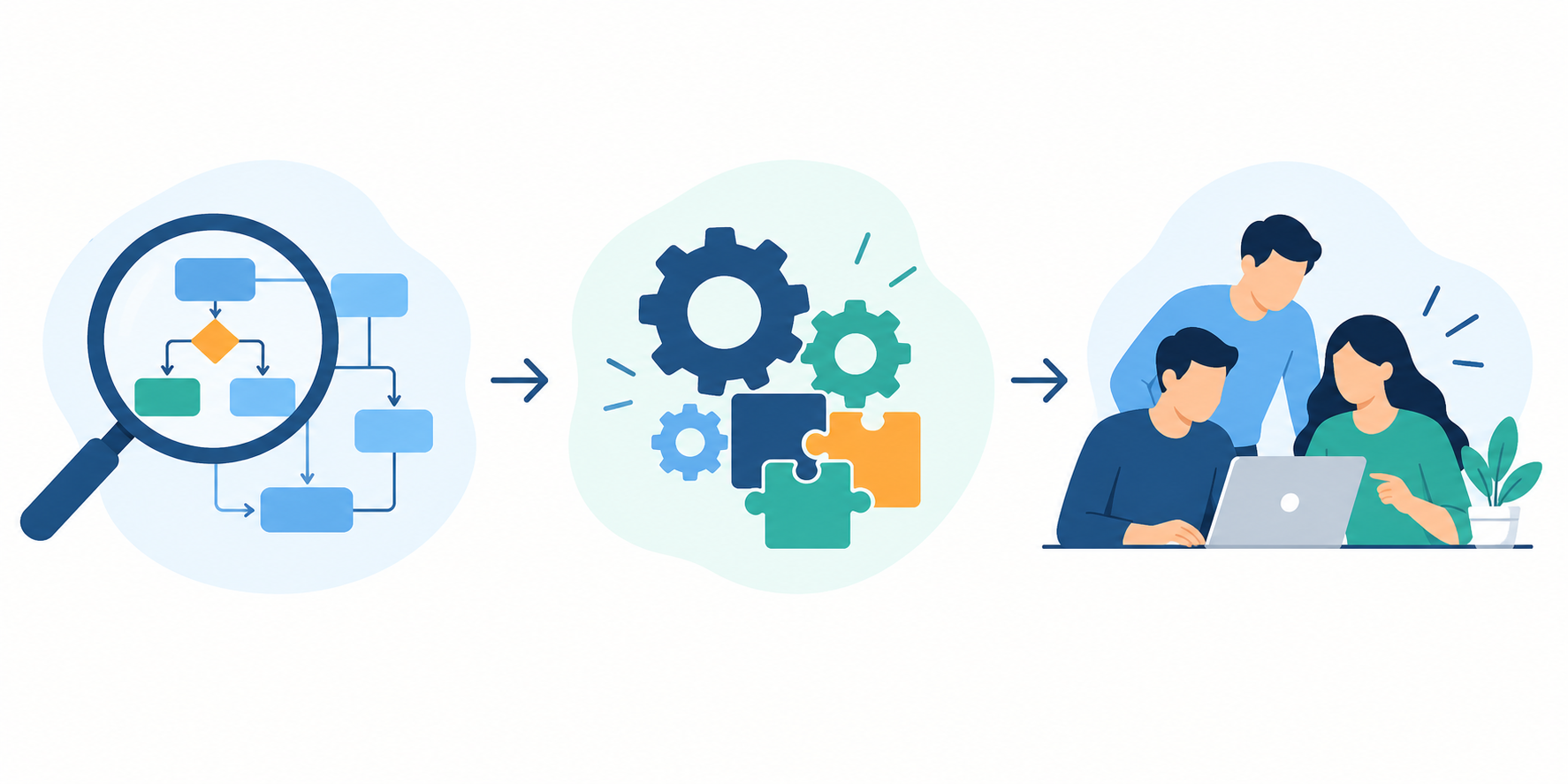
A Zoho consultant designs, configures, connects and improves your Zoho applications so they match how your business actually runs. In practice, that means mapping your processes, choosing the right apps, building automations and integrations, migrating data, setting up reporting and training your team.
The role matters because Zoho is large and still growing. In February 2026, Zoho Corporation reported more than one million paying customers and 150 million users (company-wide, including ManageEngine), and Zoho’s own partner guide counts 55+ apps. Most businesses face a selection and setup problem, not just a software purchase.
This guide covers what a Zoho consultant does day to day, how an engagement works, how consultants differ from developers and in-house admins, when you actually need one, and what it costs. It’s written for business owners and operations leaders deciding whether to hire help.
What Does a Zoho Consultant Do?
A Zoho consultant does three jobs: decide which Zoho apps you need, build and connect them around your processes, and make sure your team adopts the result. Technical skill matters, but most of the value comes from understanding your business before touching a setting.
The Core Role: Turning Zoho Into a System That Fits Your Business
Zoho’s partner guide describes the role as understanding your business needs, helping you pick the right products, configuring and implementing them, customizing and integrating them, and providing ongoing training and support. In short, a consultant sits between your goals and Zoho’s technical options.
- Decide: which apps, which edition and in what order. Starting with Zoho CRM and adding apps later is often smarter than switching everything on at once.
- Build: configure fields, layouts, pipelines, roles and automations, connect tools like QuickBooks or Xero, and migrate existing data.
- Adopt: train people by role, document the system and fix what real use exposes.
The depth varies. At the simpler end, a consultant configures what Zoho ships with. Zoho CRM’s Blueprint, for example, replicates an offline business process inside the CRM and enforces how it is followed. Deciding what each stage requires is a business-design question before it’s a setup task. Blueprint is available from the Professional edition onward, so a consultant also matches features to your licence tier.

At the deeper end, standard settings run out. Zoho’s documentation notes that some complex sales processes can only be modeled with custom scripts in Deluge, its own scripting language. The next section unpacks both layers.
Zoho Consultant vs. Zoho Partner: What’s the Difference?
A Zoho consultant is a person or role. A Zoho partner is a company accredited by Zoho. Many consultants work for partner firms, and many firms advertise “consultants,” which is why the terms get mixed up.
Zoho ranks partners in three tiers:
- Authorized: the entry tier. It requires passing a $5,000 revenue threshold, earning required certifications and showing implementation successes within six months of onboarding.
- Advanced: requires a value score above 400.
- Premium: the highest tier, requiring a score above 600, based on revenue, customer success, market readiness and Zoho engagement.
You can check any firm in Zoho’s official partner directory. A tier shows how a firm ranks within Zoho’s program, not whether it has built what you need. Some practitioners note that a smaller partner with deep industry experience can beat a higher-tier firm on a specific project. So ask about experience with your industry and apps, not just the badge.
What Does a Zoho Consultant Do Day to Day?
Day to day, a consultant works through six kinds of work: understanding your process, choosing the apps, building the configuration, connecting your other systems, setting up reporting and training your team. The first and last matter most, and they’re the ones businesses skip when they set up Zoho alone.
1. Discovery and Process Mapping
A consultant starts by documenting how you sell, serve and get paid today, before opening any settings. That means talking to the people who run the process, not just the owner, and finding where work stalls, gets re-typed or lives in a spreadsheet. One Zoho firm says a consultant worth hiring spends the first conversation on your process, not Zoho’s feature list. The output is a written picture of your current and target process that every later decision builds on.
2. App Selection and Architecture
The consultant decides which apps you need, which edition and how they connect. Many businesses start with Zoho CRM and add Zoho Books or Zoho Desk later. Edition matters because features move between plans: Zoho’s March 2026 community digest says Zia capabilities became available in the Professional edition. A consultant checks what your plan includes today, so you don’t pay for a tier you don’t need or build around a feature you lack.
3. Configuration, Blueprint and Deluge
Here the consultant builds the system: fields, layouts, pipelines, roles, validation rules and automations. Blueprint enforces steps, so a deal can’t reach “discount approved” without the right conditions. When standard tools aren’t enough, scripting takes over. Zoho’s documentation shows Deluge used for custom functions such as automatically assigning leads to the right rep, and over forty Zoho products support it.
A useful hiring test is to ask what happens when Zoho can’t do something natively. A consultant who only configures will say it can’t be done. One who can script will explain the options. For examples of this work, see ZillTech’s Zoho customization and automation services.
4. Integrations and Data Migration
Few businesses run on Zoho alone, so integrations are often where projects succeed or stall. One practitioner argues that most “Zoho problems” are the seam between Zoho and accounting, the warehouse or an older internal tool. Connections are built through APIs or tools such as Zoho Flow, Zapier and Make.com. Migration has its own risks: duplicate records, missing fields and mismatched formats. A good consultant maps old fields to new ones, tests a sample import and reconciles record counts before go-live. See ZillTech’s Zoho integration and Zoho migration services.
5. Reporting and Analytics
A consultant defines the numbers leadership needs and builds the reports to show them, including what counts as a qualified lead and which date a deal “closes” on. If your CRM forecast and your finance system tell different stories, the cause is usually data definitions, and fixing it is consulting work. See Zoho Analytics and reporting.
6. Training and Adoption
A consultant trains each role on the part of the system they use and leaves documentation so you can maintain it. Adoption is where many projects quietly fail. In one vendor-run survey of CRM implementations (not Zoho-specific), users’ objectives were about four times more likely than managers’ to be dropped when objectives were cut. Training by role, short playbooks and a feedback loop after launch matter more than a single kickoff session.
How Does a Zoho Engagement Work, Step by Step?
A typical engagement runs through six phases: discovery, design, build, migration and integration, training and go-live, and post-launch support. ZillTech’s typical timeline is two to four weeks for a single-app CRM setup, and four to six weeks or more for multi-app projects with migration and custom integrations.
Two phases are easy to underestimate. A written solution design before heavy building is a sign of a healthy engagement. And post-launch support matters: ZillTech’s implementations include team training and a post-launch support period, with ongoing support available separately.
How Long Does It Take?
Timelines depend more on scope than on the consultant. ZillTech’s range is two to six weeks. Another practitioner cites three to six weeks for a single-team configuration and two to four months when migration, integrations or custom modules are involved. Four factors move the number most: users, apps, data to migrate and integrations.
Slippage is common across CRM projects generally. The same vendor-run survey found that seven in ten respondents exceeded their planned timeline by 30 percent or more, and that scope tends to shrink as time overruns. A fixed written scope and a dated phase plan guard against this. Ask for dates per phase, not a single end date.
Why a Phased Rollout Usually Works Better
Most clients start with Zoho CRM, get their team comfortable and then expand. That reduces disruption by letting people absorb one change at a time, and it gives you real usage feedback before the next layer. See ZillTech’s Zoho implementation approach.
Zoho Consultant vs. Developer vs. Freelancer vs. In-House Admin
A consultant designs and owns the solution, a developer writes custom code, a freelancer is an independent version of either, and an in-house admin runs the system day to day. Most growing businesses need a mix, depending on how complex your processes are and who will maintain the system afterward.
The Five Roles Compared
Definitions vary by firm. We follow one practitioner’s split: a consultant focuses on process design, configuration, automation and reporting, a partner covers the wider suite, and a developer writes custom code when configuration runs out.
Consultant or Partner Firm?
A firm brings a team and cover when someone is unavailable. A freelancer is usually cheaper and more direct. The trade-off, as practitioners put it: a freelancer suits a defined configuration job with one point of contact, while a firm offers a wider bench and engineering depth, at the cost of overhead you may not need. Match the choice to the complexity of your work and how long you need support.
Consultant or In-House Admin?
You may not have to choose. An admin keeps the system running; a consultant brings cross-client experience, process design and depth for custom logic or integrations. Many teams use a consultant for the hard build, then hand ongoing care to an admin. On cost, ZipRecruiter lists average US pay for a “Zoho Consultant” at about $111,923 a year (August 2026). That is employee pay only. It excludes benefits, recruiting time and turnover risk, so don’t compare it directly with project fees.
Do You Need a Zoho Consultant?
You need a Zoho consultant when the cost of getting your setup wrong is higher than the fee. A small team with a simple pipeline can often configure Zoho itself. If your processes, systems or data are more complex, outside help usually pays for itself.
Signs You Probably Need One
Look for two or more of these:
- Your team works around the CRM. Reps keep private spreadsheets because they don’t trust the data.
- Your numbers don’t reconcile. CRM forecasts and finance reports disagree.
- Someone re-keys data between systems. Copying records into accounting software by hand is a job an integration can do.
- You’ve hit the limits of standard Zoho. You need approval logic, multi-step automation or a data model the default modules can’t hold.
- A rollout already failed once. A second do-it-yourself attempt rarely goes better.
- The person who built it has left. Nobody understands the workflows, scripts or integrations anymore.
The first five signs come from a practitioner buyer’s guide.
When You Probably Don’t
If none apply, save your money. A small team with a straightforward pipeline can configure Zoho itself and revisit the question when it outgrows it. A middle option is a short, scoped review: a consultant checks your setup, fixes the weak points and hands it back.
Can a Consultant Fix an Existing Setup?
Yes, and it’s a large share of consulting work. A typical review audits your current setup, finds where adoption or data is breaking down and rebuilds only the weak parts. You may not need a new CRM, just a better implementation of the one you have. Our Zoho consulting services include this kind of review.
How Much Does a Zoho Consultant Cost, and How Do You Choose One?
Market sources put US consultant rates at roughly $100 to $180 per hour, with CRM-only projects often in the low-to-mid thousands of dollars and multi-app implementations higher. Your Zoho licences are a separate cost paid to Zoho. The final price depends mostly on scope.
What Drives the Cost
Zoho doesn’t publish a consultant rate card, so these figures come from partner-published pricing (as of 2026) and should be read as market indicators:
Four factors move the price: users, apps, data to migrate and integrations. ZillTech’s projects have two separate costs: your Zoho licences, paid directly to Zoho, and an implementation fee quoted as a fixed scope after a free consultation. Zoho CRM paid plans run about $14 to $52 per user per month on annual billing, per independent 2026 pricing guides. Confirm current prices on Zoho’s site before budgeting.
How to Choose a Consultant
Look past price and badges. Check Zoho’s partner directory, then ask questions that expose real experience:
Frequently Asked Questions
What does a Zoho consultant do?
A Zoho consultant designs, configures, integrates and improves your Zoho apps around your business processes, then trains your team and supports them after launch.
How much does a Zoho consultant cost?
US market sources put hourly rates around $100 to $180 and projects from a few thousand dollars for CRM-only work to $25,000 for larger Zoho One builds. Zoho licences are extra.
How long does a Zoho implementation take?
It depends on scope. ZillTech’s typical range is two to six weeks, while other practitioners cite two to four months for projects with migration and custom integrations.
Can a Zoho consultant work remotely?
Yes. Zoho is cloud-based, so most work happens inside your Zoho account and over calls. Time-zone overlap matters more than location.
Do I still need a consultant if I have a Zoho admin?
Often yes, for the hard build. Many teams use a consultant for complex design or integrations, then hand day-to-day care to their admin.
Not sure which situation you’re in?
Book a free Zoho consultation and we’ll tell you whether you need a consultant, a scoped fix, or neither.
Related reading: For a practical comparison of tools, see our guide to the best project management software for consultants in 2026.