You want to streamline business operations, speed up app development, and avoid complicated coding. Zoho Creator now gives you the tools to do exactly that with built-in AI that helps you work smarter and faster.
From now on, you no longer need to rely on IT teams for every small update. Instead, you don’t have to wait weeks to launch a simple app. With these changes, Zoho Creator’s new AI tools help you turn ideas into working business apps within days, or even hours.
Let’s break down what this means for you and how you can use it today.
What Makes Zoho Creator Different?
Zoho Creator is a low-code platform, which means you build apps by dragging and dropping features instead of writing long lines of code. Zoho has now added AI to the platform, so Creator doesn’t just help you build apps. It helps you build them faster and more intelligently by understanding your needs, offering suggestions, and generating parts of your app for you.
If you’ve used a chat-based AI tool, the experience will feel familiar. The difference is that Zoho Creator generates working app logic, code, and workflows instead of plain text.
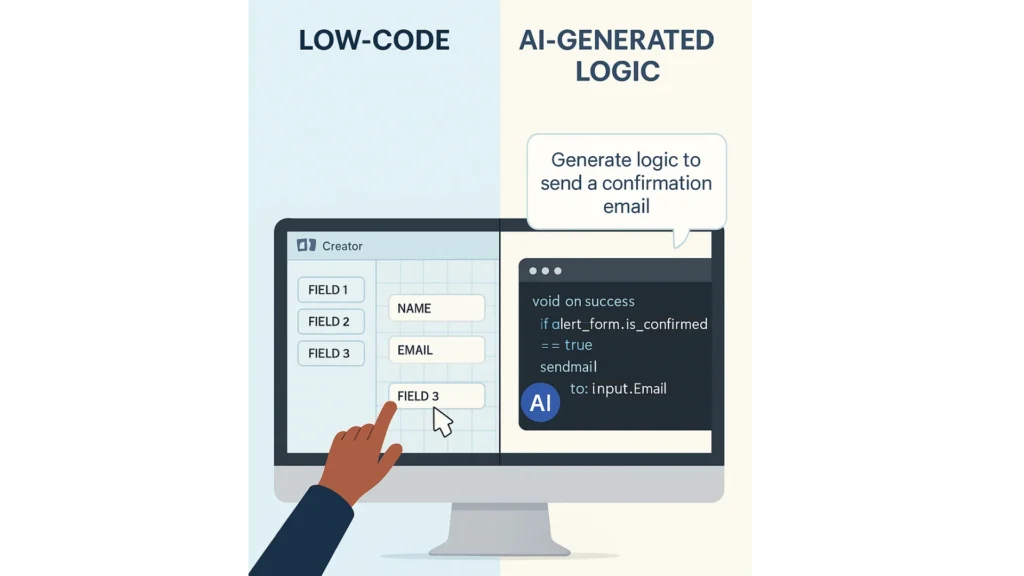
Zoho Creator is a low-code platform. That means you build apps by dragging and dropping features rather than writing long lines of code.
Now, Zoho has added AI to the mix. With this upgrade, Zoho Creator doesn’t just help you build appsit helps you build them faster and more intelligently. In fact, it understands your needs, offers suggestions, and even generates parts of your app for you.
If you’ve used chat-based AI like ChatGPT, this will feel familiar. But instead, Zoho Creator helps generate working app logic, code, and workflows rather than generating text.
“Even if we do not talk about 5G (specifically), the security talent in general in the country is very sparse at the moment. We need to get more (security) professionals in the system”
What Can the AI Tools Actually Do?
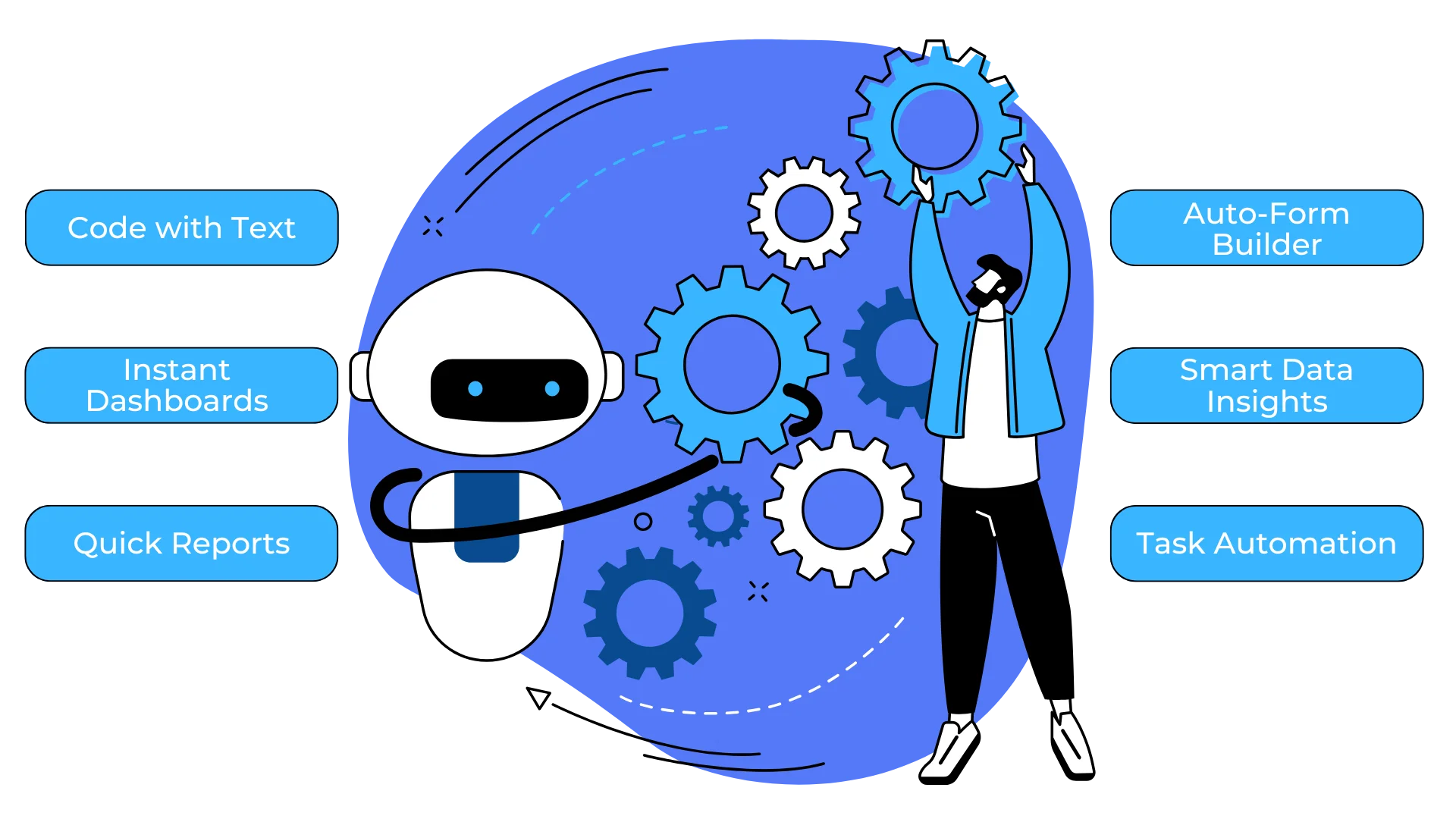
Zoho Creator’s AI tools handle many of the repetitive tasks that used to take hours. Here is what you can do:
Here’s what you can now do:
Generate Code with Natural Language
Tell Zoho Creator what you want in plain English. For example: “Create a form that collects customer feedback and sends an email when submitted.” Creator builds the form and writes the logic for you using Deluge, Zoho’s scripting language. This saves you from manual coding and from learning syntax.
This helps you avoid manual coding and saves you from learning syntax.
Build Dashboards Automatically
Want a dashboard for sales numbers, inventory levels, or employee attendance? The AI can suggest dashboards based on your app’s data, so you get clean, working reports without spending hours on setup. This is ideal for quick insights before meetings or during daily operations.
Analyze Data with AI-Powered Reports
Creator’s AI-based analysis does more than display numbers. It highlights patterns. If sales dropped last week, the AI might point to an underperforming product or a region where leads did not convert. This helps you act faster and make better decisions without a dedicated data analyst.
Real Use Case: Sales Tracking App

Imagine you run a small business and need a sales tracking app. Traditionally, you would spend days creating forms, writing logic, and building charts. With AI assistance, the first version can be ready in a fraction of that time.
You tell Zoho Creator what you need:
- A form to enter leads
- A way to track deals
- A dashboard to view weekly sales
The AI suggests the structure, generates the logic, and builds the charts. You adjust a few details and the app is ready to test.
If your app needs to manage multiple entries inside one record, such as several products in one deal or multiple follow-ups, features like Zoho Creator subforms can keep that data organized and make your app far more powerful.
How AI Helps You Streamline Business
Zoho Creator’s built-in AI assistant is available throughout the app-building process. You can:
- Ask it to generate logic
- Get help debugging
- Learn how to improve app performance
- Preview and test changes quickly
Think of it as a personal app coach that is always available. When you’re unsure how to structure a workflow, the assistant offers options. If you hit a roadblock with a validation rule, it shows you how to fix it. Over time, this makes you a faster and more confident app builder.

Zoho Creator’s built-in AI assistant is available throughout the app-building process.
You can:
- Ask it to generate logic
- Get help debugging
- Learn how to improve app performance
- Quickly preview and test changes
In many ways, it’s like having a personal app coach who works 24/7.
When you’re unsure, the assistant offers options to help you structure a workflow. If you hit a roadblock with a validation rule, it shows you how to fix it.
Together, this turns you into a faster, more confident app builder.
Maximizing Ecosystem Connectivity se pehle lagayein

Save Time Across Teams
Zoho Creator is not just for one department. It supports use cases across your whole business:
- Sales: Build CRMs, manage leads, and automate follow-ups
- HR: Track applicants, manage employee data, and process requests
- Finance: Log expenses, generate invoices, and automate approvals
- Support: Build ticketing systems, manage FAQs, and analyze feedback
- Operations: Track inventory, handle dispatches, and manage vendors
All of this can be done without writing complex code or hiring extra developers.
“Empowering Distributed Workforces” ke baad lagayein
How to Get Started Today
You don’t need to plan a full app launch right away. Start small:
- Pick one manual task you want to automate.
- Open Zoho Creator and describe that task to the AI assistant.
- Let it build the first version.
- Test it, adjust it, and see how it works.
- Once you’re comfortable, expand it to more processes.
Why This Matters

You want your business to run smoothly, and you want tools that reduce work instead of adding to it. Zoho Creator’s AI tools help you build faster, think smarter, and focus on what matters most. They reduce your reliance on IT, simplify app development, and give you more control.
So ask yourself: what is one process in your business you could automate this week? Open Zoho Creator and let AI help you build it. If you want to go further, read our guide on optimizing your sales process with automation tools.
Frequently Asked Questions
What is Zoho Creator?
Zoho Creator is a low-code platform that lets businesses build custom apps with forms, workflows, dashboards, and integrations, with little or no traditional coding.
Do I need coding skills to use Zoho Creator’s AI tools?
No. You can describe what you need in plain language and refine the result visually. Coding is optional for more advanced logic.
How long does it take to build an app with Zoho Creator?
A simple app can be ready in a few days or even hours. More complex apps with integrations and custom logic take longer.
Can Zoho Creator connect with Zoho CRM?
Yes. Creator integrates with Zoho CRM and other Zoho apps, so data can move between them automatically.
Is Zoho Creator suitable for small businesses?
Yes. It lets small teams build tools tailored to their process without hiring a full development team.
Should I hire a Zoho consultant to build my Creator app?
It’s not required, but a Zoho consultant helps with planning, integrations, and best practices, especially for larger or more complex projects.
Conclusion
Zoho Creator’s AI tools make custom app development faster and more accessible than ever. By describing your needs in plain language, reviewing the result, and connecting your apps to the rest of your Zoho ecosystem, you can replace manual work with tools built around your process. If you’d like help planning or building your first app, book a free consultation with our Zoho experts.