
In sales, speed and accuracy are everything. The faster you respond to leads, the more likely you are to convert them. Delays and manual errors don’t just slow things down they cost you money.
That’s where automation becomes a game changer. Sales automation means using technology to handle repetitive tasks. Instead of spending time entering data, sending reminders, or organizing follow-ups, your team can focus on what really matters talking to customers and closing deals. Zoho CRM offers tools that help you automate key parts of your sales process. These tools don’t just save time, they improve consistency, reduce errors, and give your sales team more control.
Let’s explore how Zoho CRM can automate your sales process from start to finish.
Why Automate with Zoho CRM?
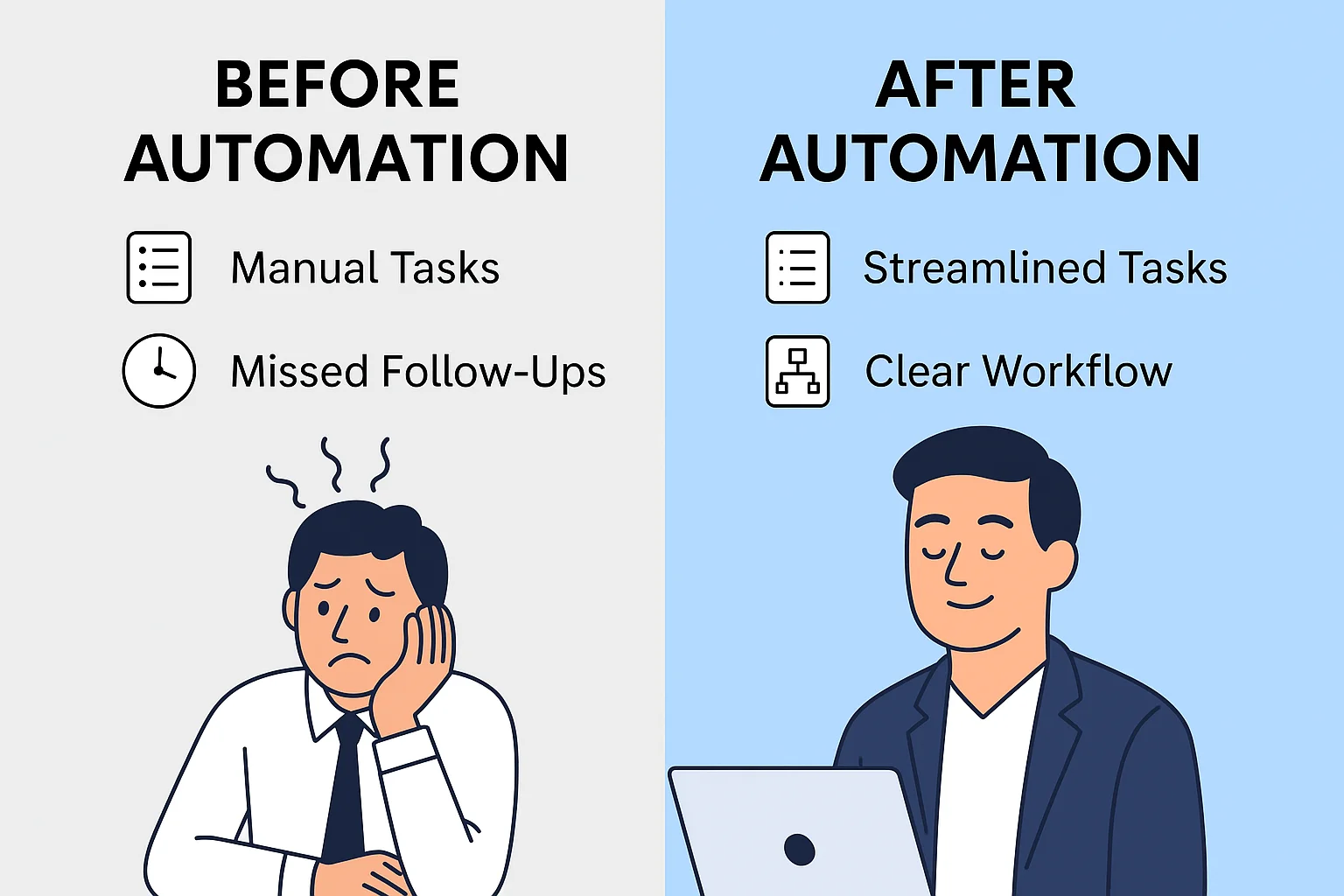
Reduce Manual Work
Manual data entry drains energy. It’s also where mistakes happen.
With Zoho CRM & Zoho consultant, you can capture leads from your website, emails, or social media automatically. This means contact information, source data, and behavior details are logged without anyone lifting a finger.
When Zoho consultant takes care of the basics, your team can get to work faster.
Cut Down Repetitive Tasks
How often do you send the same follow-up email? Or log the same type of interaction?
Zoho CRM & Zoho consultant allows you to automate these actions. Set a rule once, and the platform handles the rest.
You can:
- Send emails after a form submission
- Set reminders for follow-ups
- Create tasks based on lead behavior
These small changes save hours each week.
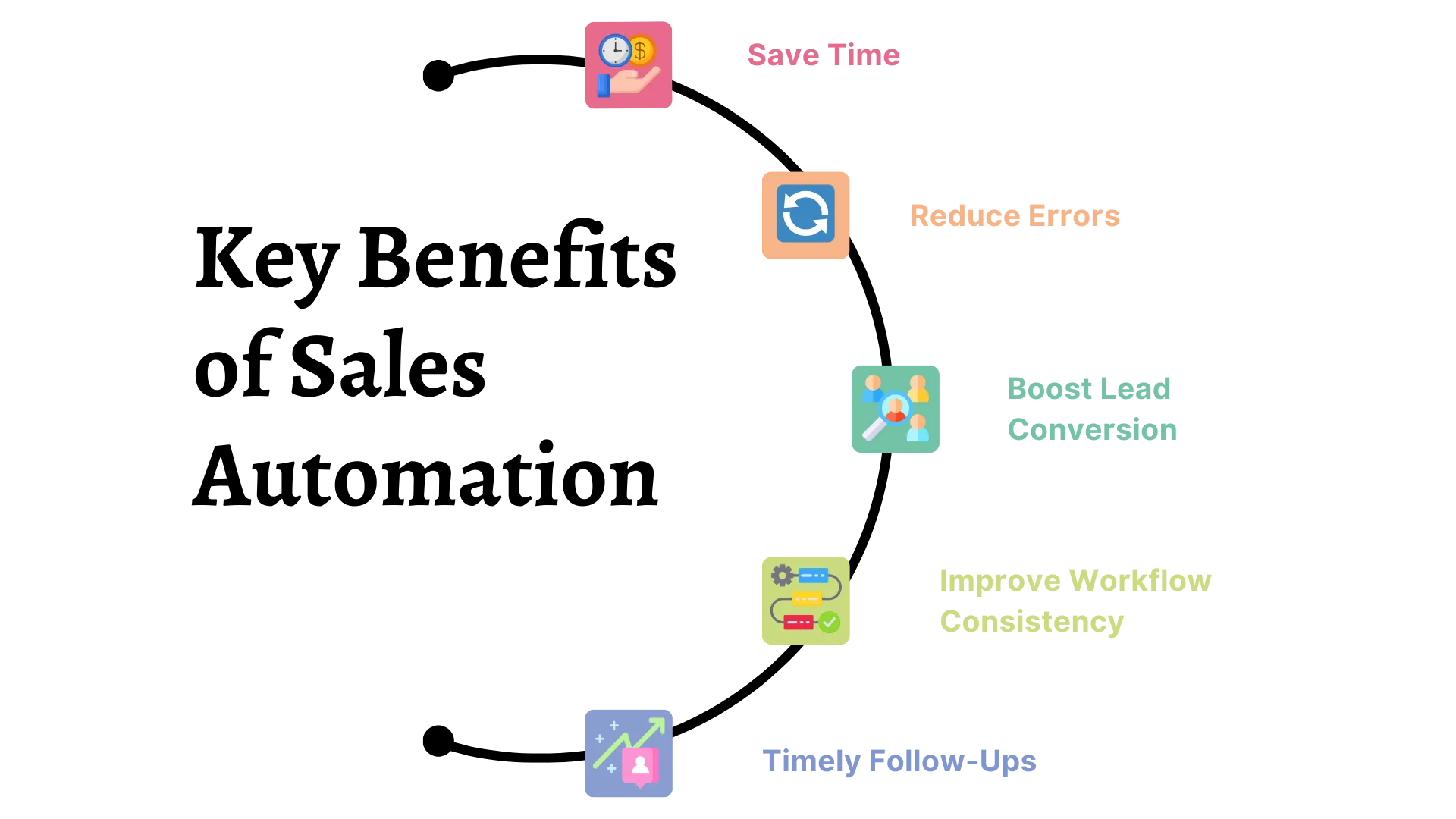
Key Benefits of Sales Automation with Zoho CRM
- Faster response times: Leads are contacted within minutes instead of hours.
- Fewer errors: Data flows automatically, so your records stay accurate.
- Consistent follow-up: No lead is forgotten, even during busy weeks.
- More selling time: Reps spend less time on admin and more time talking to customers.
- Better forecasting: Standardized stages give managers a clear view of the pipeline.
- Easy scaling: The same rules work for a team of 3 or a team of 300.
How to Automate Your Sales Process with Zoho CRM
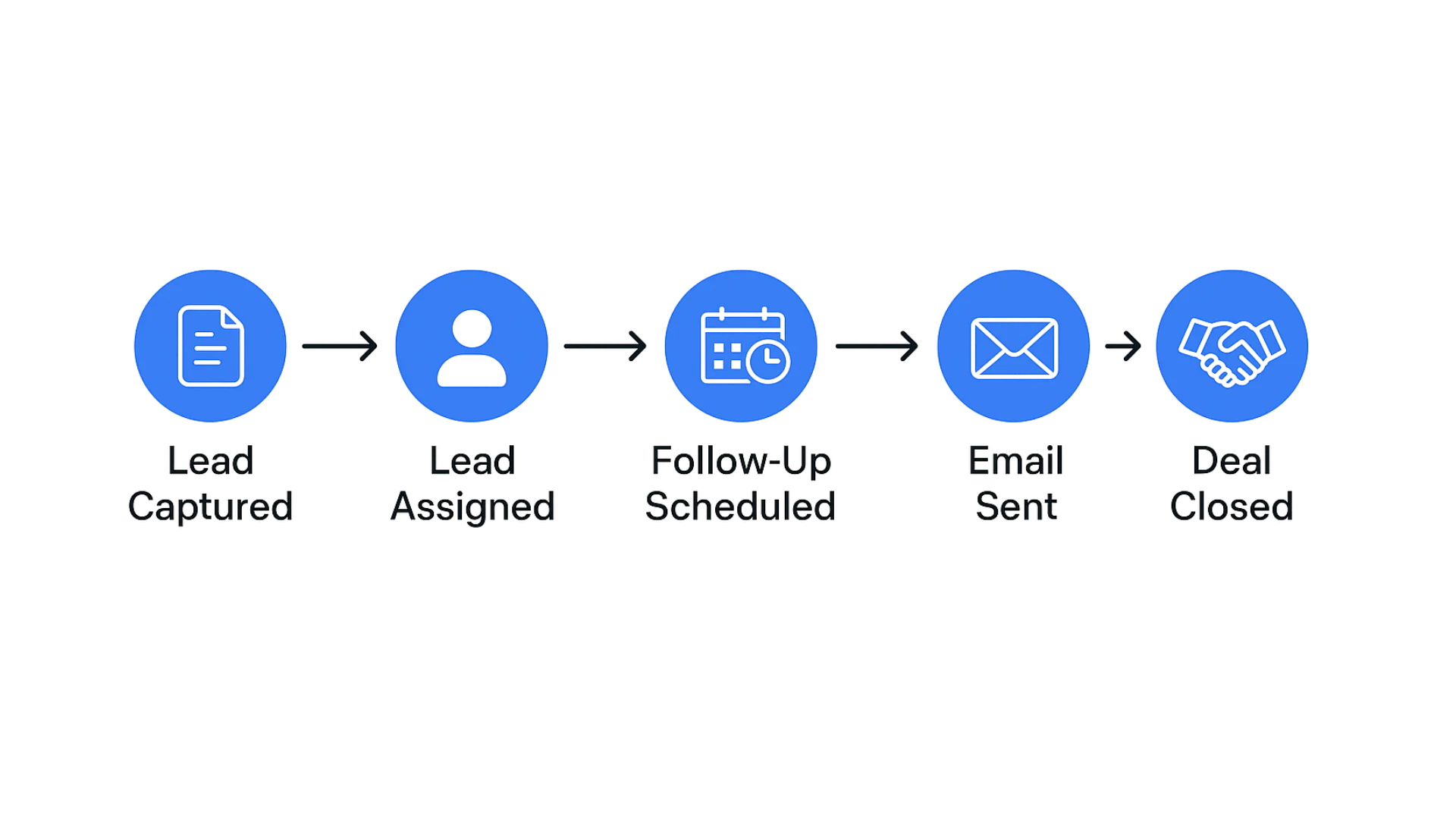
Step 1: Capture Leads Automatically
Connect your website forms, landing pages, email inbox, and social media to Zoho CRM. Every enquiry becomes a lead record instantly, complete with source, contact details, and campaign information. This removes manual copy-pasting and makes sure no lead gets lost
Step 2: Assign Leads to the Right Rep
Use round-robin or criteria-based assignment rules based on region, industry, or deal size. When a lead reaches the right person within seconds, your response time improves and so does your chance of closing the deal.
Step 3: Create Workflow Rules for Follow-Ups
Set up workflows that trigger when a lead is created, a form is submitted, or a deal changes stage. Common actions include:
- Sending an instant acknowledgment email
- Creating a call or meeting task for the rep
- Updating lead status or score automatically
- Alerting the manager when a high-value deal appears
Step 4: Use Cadences for Consistent Outreach
Cadences let you schedule a structured series of emails, calls, and tasks over several days. When a prospect replies or books a meeting, the sequence stops on its own, so nobody receives an irrelevant reminder.
Step 5: Guide Deals with Blueprint
Blueprint turns your sales process into a clear, step-by-step path. You can require specific fields, documents, or approvals before a deal moves forward, which keeps your pipeline clean and your forecasts reliable.
Step 6: Score and Prioritize Leads
Lead scoring gives points for actions such as opening an email, visiting your pricing page, or requesting a demo. Your team can then focus on the warmest leads first instead of guessing.
Step 7: Automate Quotes and Approvals
Generate quotes from templates, route them for internal approval, and convert accepted deals into invoices without re-entering any data. This shortens the sales cycle and reduces pricing mistakes.
Step 8: Measure and Improve
Build dashboards to track conversion rate, response time, deal cycle length, and revenue per rep. Review them regularly and adjust your automation based on real results.
Use Web Forms That Work for You
Start with your website. That’s often the first place a customer finds you. Zoho CRM lets you create web forms that feed lead data straight into your CRM.
You can use ready-made templates or build your own. Collect names, emails, phone numbers, and other key details. No more copying data from emails or spreadsheets.
When someone fills out a form, Zoho CRM adds them as a lead. From that point, the system can take over.
For example:
A small software company got help from Zoho consultant & added a custom Zoho web form to their landing page. In the first month, they collected 200 leads without doing anything manually.
Let Social Media Work for You
People talk about brands online. If they mention yours, you should know. Zoho CRM connects with platforms like Twitter and Facebook.
When someone mentions your brand or follows your page, Zoho can add them as a lead. This means your team doesn’t have to search for new leads, they come to you.
Every interaction is a chance to start a conversation. And with Zoho, those chances don’t go to waste.
Assign Leads and Follow Up without Delay
Automatically Assign Leads to Your Team
Once a lead enters your CRM, it needs to go to the right person. Zoho CRM lets you set rules to decide who gets which lead.
You can assign based on location, product interest, or any other detail you collect.
- This helps in two ways:
- Your team responds faster
- Leads don’t fall through the cracks
For example:
A real estate agency used Zoho consultant help to add Zoho’s lead assignment rules to route leads by city. Agents started responding within minutes. That speed made a real difference in closing deals.
Keep the Conversation Going with Follow-up’s?
Many deals are lost because no one follows up. Zoho CRM helps you fix that.
You can create workflows that schedule follow-up tasks automatically.
Let’s say a lead comes in today. The system can schedule a call in two days and an email in five. You don’t need to set reminders. It’s all done for you.
Sales reps can focus on the message, not the schedule.
Send Emails Automatically with Auto responders
People expect quick replies. By getting the right Zoho consultant your Zoho CRM can send emails as soon as a lead signs up or takes any action.
These emails can welcome them, offer help, or guide them to the next step.
You choose the timing and content.
Example workflow:
A lead signs up
Zoho sends a welcome email
Three days later, it sends a product brochure
After one week, it sends a testimonial or case study
Your lead gets the right info at the right time, without you lifting a finger.
Auto responders keep the conversation going even when your team is busy.
Monitor Workflows and Fix Issues Before They Happen
Let Zia Help You Stay on Track
Zia is Zoho CRM’s smart assistant. It watches your workflows and catches problems early.
For example, if two workflows send emails to the same person at the same time, Zia will flag
You won’t annoy your leads with repeated messages
Zia also looks at how your workflows perform. If something’s not working, you’ll know.
For instance:
A company found that leads from webinars weren’t getting follow-up emails. Zia caught the error, and the team fixed the workflow within minutes.
Automation isn’t just about doing more, it’s about doing it right.
Use SLAs to Respond on Time
For example:
A support team set an SLA of 6 hours. Zoho CRM tracks every ticket. If one goes over the limit, it triggers a notification. This helped reduce response time and improved customer satisfaction.
You don’t have to remember deadlines; Zoho does it for you. Businesses can also explore how Zoho Creator’s new AI tools are helping companies streamline operations and build apps
What’s an SLA and Why Does It Matter?
Why Work with a Professional Zoho Consultant?
Zoho CRM is powerful, but a poorly configured setup can lead to duplicate records, broken workflows, and frustrated users. A certified Zoho consultant maps your real sales process, builds the right automation, connects your other tools, and trains your team. This means faster adoption and a quicker return on your investment, especially if you need multiple pipelines, approval chains, or third-party integrations.
At Zilltech, our consultants help businesses design automation that fits how they actually sell, not a generic template.
Frequently Asked Questions
What is sales automation in Zoho CRM?
It is the use of workflows, cadences, blueprints, and assignment rules to handle repetitive sales tasks automatically, so your team can focus on selling
How long does it take to set up sales automation in Zoho CRM?
A basic setup can take a few days. A full implementation with integrations and custom Blueprints usually takes a few weeks, depending on complexity.
Is Zoho CRM automation suitable for small businesses?
Yes. Small teams often benefit the most, because automation lets a few people handle a larger volume of leads.
Do I need a Zoho consultant to automate my sales process?
Not always, but a consultant helps you avoid setup mistakes and see results faster, especially for complex processes.
Can Zoho CRM automate follow-up emails?
Yes. You can trigger emails after form submissions, stage changes, or on a schedule using workflows and cadences.
Conclusion
Sales automation is not about replacing your team. It is about removing the slow, repetitive work that keeps them from selling. With the right Zoho CRM setup, you respond faster, follow up consistently, and close more deals with less effort. If you want a setup built around your business, book a free consultation with our Zoho experts.





