
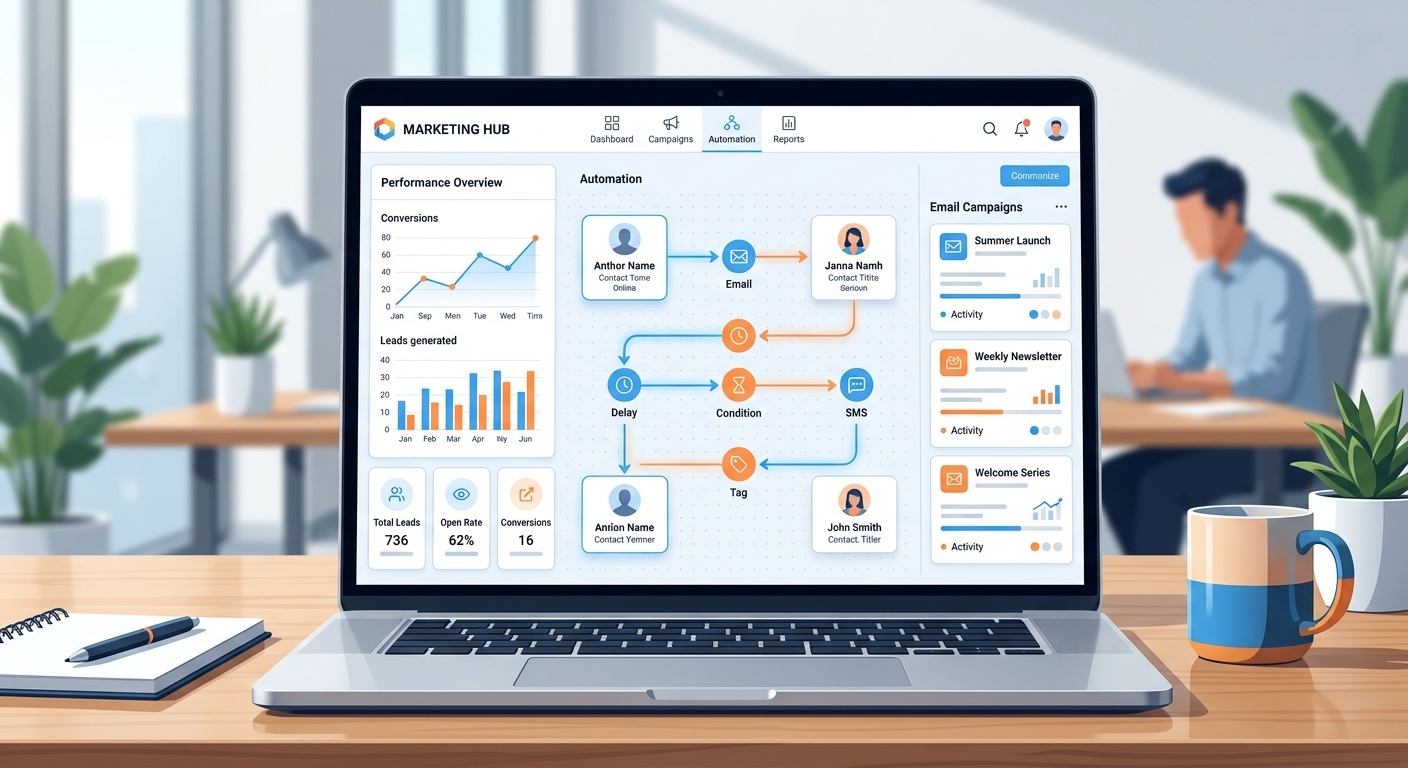
Running a business today means juggling emails, social posts, SMS campaigns, website tracking, and a sales pipeline often with a small team and even smaller budget. Doing all of that manually eats up hours that could go toward actually growing the business. That’s the gap marketing automation is built to close.
If you’ve started researching the best marketing automation platform for your business, you’ve probably noticed there’s no shortage of options HubSpot, Mailchimp, Marketo, ActiveCampaign, and more. One name that comes up often, especially for businesses that want a lot of functionality without an enterprise-level price tag, is Zoho Marketing Automation. This article breaks down what a marketing automation platform actually does, what to look for when comparing tools, and why Zoho’s platform is worth a serious look without pretending it’s the only right answer for every business.
What Is a Marketing Automation Platform?
A marketing automation platform is software that handles repetitive marketing tasks sending emails, scoring leads, tracking website visitors, triggering follow-ups based on rules and triggers you set up in advance. Instead of a marketer manually sending a welcome email to every new signup, the platform sends it automatically the moment someone joins a list.
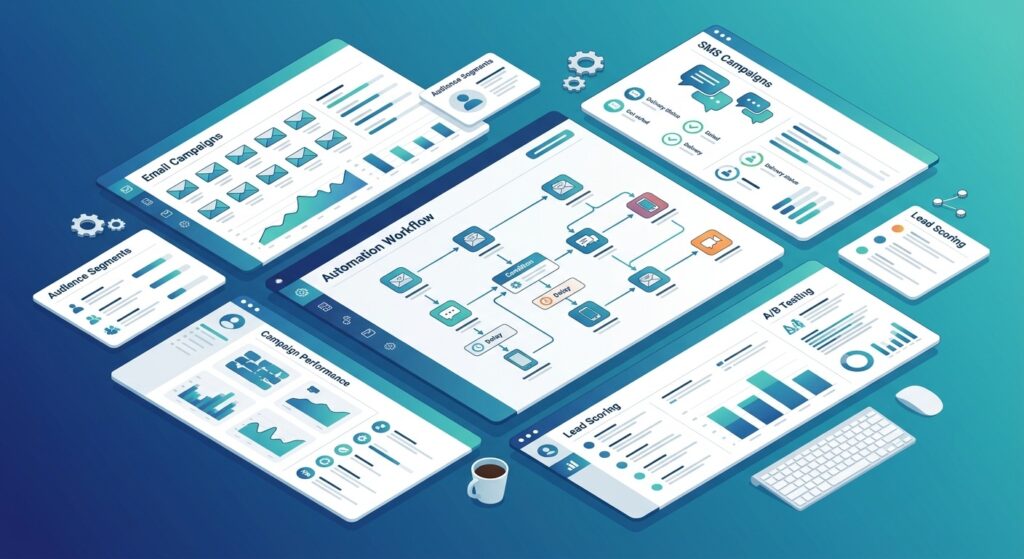
At a basic level, these tools combine a few core functions:
- Collecting and organizing contact data
- Sending targeted messages across channels (email, SMS, and increasingly social or chat apps)
- Tracking how leads interact with your content and website
- Scoring or segmenting contacts based on behavior
- Reporting on what’s actually working
The goal isn’t just to save time it’s to make sure the right message reaches the right person at the right point in their buying journey, without a human having to trigger every single step.
What Should You Look for in a Marketing Automation Platform?
Not every marketing automation platform is built the same way, and the “best” one really depends on your business size, channels, and existing tech stack. Still, a few capabilities matter across the board when you’re comparing marketing automation tools:
- Lead generation: forms, landing pages, and pop-ups that capture visitor information without extra tools
- Email automation – drip sequences, triggered emails, and templates that don’t require a developer
- Customer segmentation – the ability to group contacts by behavior, demographics, or lifecycle stage
- Lead nurturing – automated journeys that move a contact from “just browsing” to “ready to buy”
- Analytics – clear reporting on opens, clicks, conversions, and campaign ROI
- Multi-channel campaigns -reaching people over email, SMS, social, and web – not just inbox
- CRM integration – a direct connection to your sales pipeline so marketing and sales aren’t working off two different lists
A platform that checks most of these boxes is generally a safer long-term bet than one that excels at a single channel but leaves you patching together separate tools for everything else.
Why Zoho Marketing Automation Is a Strong Choice for Businesses
According to Zoho, its marketing automation platform is built around lead generation, contact management, customer journeys, lead qualification, website tracking, marketing planning, analytics, and CRM integration – essentially covering the checklist above in a single product rather than requiring several separate tools. Here’s a closer look at how those pieces come together.
Multi-Channel Marketing Automation
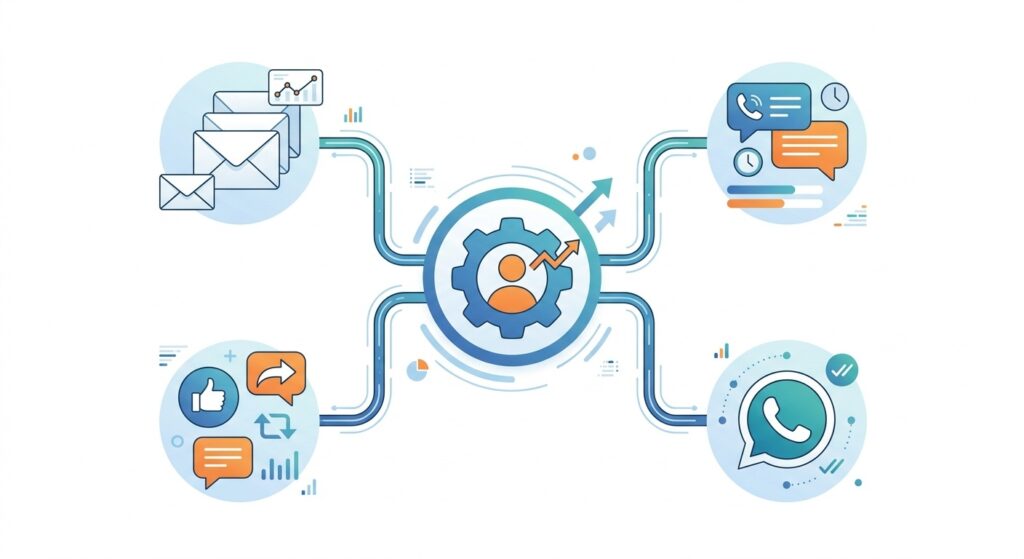
One of the more practical strengths of Zoho’s platform is that it isn’t limited to email. Businesses can build and automate campaigns across email, SMS, WhatsApp, social media, and website engagement from the same platform. For a small marketing team, that matters – it means one dashboard for planning campaigns instead of switching between an email tool, a separate SMS provider, and a social scheduler.
Automated Customer Journeys
Zoho lets businesses build automated customer journeys that respond to how a lead actually behaves what they click, what pages they visit, what forms they fill out – rather than sending everyone the same generic sequence. A visitor who downloads a pricing guide, for example, can be routed down a different path than someone who just signed up for a newsletter. This kind of behavior-based nurturing is a core part of what separates automation from simple bulk emailing.
Lead Generation and Qualification
Beyond capturing leads through forms and landing pages, the platform includes lead scoring and qualification tools that help marketing teams identify which contacts are actually sales-ready. Instead of handing sales a long, unsorted list, marketing can pass along contacts that have already shown real buying intent. ZillTech’s case study on AI call intelligence and lead automation for a growing insurance agency is a good example of what automated lead qualification looks like in practice inside a Zoho environment.
Website Tracking and Analytics
Zoho Marketing Automation includes website visitor tracking, so businesses can see which pages prospects visit, how long they stay, and what actions they take before converting. Paired with campaign-level analytics, this gives marketing teams a clearer picture of what’s actually driving results rather than relying on guesswork. Businesses that want to go further – combining marketing data with sales, finance, and support data in one dashboard – can look at ZillTech’s Zoho Analytics & Reporting Services for a broader, connected reporting setup.
Zoho CRM Integration
This is arguably one of the platform’s strongest selling points. Because Zoho Marketing Automation integrates directly with Zoho CRM, marketing and sales teams can work off the same contact records instead of exporting spreadsheets back and forth. A lead’s marketing history – the emails they opened, the pages they visited, the campaigns they engaged with – is visible right inside the CRM record, which makes handoffs between the two teams far smoother. For any business already using Zoho CRM, this integration alone is a strong reason to consider Zoho’s marketing automation tool over a standalone competitor.
If your CRM and marketing tools aren’t talking to each other yet, this is usually a setup and configuration job rather than a limitation of the software itself. ZillTech’s Zoho Integration Services connect Zoho Marketing Automation with Zoho CRM (and other third-party apps) so data flows automatically between the two, and its Zoho Customization & Automation team can build the specific workflows and journeys your business actually needs instead of relying on generic templates.
Zoho Marketing Automation vs. Other Marketing Automation Platforms
It’s worth comparing Zoho against other well-known names rather than treating it in isolation. Gartner currently lists HubSpot Marketing Hub, Mailchimp, and Adobe Marketo Engage among the alternatives to Zoho Marketing Automation, which gives a useful frame of reference:
- HubSpot Marketing Hub is known for its polish, extensive content marketing tools, and deep inbound marketing ecosystem, but its pricing climbs quickly as contact lists and feature needs grow.
- Mailchimp started as an email marketing tool and has added automation features over time; it’s approachable for very small businesses but generally lighter on advanced journey building and CRM depth than dedicated automation platforms.
- Adobe Marketo Engage is built for larger, more complex B2B marketing operations, with correspondingly more setup complexity and a higher price point.
Zoho’s positioning tends to land in the middle: more full-featured than a basic email tool, but priced more accessibly than enterprise platforms like Marketo – particularly for businesses that want built-in CRM alignment without paying for a separate enterprise sales stack. That said, the right fit still depends on your channel mix, team size, and how deeply integrated you need marketing and sales to be.
“““
| Platform | Best Known For | Native CRM Alignment | Typical Fit |
|---|---|---|---|
| Zoho Marketing Automation | Multi-channel automation (email, SMS, WhatsApp, social) with deep Zoho CRM integration | Strong, when paired with Zoho CRM | Small to mid-sized businesses, especially those on Zoho |
| HubSpot Marketing Hub | Inbound marketing, content tools, polished UI | Strong, within the HubSpot ecosystem | Businesses wanting an all-HubSpot stack, with room for higher spend |
| Mailchimp | Email marketing, simple automation | Limited, mostly relies on integrations | Very small businesses or solo marketers focused on email |
| Adobe Marketo Engage | Complex, large-scale B2B automation | Strong, typically paired with Salesforce | Larger enterprises with dedicated marketing ops teams |
For a real-world look at how connecting marketing, sales, and support data can play out, ZillTech’s case studies walk through how growing businesses have unified fragmented systems into one connected Zoho environment.
Who Should Use Zoho Marketing Automation?
Zoho Marketing Automation tends to be a good fit for:
- Small businesses that need lead generation, email, and basic automation without a steep learning curve
- Growing businesses that are outgrowing spreadsheets and basic email tools and need real segmentation and journey building
- Marketing teams that want multi-channel campaigns (email, SMS, WhatsApp, social) managed from one place
- E-commerce businesses that need behavior-triggered campaigns like cart abandonment or post-purchase follow-ups
- Businesses already using Zoho CRM that want marketing and sales data to live in the same system
It may be less of a natural fit for very large enterprises with highly complex, multi-region marketing operations that need the deepest customization Marketo-tier platforms offer – though Zoho’s Enterprise plan does extend further in that direction. You can see how Zoho Marketing Automation fits alongside the rest of the Zoho ecosystem on ZillTech’s Zoho Applications page.
How Much Does Zoho Marketing Automation Cost?
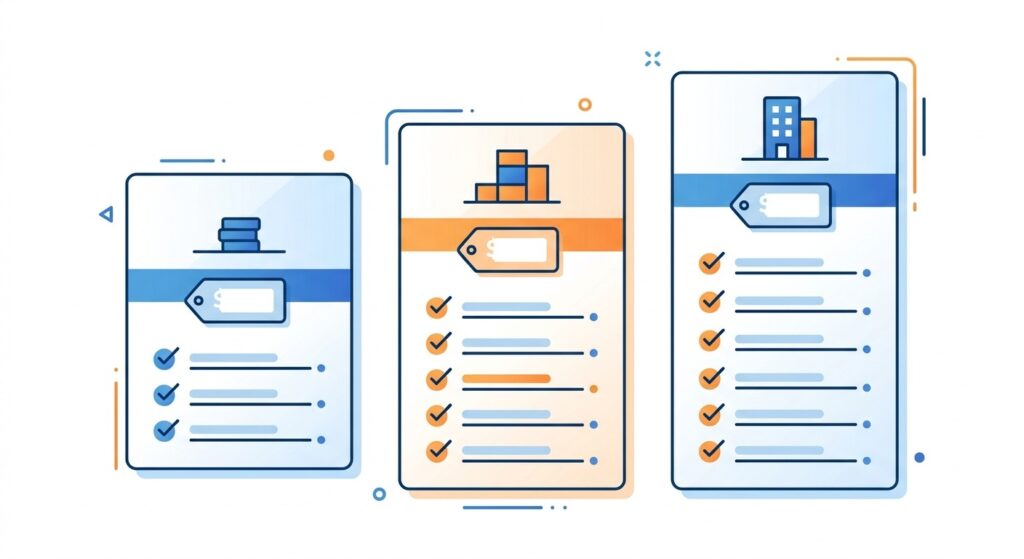
As of this writing, Zoho Marketing Automation is offered across three plans – Standard, Professional, and Enterprise – priced per 1,000 contacts, with a 14-day free trial available before you commit. Pricing tends to sit roughly in the range of $19 to $59 per month depending on the plan and billing cycle (annual billing is typically cheaper than paying month to month), with higher tiers unlocking more users, advanced segmentation, lead attribution, and features like personalized product recommendations for e-commerce.
Because software pricing changes fairly often, treat these figures as a starting point rather than the final word – it’s worth checking Zoho’s official pricing page directly before making a purchasing decision.
How to Choose the Best Marketing Automation Platform for Your Business
Rather than picking a platform based on brand recognition alone, it helps to work through a short checklist:
- List your must-have channels. Do you need email only, or also SMS, WhatsApp, and social? Not every platform covers all of these natively.
- Check your existing CRM. If you already use a specific CRM, prioritize a platform that integrates with it cleanly – or consider switching both together.
- Estimate your contact volume. Most platforms price by contact count, so run the numbers at your current size and at 2x that size to avoid pricing surprises later.
- Test the journey builder. Automation is only useful if your team can actually build and edit workflows without needing a developer.
- Look at reporting depth. Make sure the analytics answer real business questions (conversion rates, campaign ROI), not just vanity metrics like opens.
- Use the free trial. Most platforms, including Zoho, offer a trial period – use it to build a real campaign, not just click around the interface.
- Factor in support and onboarding. A powerful platform your team can’t figure out how to use isn’t actually saving you time.
Running through this list against two or three shortlisted platforms – rather than just reading marketing copy – is usually the fastest way to find the right fit.
Frequently Asked Questions
What is the best marketing automation platform for small businesses?
There’s no single universal answer, since it depends on budget, channels, and existing tools. Platforms like Zoho Marketing Automation, Mailchimp, and HubSpot are commonly considered by small businesses, with Zoho often standing out for combining multi-channel automation with CRM integration at a relatively accessible price point.
What does a marketing automation platform do?
It automates repetitive marketing tasks – sending emails, scoring leads, tracking website behavior, and triggering follow-up campaigns – based on rules you set, so your team doesn’t have to manually manage every step of a campaign.
Is Zoho Marketing Automation easy to use?
Zoho positions the platform with pre-built journey templates and a visual journey builder aimed at marketers without technical backgrounds, though as with any automation tool, more advanced workflows do take some time to learn.
Does Zoho Marketing Automation integrate with Zoho CRM?
Yes. Zoho Marketing Automation integrates directly with Zoho CRM, allowing marketing and sales teams to work from shared contact and activity data rather than separate systems.
Can Zoho automate email marketing?
Yes. Email automation – including drip sequences, triggered emails, and behavior-based campaigns – is a core part of the platform.
Is Zoho Marketing Automation suitable for e-commerce?
Zoho markets features aimed at e-commerce businesses, including automated follow-ups and personalized product recommendations, which can support use cases like cart abandonment and post-purchase engagement.
Conclusion
There isn’t a single “best” marketing automation platform that fits every business – the right choice depends on your channels, team size, existing integrations, and budget. What can be said with more confidence is that Zoho Marketing Automation offers a genuinely comprehensive feature set – multi-channel campaigns, behavior-based customer journeys, lead scoring, website tracking, and tight Zoho CRM integration – at a price point that’s generally more accessible than enterprise-tier competitors like Marketo.
If your business is weighing options, it’s worth running Zoho through the checklist above alongside two or three other platforms, testing the free trial with a real campaign, and confirming current pricing directly with Zoho before committing. For many small and growing businesses – especially those already in the Zoho ecosystem – it’s a strong contender worth shortlisting.
If you’d rather have certified Zoho experts handle the setup, journey building, and CRM integration for you, ZillTech’s Zoho Consulting Services can map out the right configuration for your business, and you can read more Zoho-focused guides on the ZillTech blog in the meantime.
Ready to get started?
Contact ZillTech for a free consultation on setting up Zoho Marketing Automation for your business.
Related reading
- Selling online? Why Zoho is essential for ecommerce success
- See an online retailer’s setup: RTA Store case study
- Want it set up properly? Zoho implementation services





