
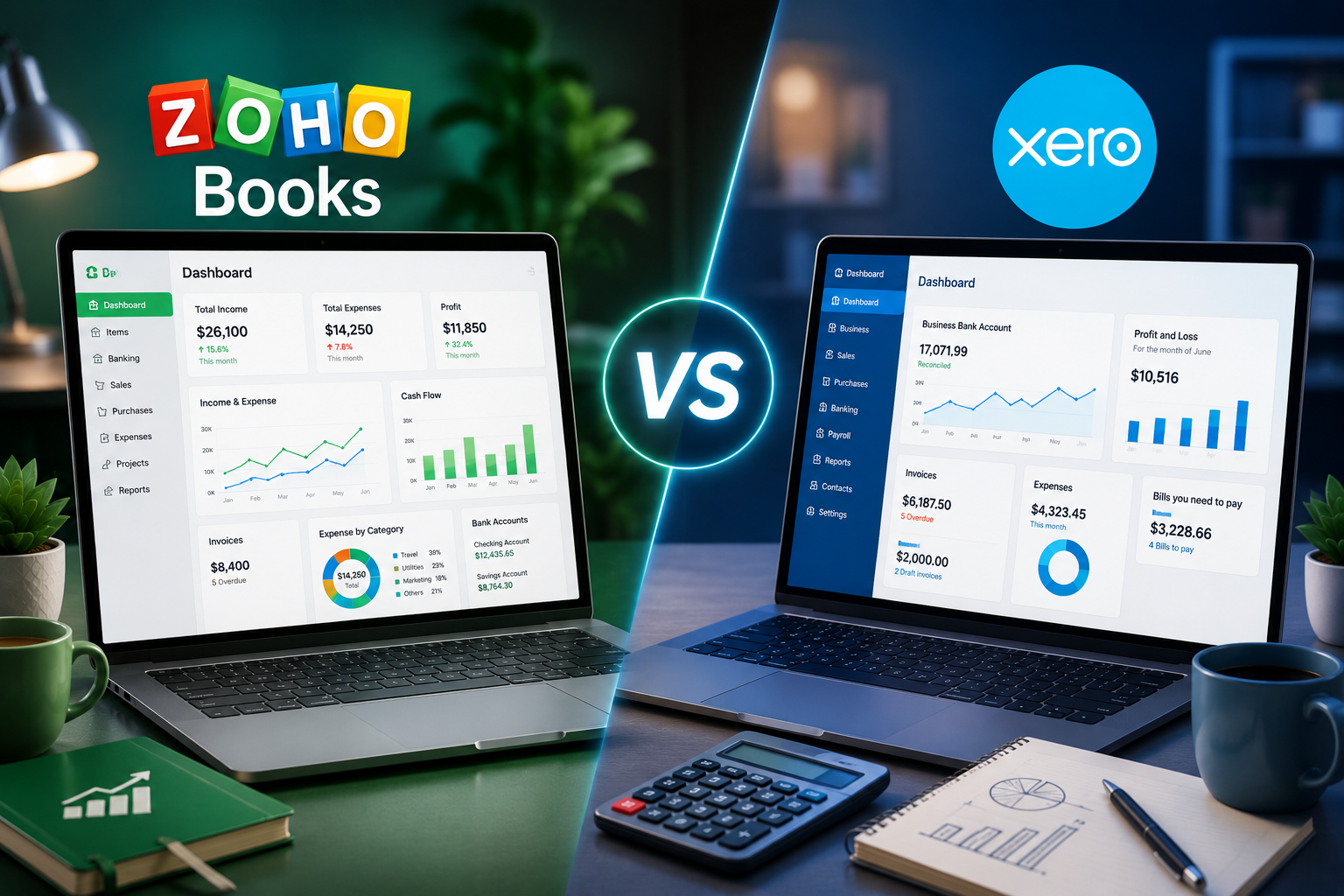
Zoho Books usually wins on price and ecosystem fit (especially if you already use Zoho CRM, Inventory, or Zoho One), while Xero usually wins on unlimited users and third-party app integrations. Zoho Books charges per organization with a user cap and a per-seat add-on fee, so it’s cheaper for a small team but gets pricier as you add staff. Xero has no per-user license fees on any plan, so a 15-person finance team pays exactly the same as a solo founder. That makes it a strong long-term pick for fast-growing teams, even though its entry-level plan limits you to 20 invoices and 5 bills a month.
That’s the one-sentence version. Below, we break down actual 2026 pricing, feature depth, and the part most comparison articles skip: what happens to your bill once your team stops being three people.
Not Sure Which Platform Fits Your Business?
Get a free side-by-side cost estimate based on your actual team size and workflows before you commit to either platform.
Schedule a Free Consultation Call
Why This Comparison Actually Matters in 2026
Most “Zoho Books vs Xero” articles compare screenshots and call it a day. But the real decision point for most businesses isn’t which dashboard looks nicer, it’s which platform’s pricing model matches how your team actually grows. Zoho Books prices by organization with capped users and a per-seat add-on; Xero prices flat with unlimited users. That single structural difference can flip which platform is cheaper depending on your headcount and billing cycle, and almost nobody explains it clearly before you sign up.
There’s also the ecosystem question. If your business already runs on Zoho CRM, Zoho Inventory, or Zoho Desk, Zoho Books plugs into that stack natively. If you’re deep into a different toolchain or need one of the 1,000+ certified apps in the Xero App Store, that changes the calculus entirely.
Zoho Books vs Xero: Pricing Breakdown (US, November 2026)
| Plan Tier | Zoho Books (per org: monthly / billed annually) | Xero (per org, no per-user fees, billed monthly) |
| Entry / Free | Free (1 user + 1 accountant, under $50K annual revenue, 1,000 invoices/yr) | No permanent free plan, 30-day trial only |
| Starter | Standard: $20 / $15 (3 users) | Early: $27 (capped at 20 invoices and 5 bills per month) |
| Mid-Tier | Professional: $50 / $40 (5 users; multi-currency, inventory, projects, approvals, custom workflows) | Growing: $59 (unlimited invoices and bills, dashboards, 60-day cash flow forecast) |
| Advanced | Premium: $70 / $60 (10 users; custom functions, custom modules, budgets, cash flow forecasting) | Established: $97 (multi-currency, project time and costs, expense claims, KPIs, 180-day forecast) |
| Higher Tiers | Elite: $150 / $120 (10 users, Blueprints, advanced inventory), Ultimate: $275 / $240 (15 users, advanced analytics) | (No higher published tier, Established is the ceiling) |
| Extra Users | $3/user/month ($2.50/user/month billed annually) beyond the plan’s user cap | Included, no per-user license fees on any plan |
| Payroll | Separate Zoho app (availability varies by region) | Optional Xero Payroll, powered by Gusto: $36/month + $6 per employee or contractor |
The takeaway from this table alone: Zoho Books has a lower floor (a genuinely usable free plan and a cheaper starter tier) but a variable ceiling once you factor in per-user add-ons. Xero has a higher floor but a completely flat, predictable cost regardless of team size. Both vendors also run new-customer discounts that change often, so budget using list price.
Not Sure Which Plan You Actually Need?
Skip the guesswork. Let us map your invoice volume, team size, and integrations to the right plan on either platform.
Request a Free Plan Assessment
The Chart Nobody Shows You: Cost as Your Team Grows
Here’s where the pricing tables above stop telling the full story. Below is what a mid-tier plan on each platform actually costs as your team grows: Zoho Books Professional (5 users included, then per-user add-ons) versus Xero Growing (flat, unlimited users).
Monthly Cost by Team Size: Zoho Books Professional vs Xero Growing
| Team size | Zoho Books Professional (billed monthly) | Zoho Books Professional (billed annually) | Xero Growing |
| 1 to 5 users | $50 | $40 | $59 |
| 8 users | $59 | $47.50 | $59 |
| 10 users | $65 | $52.50 | $59 |
| 15 users | $80 | $65 | $59 |
The math: Zoho Books Professional includes 5 users in its base price, then adds $3 per extra user per month ($2.50 if billed annually). On monthly billing, Zoho Books costs less up to 7 users, ties Xero at 8, and costs more from 9 users onward. On annual billing, Zoho Books stays cheaper until roughly 12 users. That crossover point is the single most useful number in this entire comparison, and it’s the first thing we calculate with clients before recommending either platform.
One more wrinkle: if you need 10 users, Zoho Books Premium includes all 10 for $70 monthly ($60 annually) and adds custom functions and custom modules. That makes it a fairer comparison against Xero Growing if you want advanced customization.
AI and Automation in 2026
Both platforms now ship AI inside the ledger. Zoho Books includes Zia, with Ask Zia for prompting tasks in plain language, receipt and document autoscans, and the option to choose your preferred AI provider and model for each feature. Xero’s AI layer is JAX, which includes Smart Document Capture on every plan, automatic bank reconciliation, and cash flow guidance, plus integrations that let you query live Xero data from Claude, ChatGPT and Microsoft 365. Zoho offers a different kind of automation depth: custom workflows start at the Professional plan, custom functions at Premium, and Blueprints at Elite.
Feature Depth: Where Each Platform Actually Wins
Zoho Books tends to win on:
- Price at small and mid-size team sizes, plus a genuinely usable free tier for very small businesses under $50K in revenue.
- Native integration with Zoho CRM, Inventory, Desk, and the broader Zoho One suite.
- Built-in workflow automation, approvals, inventory, projects and multi-currency starting at $50/month, where Xero needs its $97 tier for multi-currency and project tracking.
Xero tends to win on:
- No per-user fees on any plan, so there’s no penalty as your team grows.
- A much larger third-party app marketplace, with more than 1,000 certified apps for niche industry tools.
- Reporting and planning at the top tier: KPI and ratio analysis, industry benchmarking and a 180-day cash flow forecast on Established.
Where both fall short: neither includes payroll in the base price. Xero Payroll (powered by Gusto) and Zoho’s payroll app are both extra-cost add-ons, and both platforms’ advanced reporting eventually pushes larger businesses toward a dedicated BI tool.
Zoho Books vs Xero 2026: Which Should You Choose?
Use this quick logic if you want the short version:
- Choose Zoho Books if: your team is up to roughly 8 to 12 people, you already use other Zoho apps, you want deeper customization and workflow automation, or you need a real free tier.
- Choose Xero if: your team is growing past 10 to 12 people, you need deep third-party integrations, or you want one flat, predictable bill regardless of headcount.
- Choose neither, get help instead, if: you’re not sure which invoice volume, user count, or add-ons you’ll actually need. Guessing wrong here is an expensive mistake to unwind later.
Getting Started: A Quick Decision Checklist
- Count your actual users: not just today’s headcount, but where you expect to be in 12 to 18 months.
- List your must-have integrations: CRM, inventory, payroll, payment gateways and check both platforms’ native support before assuming either “just works.”
- Estimate your invoice and bill volume: this determines whether Zoho Books Standard or Xero Early will actually be enough (Xero Early caps you at 20 invoices and 5 bills a month), or whether you need the next tier up from day one.
- Run the crossover math: multiply your expected user count by each platform’s per-seat or flat cost over 12 months, and compare monthly versus annual billing on Zoho Books, not just the sticker price.
- Get your data migration plan sorted first: switching accounting platforms with messy historical data is far riskier than switching CRMs.
How a Zoho Consulting Partner Helps You Decide (and Migrate)
Choosing between Zoho Books and Xero isn’t just a pricing exercise, it’s a decision about which ecosystem your finance data will live in for years. A partner who’s implemented both can map your actual invoice volume, integrations, and growth trajectory to the right platform, then handle the technical migration so historical records, tax settings, and reconciliations transfer cleanly instead of becoming a spreadsheet mess.
Ready to Make the Right Call for Your Business?
Let’s run your numbers against both platforms and set up the one that actually fits, not just the one with the flashier homepage.





