

At some point, almost every growing team hits the same wall. Someone built a spreadsheet two years ago to track something simple – client onboarding, equipment requests, approvals, whatever it was – and it worked fine. Then the team grew, the process got more complicated, and now that spreadsheet has fourteen tabs, three people are afraid to touch it, and nobody’s entirely sure which version is the current one.
We’ve seen this exact situation more times than we can count. It’s not a sign that your team did anything wrong – spreadsheets are genuinely great tools right up until the point they aren’t. The problem is that most teams don’t have an obvious next step. Hiring a developer to build custom software feels like overkill for an internal tool. So the spreadsheet just keeps growing, one workaround at a time, until it’s held together by formulas nobody remembers writing.
This is exactly the gap https://zilltech.net/ is built to close, and in this post we want to walk through what that actually looks like in practice – not as a features list, but as a real explanation of when this makes sense and how we approach building it with clients.
The Real Cost of Living in a Spreadsheet Too Long
When we sit down with a team that’s outgrown a spreadsheet, the frustration is rarely about the spreadsheet itself. It’s about everything the spreadsheet can’t do:
- No real permissions. Anyone with the link can edit anything, which means one accidental keystroke can quietly break a formula that three other tabs depend on.
- No workflow enforcement. A spreadsheet can’t stop someone from skipping a required field or moving a request forward before it’s actually approved.
- No mobile access that actually works. Trying to fill out a complex spreadsheet from a phone in the field is its own special kind of frustration.
- No connection to anything else. The data in your spreadsheet lives in complete isolation from your CRM, your accounting system, or anything else your team relies on – so someone ends up re-entering the same information in multiple places.
- No audit trail. When something goes wrong, there’s often no clear record of who changed what, or when.
None of these are spreadsheet failures exactly – they’re just symptoms of using a tool for something it was never designed to do. And the longer a team relies on it, the more expensive it gets to eventually replace, because every workaround becomes something new hires have to be taught by word of mouth.
What “Low-Code” Actually Means, In Practice
Forms can be visually created. Data is able to be captured and reports are able to be created. For illustration, you can create an inspection form and see the results in real time.
- With rules that are definable, workflows are able to be created. Actions can be automated based on certain criteria. For illustration, you can automatically send an email to the approver when the status is changed to Approved.
- External systems can be linked. Data can be retrieved or sent from platforms such as Zoho CRM or Google Sheets.
- Publishing of a mobile or web app that is professional and fully functional on all devices is instant.
Instead of writing a bunch of code, you just describe your process. For you, Zoho Creator will use that logic to create an app.
Why It Outperforms the Old-Made Alternatives
We want to be direct about this, because “low-code” gets thrown around loosely: it doesn’t mean your team becomes developers, and it doesn’t mean you’re stuck with a rigid, generic template that doesn’t match how you actually work.
What it means, specifically, is that someone without a programming background can build a real, functioning application – forms, workflows, approvals, reports – using a visual interface instead of writing code from scratch. You’re not customizing someone else’s off-the-shelf software and hoping it bends to fit your process. You’re building the thing your process actually needs.
Here’s how we typically approach this with clients moving off a spreadsheet-based process.https://zilltech.net/

“Even if we do not talk about 5G (specifically), the security talent in general in the country is very sparse at the moment. We need to get more (security) professionals in the system”
1. Starting With the Actual Process, Not the Tool
The mistake we see most often whether a team builds this themselves or hires someone to do it is starting with what the software can do instead of starting with what the process actually needs to do. Before touching Zoho Creator, we map out the real steps: who submits what, who approves it, what has to happen next, and what information actually needs to be captured at each stage.
This matters because a low-code app built around a vague idea of “we need to track requests” ends up just as messy as the spreadsheet it replaced. A low-code app built around the actual, specific process holds up.
2. Building Forms That Replace the Spreadsheet Tabs
Once the process is mapped, we build the actual data-entry forms the equivalent of your spreadsheet’s input tabs, but with real structure: required fields that can’t be skipped, dropdowns instead of free text where consistency matters, and validation that catches mistakes before they get submitted instead of after.
This alone eliminates a huge amount of the “which version is correct” confusion, because there’s no longer a file being edited by five people at once – there’s one system with one current state.
3. Automated Workflows Instead of Manual Follow-Up
This is where a real app starts to outpace a spreadsheet fast. Instead of someone having to remember to check whether a request has been approved, or manually email the next person in line, we build automated workflows directly into the app: when a form is submitted, the right person gets notified automatically, and the request doesn’t move forward until they act on it.
4. Connecting It to the Rest of Your Zoho Environment
A spreadsheet lives on an island. A Zoho Creator app doesn’t have to. We connect these custom apps to your existing Zoho CRM, Books, or other systems, so information flows automatically instead of needing to be copied between tools by hand. If your process eventually needs a deeper, more technical connection – pulling data from an outside system, for instance – that’s usually the point where the Zoho API becomes relevant, and it’s worth understanding what that actually involves before deciding you need it.
5. Real Reporting Instead of Manual Summaries
Once your process lives in a structured system instead of a spreadsheet, reporting stops being a manual task. Instead of someone pulling numbers together by hand at the end of the month, we build dashboards directly into the app that reflect the current, real state of things – how many requests are pending, where bottlenecks are forming, what’s actually taking the longest.
What Actually Changes Once the Spreadsheet Is Retired
We’re not going to hand you a chart claiming a specific percentage improvement here – that’s not something that builds real trust, and it’s not something we’d want to see from a vendor ourselves.
What we can tell you, based on the pattern we see with clients who make this move: the “which version is correct” confusion disappears, because there’s one system instead of five copies of a file. Approvals stop getting lost in someone’s inbox, because the workflow enforces the next step automatically. And new team members can actually learn the process by using the app itself, instead of needing someone to walk them through a spreadsheet full of tribal knowledge.
We built exactly this kind of tailored system for a real estate client, Buy House EZ – not a generic off-the-shelf CRM setup, but custom fields, layouts, and automated workflows built around how their specific sales process actually works. It’s a good example of the same underlying principle: build the system around your actual process, not the other way around.When spreadsheets can no longer handle complex business processes, custom applications offer a more scalable solution. Businesses can create tailored tools for managing operations, automating tasks, and improving team productivity. Learn how to build custom business apps with Zoho Creator to replace manual processes with efficient digital workflows
How to Start, If You’re Doing This Yourself

If you want to tackle this without outside help, here’s the order we’d suggest, based on where we see the fastest payoff:
- Map the real process first, on paper, before opening any software. This is the step people skip, and it’s the one that determines whether the finished app actually works.
- Build the core form and data structure before adding automation. Get the data model right first – automation layered onto a shaky structure just multiplies the rework later.
- Add workflow automation once the basic app is being used reliably. Don’t automate a process you haven’t actually tested yet with real people.
- Connect it to other systems last. Integrations are valuable, but they’re also the piece most likely to need adjusting once you see how the app performs day to day.
Where a Zoho Consultant Actually Adds Value
You can genuinely build a lot of this yourself – Zoho Creator’s tools are designed for exactly that. Where we typically see teams get stuck is less about the drag-and-drop interface and more about the process design underneath it: figuring out what fields actually matter, where a workflow needs a branch you hadn’t considered, or how to structure the app so it scales as the team grows instead of needing to be rebuilt in a year.
That’s genuinely most of what our Zoho Consulting work involves for this kind of project – not just knowing the software, but helping you think through the process clearly enough that the app built on top of it actually holds up.
Where to Go From Here
If your team is still running a critical process out of a spreadsheet that’s grown past what it was ever meant to handle, the fix usually isn’t a massive software project – it’s mapping the real process clearly and building it into a system that actually enforces it. Start with the process, not the tool.
And if you’d rather talk through your specific situation before committing to anything, that’s exactly the kind of conversation we’re happy to have – no obligation, just an honest look at whether a custom app makes sense for what you’re dealing with right now.
How to Start Your First App in a Week

Starting your own low-code app for the very first time can seem intimidating, but it actually doesn’t take months. If you use Zoho Creator, you can turn your idea into a working app in mere days if you stay focused. Use this simple plan to build your first business app quickly without the need to spend unnecessary time working on it.
Concentrate On One Problem First.
Think of a single problem you have that is easy to contain. One of the most obvious examples is choosing a process that wastes your time. Is it something repetitive? Even a small time-wasting process can have a negative impact on the overall productivity of your business. Focused is the ultimate keyword here, having a focused problem will aid you in building an appropriate minimal viable product faster, and is a great way to avoid scope creep as that can have a large impact on productivity as well.
Sketch the process on paper.
Write down what data you need to collect before deciding what should happen to it, this may need to be altered but is a way to define the output. It can be a report, an emailing alert, or a list view. Doing this step will save you hours later in Zoho Creator.
Construct the form in Zoho Creator.
Open Zoho Creator and begin a new form. For this, you will have to drag and drop fields like text, number, date, and dropdown. This is your data input screen and most of the time forms take less than 30 minutes to build. No coding needed.
Add a simple automation.
Set up one workflow rule that tells the app to send an email notification when a form is submitted. For example, they will show the value of low code app development. Your process starts to run automated.
Constructing a report or a view.
Make a simple chart or report based on the information of your form. You now have a report that constantly updates. Your information is structured and not cumbersome to find.
So far, you have a functional app. Although simple, it solves a genuine issue. Your information is safe and consolidated. This small accomplishment increases your confidence. You can now use the low code tools on Zoho Creator to integrate more features, add a dashboard, or implement complex logic.
This is the process to use for making your first app in a week. Stay focused, stay small, iterate on the build.
Why Zoho Creator Makes Sense for This
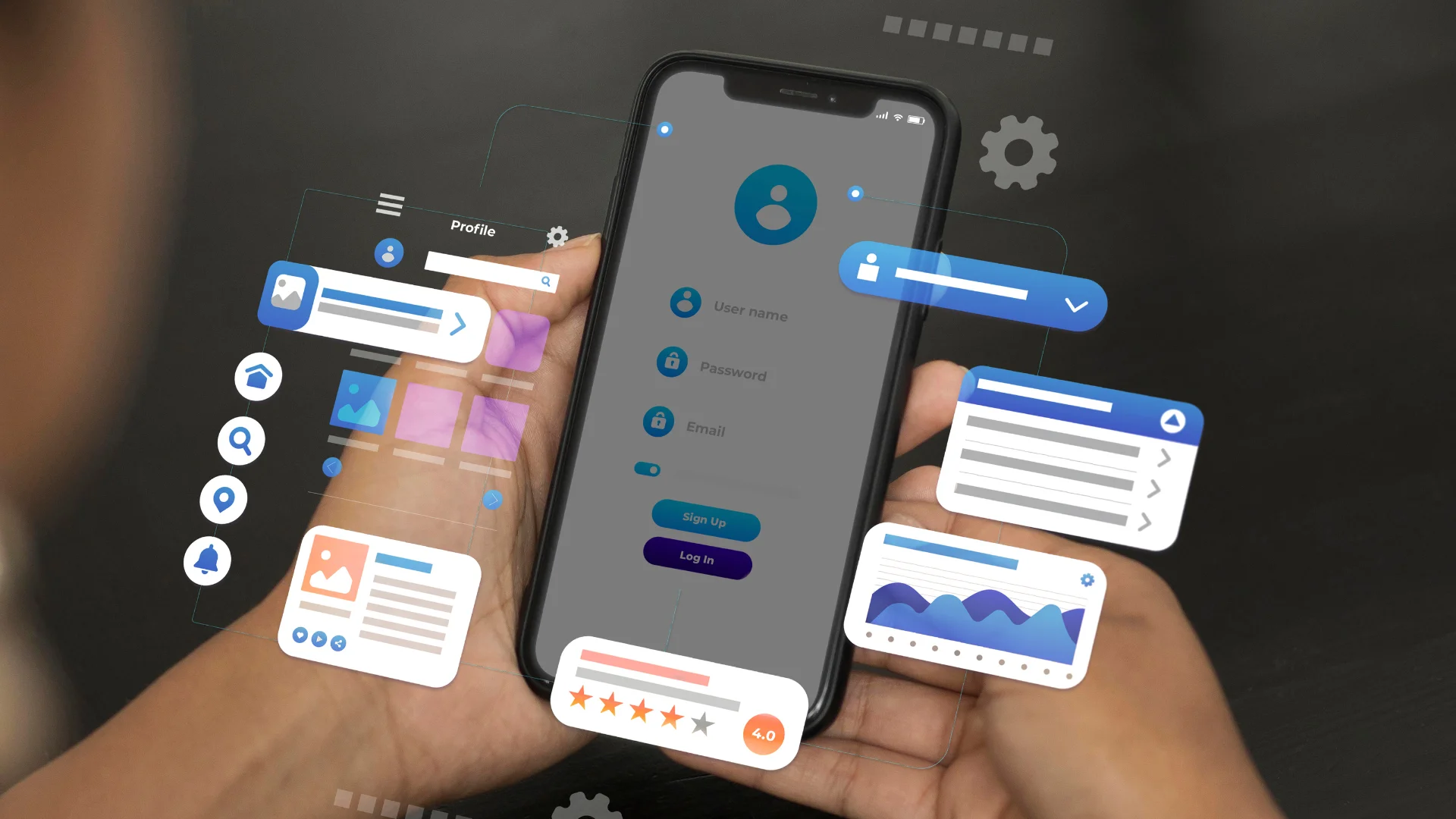
Teams are utilizing Zoho CRM, Books, and Mail already, and Creator slides in perfectly. Applications that you build can request customer information from your CRM or automatically create invoices in Books with predefined instructions. As operational silos go, this one is more a collaborative extension than the rest of the tools in your operational stack.
And more than that, Creator is logical. Flexibly visual in interface as it’s designed. Resources for learning a given subject are more than adequate. And it’s not a one and done. What is developing is a sustaining resource, one that can adapt and evolve in parallel to your team. If you want to build even faster, Zoho Creator’s new AI tools can streamline your entire app-building process from generating forms to writing workflow logic automatically.
The Mindset Shift: From Requestor to Builder
The most basic principle for adopting Zoho Creator is to flip your mindset to dedicate the belief that you can solve your own problems that exist in your processes. You are the subject matter expert in your own work. No one understands the gaps better than you. Low-code simply empowers you to work on that from your own stack of knowledge, without needing to pass any details to anyone else.
It’s the closest to the problem definition sets the solution. Building the tool you need is just the start. Don’t wait for the permission to be the person that is efficient. Empower yourself to do it.





